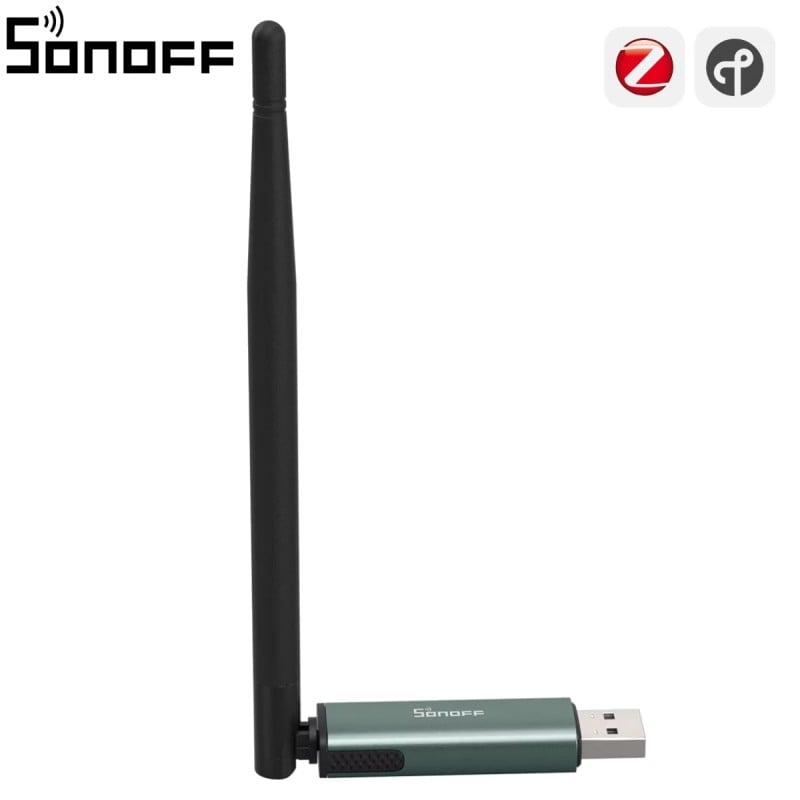
Sonoff Dongle Plus CC2674P10 Dongle-PP10 USB Zigbee 3.0 and Thread for Home Assistant
€39.90
Tax included
No review at the moment
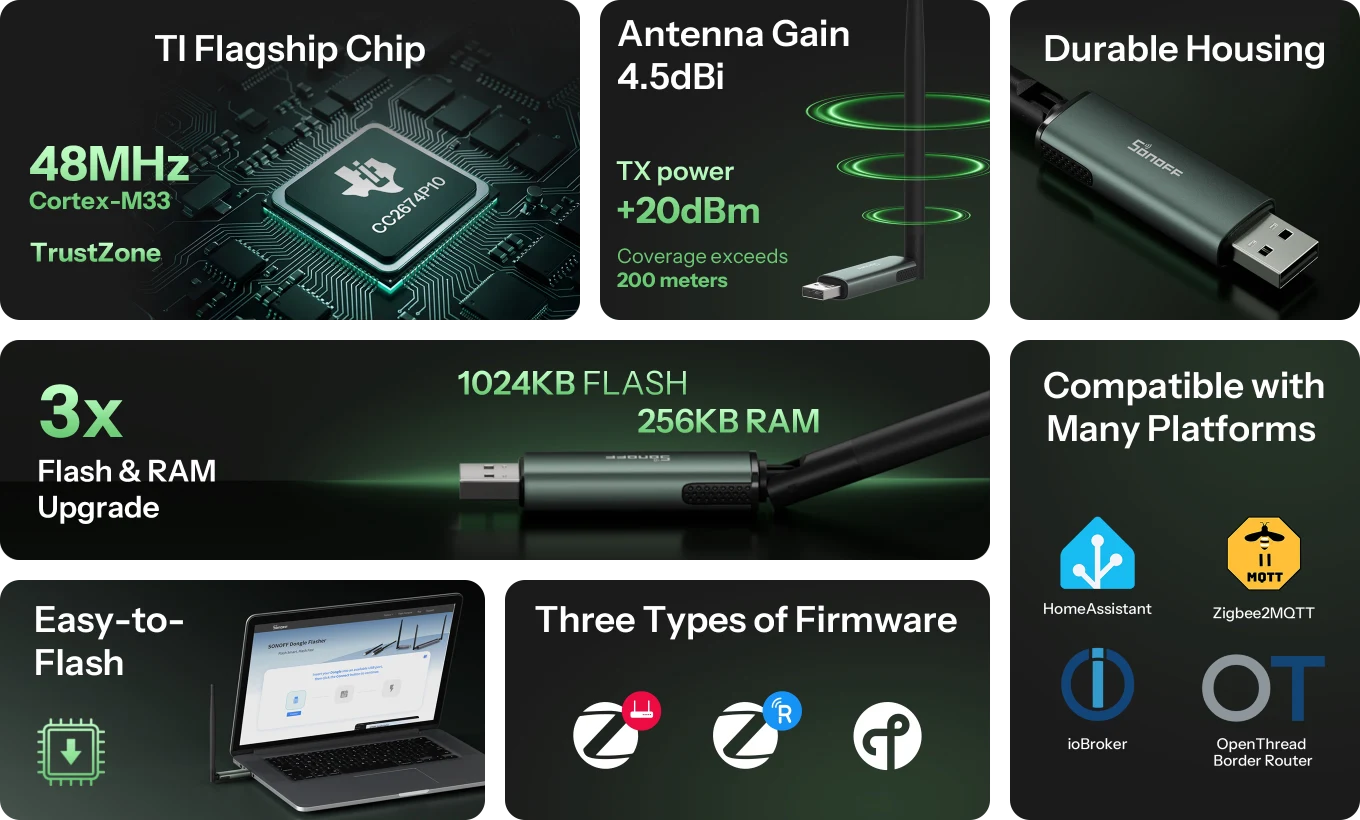
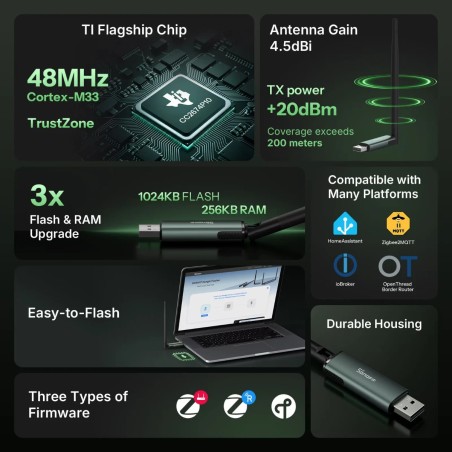
TI CC2674P10 chip:48 MHz Arm Cortex-M33 processor with 1024 KB of flash and 256 KB of RAM and TrustZone security: three times the memory of the CC2652P.
Zigbee 3.0 and Thread: comes with Zigbee coordinator firmware (Z-Stack); use the flasher to turn it into a Zigbee router or a Thread RCP.
For Home Assistant and Zigbee2MQTT: works with ZHA, Zigbee2MQTT and ioBroker; Thread requires an OpenThread Border Router on the computer.
Power up to 20 dBm: transmits at up to 20 dBm with a 3 dBi antenna (up to 4.5 dBi depending on orientation): Sonoff specifies 200 m in open space.
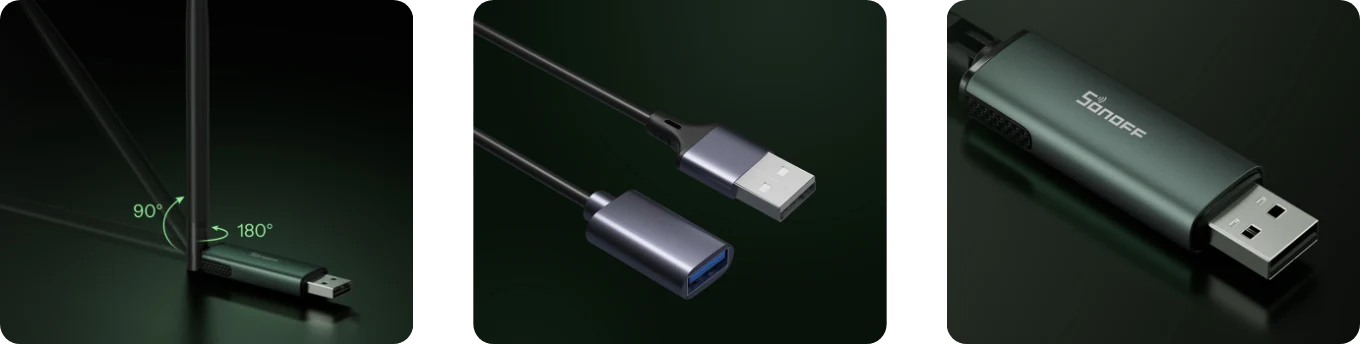
Adjustable antenna: can be adjusted 90° vertically and 180° horizontally; do not force it beyond 180°, as this may damage it.
Easy firmware switching: via your browser with Sonoff Dongle Flasher, or using Docker or the Home Assistant add-on; Sonoff has tested it over 100 flashing cycles.
USB with CP2102(N):CP2102(N) USB-to-serial converter: works with Windows, Ubuntu, Raspberry Pi OS and Docker.
Aluminum housing:aluminum alloy and PC+ABS enclosure, smaller than the ZBDongle-P: does not block adjacent USB ports.
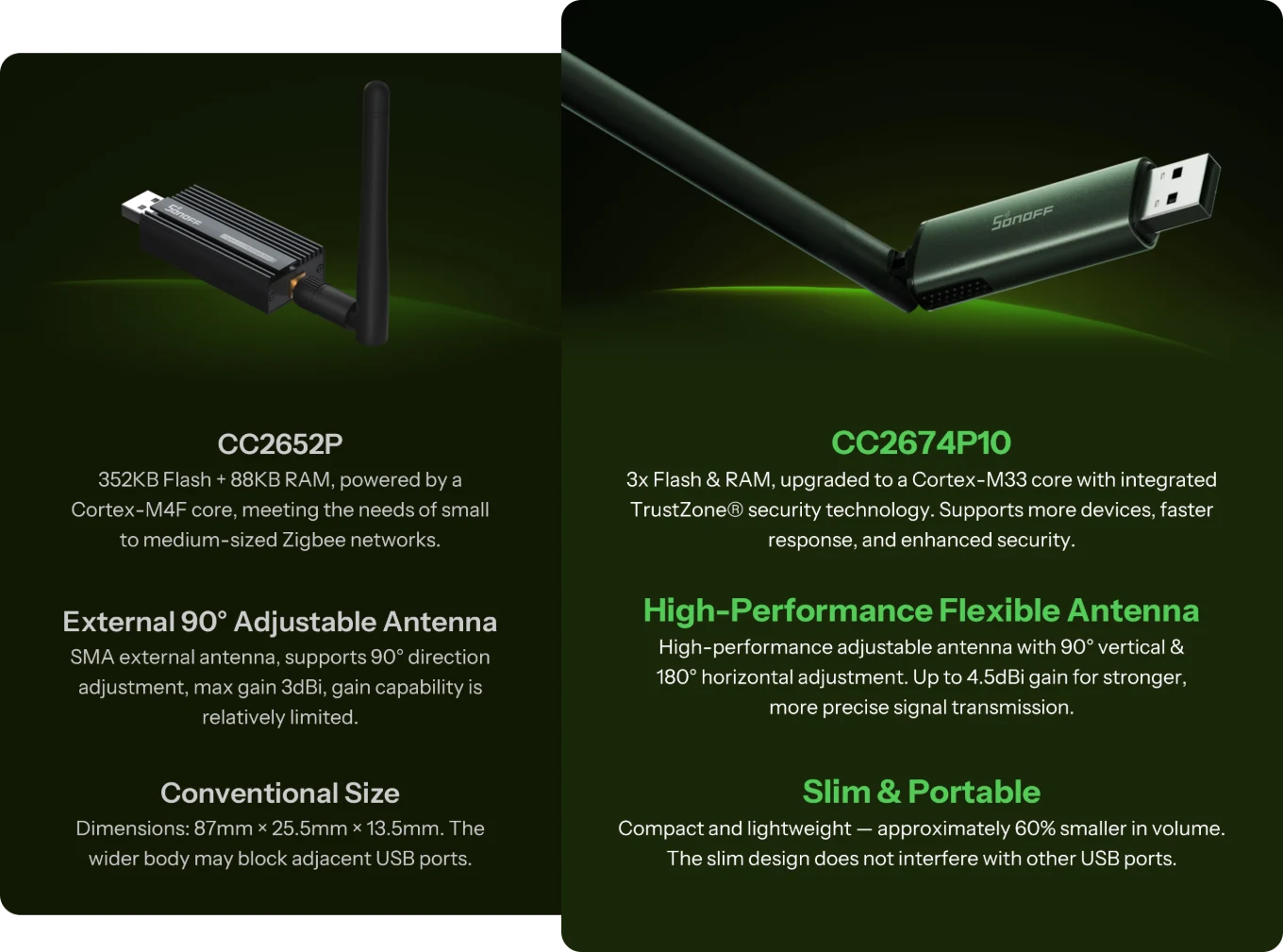
Laboratory-tested: operates from -10 to 60 °C at 0 to 95% RH; tested by Sonoff for 24 hours of salt spray exposure and 500 insertion cycles.
USB-powered:5 V 500 mA from the USB port of a computer or Raspberry Pi; consumes 40 mW in standby.
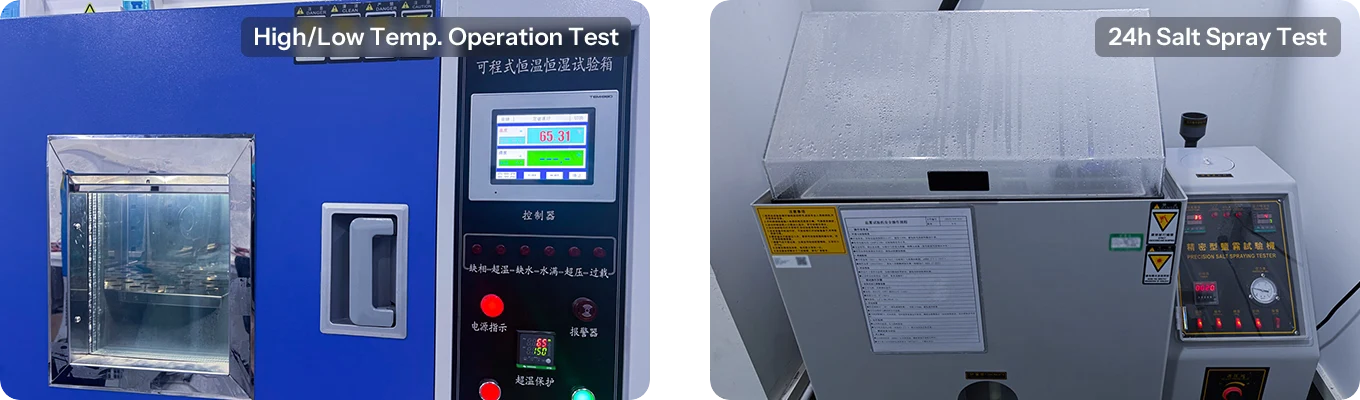
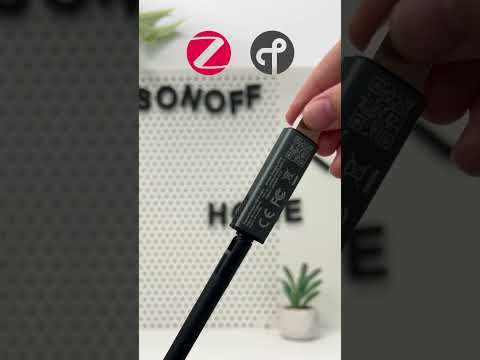
1 m USB extension cable: included in the package: lets you position the dongle away from the computer and in the best location in your home.
One role at a time: a single dongle works with ZHA or Zigbee2MQTT, not both; with two dongles, you can use both on the same machine.
Requires a computer: it is not a standalone hub and does not use the eWeLink app: it must be connected to a PC, Raspberry Pi or server running Home Assistant.
Sonoff Dongle Plus CC2674P10: Zigbee 3.0 and Thread USB Coordinator for Home Assistant, Zigbee2MQTT and OpenThread
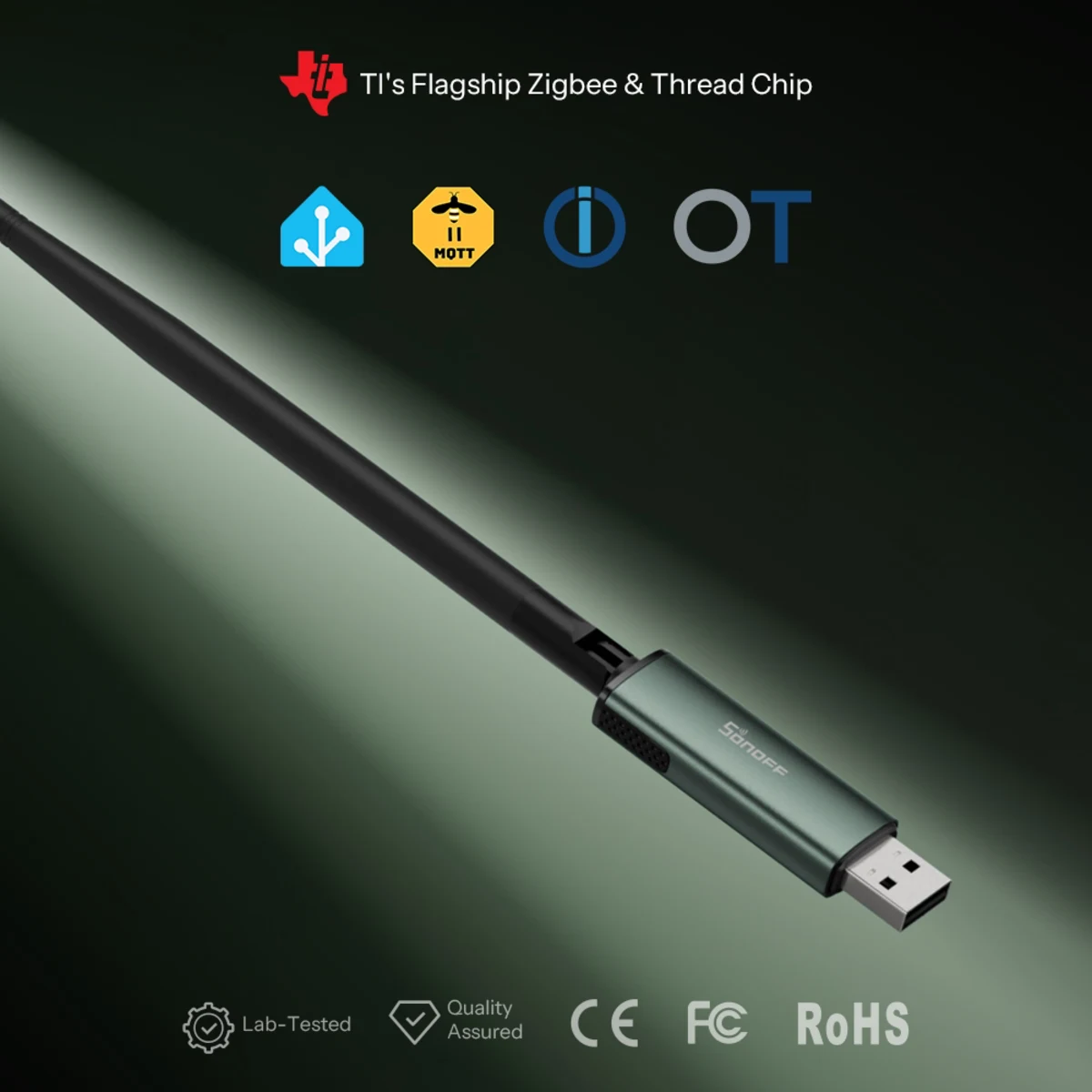
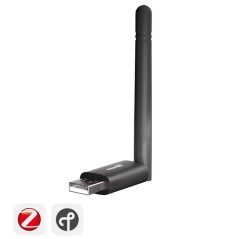
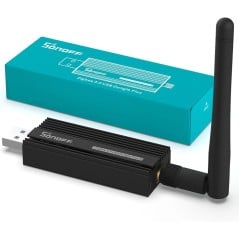
Sonoff Dongle Plus CC2674P10, model Dongle-PP10, is a USB stick that acts as a Zigbee 3.0 coordinator or as a Thread radio for those who manage their home with open source platforms. You connect it to your computer, to a Raspberry Pi, or to a Home Assistant server, and from there you control Zigbee sensors, plugs, switches, and lights from many brands, without a manufacturer's hub. Inside is the Texas Instruments CC2674P10 chip with 48 MHz Cortex-M33, 1024 KB of flash, and 256 KB of RAM: three times the memory of the CC2652P found in the ZBDongle-P. It transmits up to 20 dBm with an adjustable antenna, and Sonoff states 200 m in open field. It comes with coordinator firmware for ZHA and Zigbee2MQTT; from your browser you can turn it into a Zigbee router or into a Thread RCP for an OpenThread Border Router. It doesn't use the eWeLink app and doesn't work on its own: you always need a computer turned on.
TI CC2674P10 Chip, 20 dBm, and Aluminum Enclosure: What's New in the Dongle-PP10
The Dongle-PP10 packs into a small footprint everything that matters in a coordinator: the CC2674P10 chip with Cortex-M33 core and TrustZone protection, 1024 KB of flash and 256 KB of RAM, three times the previous model. The radio reaches 20 dBm and the 3 dBi antenna goes up to 4.5 dBi when oriented the right way. The aluminum casing is compact and sturdy. The firmware can be switched with one click from the browser, and you can choose among three firmware options: coordinator, router, or Thread.
Compatible with Home Assistant, Zigbee2MQTT, ioBroker, and OpenThread Border Router
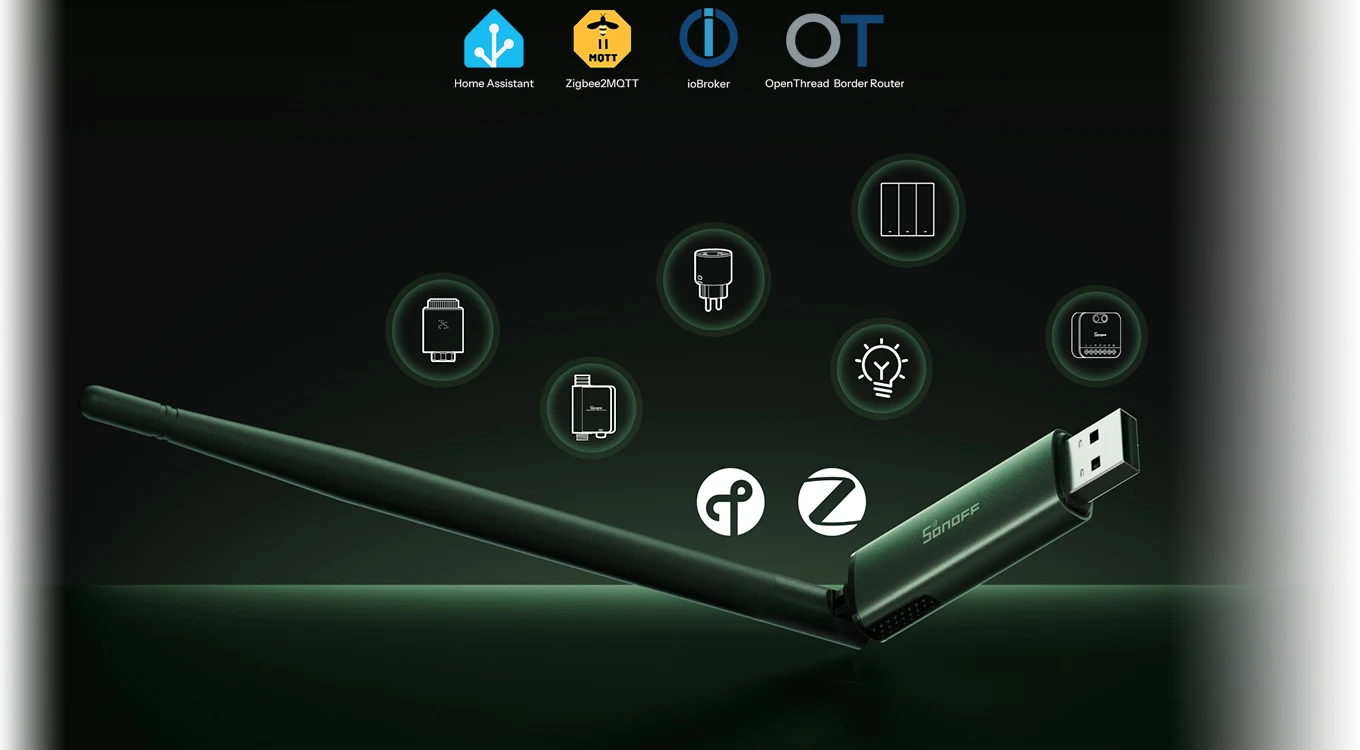
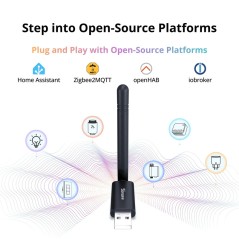
The dongle works with the main open source platforms. With Home Assistant you can add it via the ZHA integration or through Zigbee2MQTT; it also works with ioBroker. With the Thread RCP firmware, it works together with an OpenThread Border Router installed on the computer and brings Thread devices into your home. Once connected, you can pair Zigbee sensors, outlets, thermostats, switches and bulbs from different brands: you'll find them in the Zigbee devices catalog. Below you'll find the other Sonoff dongles and hubs in the catalog.
48 MHz Arm Cortex-M33 processor with 1024 KB of Flash and 256 KB of RAM
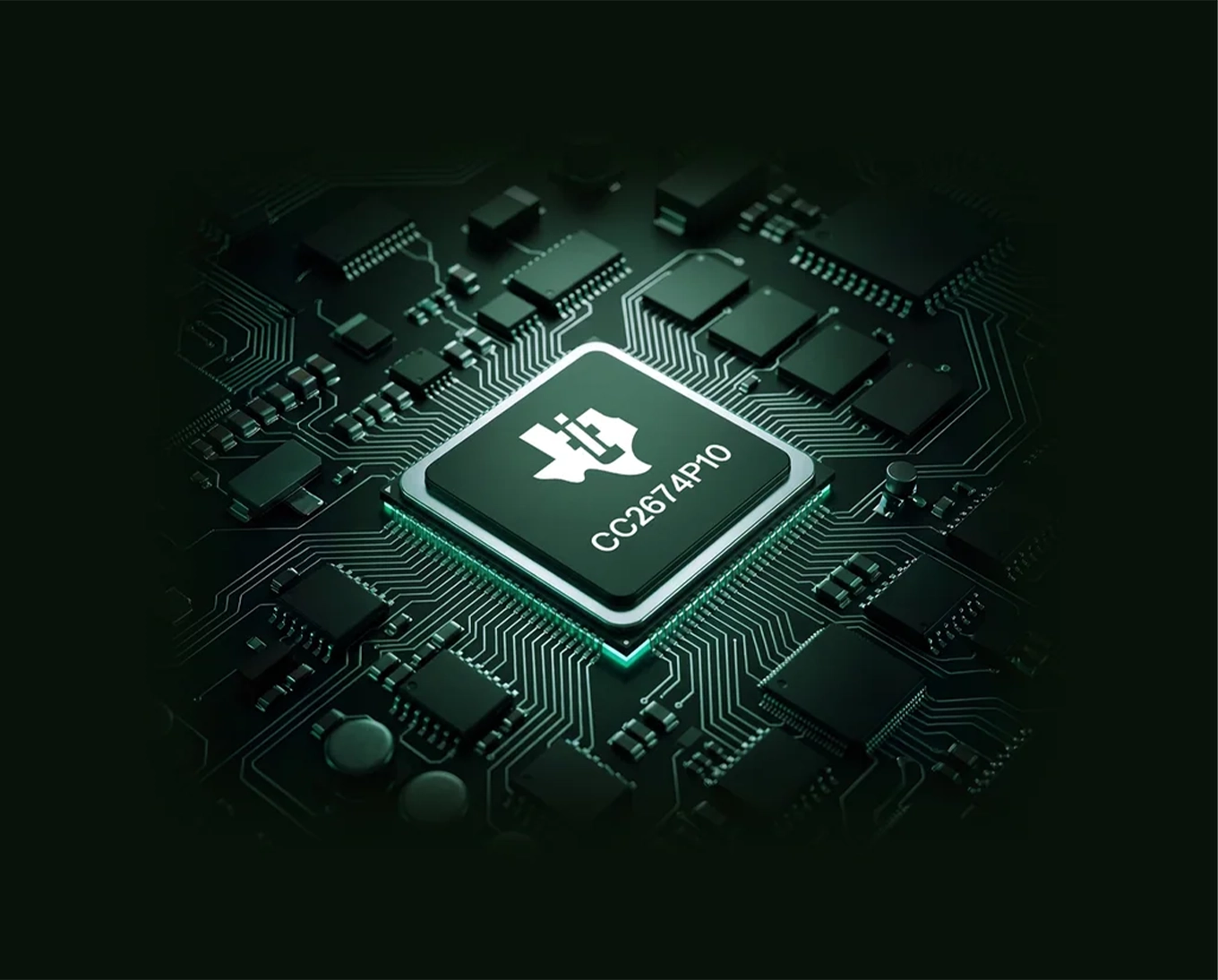
The heart of the Dongle-PP10 is the CC2674P10 by Texas Instruments, a Zigbee and Thread chip with an Arm Cortex-M33 48 MHz processor. It has 1024 KB of flash memory and 256 KB of RAM, three times that of the CC2652P, and TrustZone hardware security. More memory means more room for network tables: according to Sonoff, the dongle handles more devices and responds more quickly as the Zigbee network grows. The pre-installed coordinator firmware uses Texas Instruments' Z-Stack.
Adjustable Antenna, 1 m USB Extension Cable, and Aluminum Alloy Casing
The antenna can be oriented 90° vertically and 180° horizontally: point it toward the area of the house with more devices. The rotation is limited to 180°: if you feel resistance, don't force it, to avoid breaking the joint. The package includes a 1 m USB extension cable that lets you move the dongle away from the computer and from USB 3.0 ports. The aluminum alloy shell is thin and lightweight: Sonoff states it's about 60% smaller than the ZBDongle-P, so it won't cover nearby USB ports.
Tested from -10 to 60 °C, in Salt Spray for 24 Hours and over 500 Insertions
Sonoff subjected the Dongle-PP10 to a series of laboratory tests. It operates from -10 to 60 °C with relative humidity from 0 to 95%, and has been tested in a climate chamber at high and low temperatures. It passed 24 hours of salt fog, 20 electrostatic discharge tests with no anomalies, and over 500 USB port insertions. The firmware was also rewritten 100 times in a row without issues: you can change the dongle's role as many times as needed. These are Sonoff's own test data.
Dongle-PP10 or ZBDongle-P: Three Times the Memory in a Smaller Format
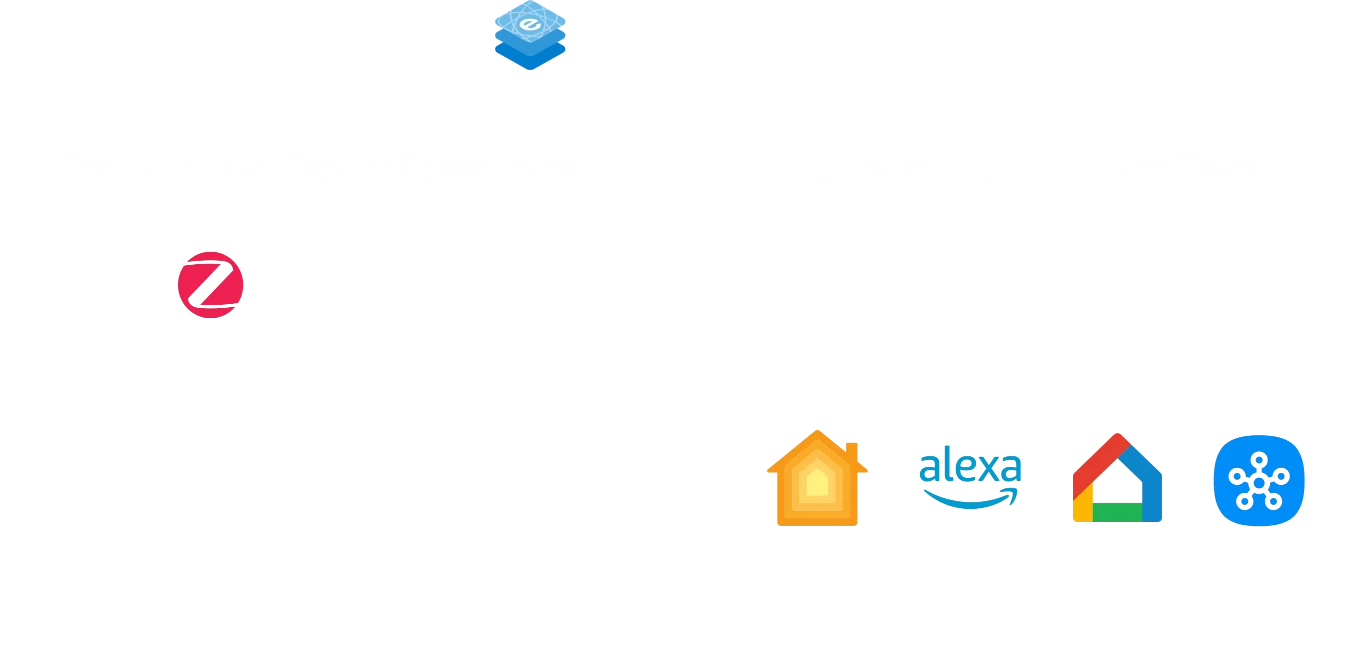
The Dongle-PP10 is the evolution of the ZBDongle-P, which uses the CC2652P chip with 352 KB of flash, 88 KB of RAM and a Cortex-M4F core. The new CC2674P10 triples flash and RAM, switching to a Cortex-M33 with TrustZone and supporting larger networks. The ZBDongle-P's antenna is external with an SMA connector, adjustable by 90° and rated at 3 dBi; the PP10's antenna can also be oriented horizontally and reaches 4.5 dBi. The old body measures 87 × 25.5 × 13.5 mm and can cover neighboring ports; the new one is about 60% smaller.
Ready for eWeLink CUBE: Zigbee Devices in Matter for Apple Home, Google, and Alexa
Sonoff states that the Dongle-PP10 is ready for eWeLink CUBE, Sonoff's local system that brings together eWeLink Wi-Fi devices and multi-brand Zigbee devices, and brings them into the Matter network. From there you can see them in Apple Home, SmartThings, Google Home, Alexa, and Home Assistant. It's an additional path compared to ZHA and Zigbee2MQTT: eWeLink CUBE needs to be installed on a computer or on a hub that supports it, and the dongle becomes its Zigbee radio. The dongle, on its own, doesn't have an app.
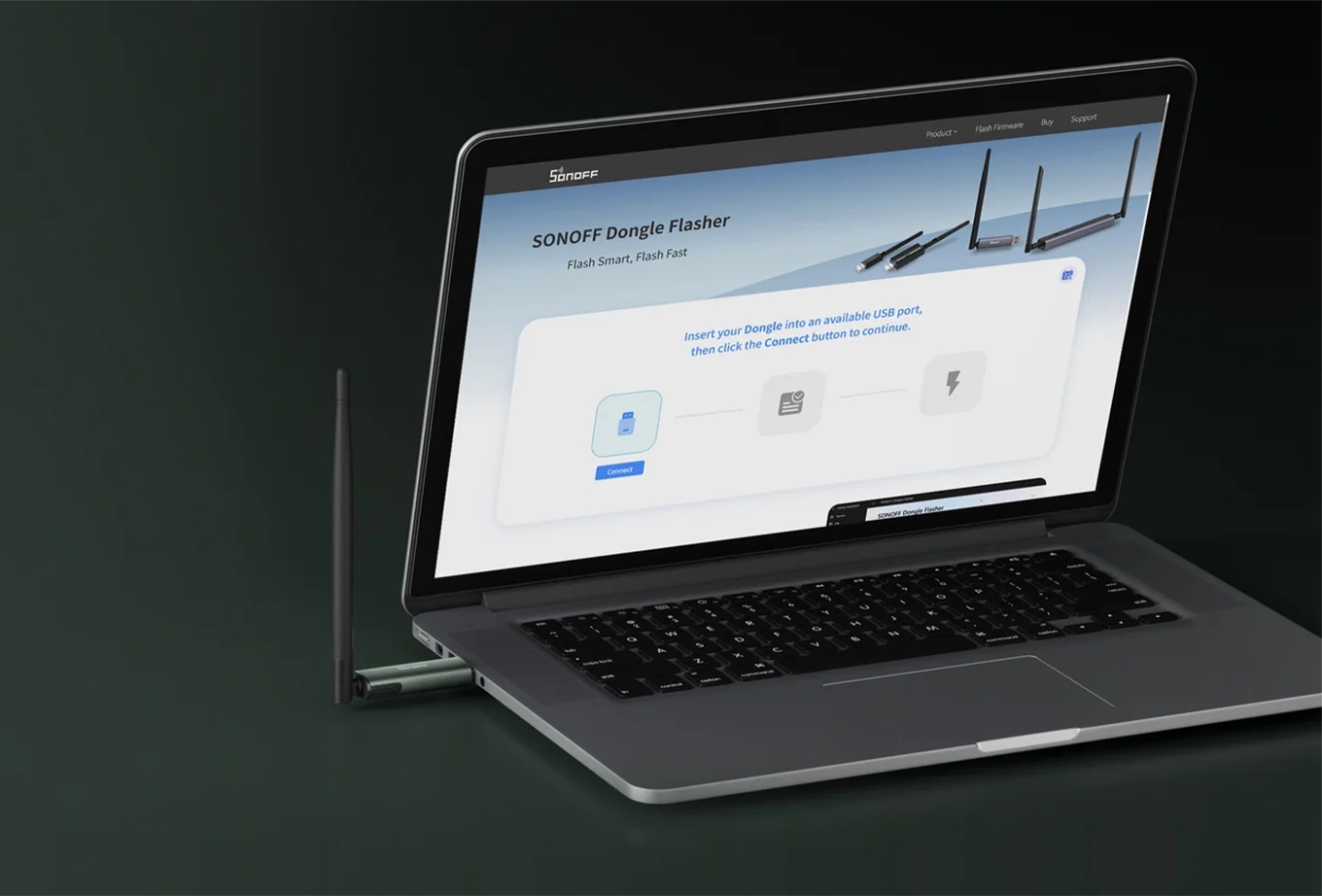
Firmware Flashing from Your Browser with Sonoff Dongle Flasher, No Software Installation Required
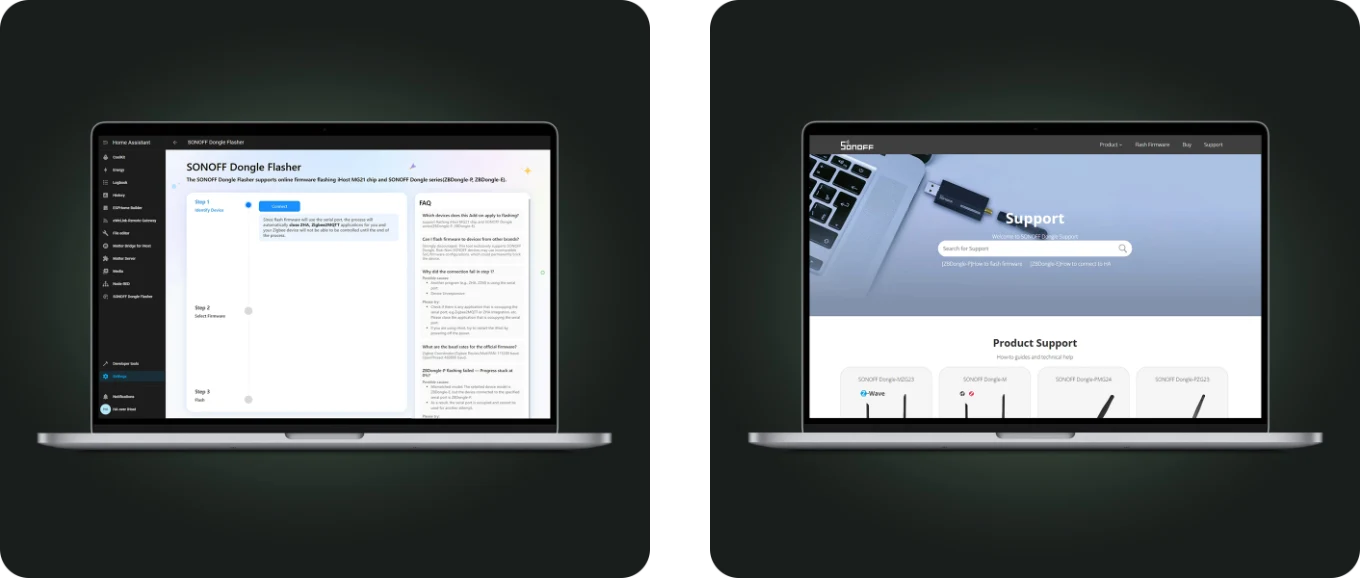
The firmware is changed from the browser with Sonoff Dongle Flasher, the official web page: connect the dongle to the computer, choose the firmware and write it with one click, without installing programs or opening the shell. The page recognizes the connected dongle and offers the available firmware for the Dongle-PP10. This way you switch from coordinator to router or to Thread RCP and go back whenever you want. Step-by-step guides are on the site dongle.sonoff.tech, along with firmware updates.
Three Firmwares in a Single Dongle: Zigbee Coordinator, Zigbee Router, or Thread RCP
The same dongle can do three jobs, one at a time. With the Zigbee Coordinator firmware, the one pre-installed, it creates and manages the Zigbee network in Home Assistant or Zigbee2MQTT. With the Zigbee Router firmware it becomes a repeater that extends the network of another coordinator: on the network it appears as a light bulb. With the Thread RCP firmware it acts as the radio for an OpenThread Border Router and brings Thread and Matter over Thread devices into your home. You choose the role from the flasher.
Flashing Tools: Web Page, Docker Container, or Home Assistant Add-on
To write the firmware you have three tools. The simplest is the Sonoff Dongle Flasher web page, to be opened with the browser of the computer the dongle is connected to. If you work with containers there is the official Docker image; if you use Home Assistant there is an add-on that does the same job from the server. The Sonoff support site gathers guides, firmware, and answers to the most common questions. For Zigbee coordinator you can use a serial speed of 115200, 460800 or 921600 baud; for the router 115200; for OpenThread 460800 or 921600.
Which Sonoff Dongle to Choose: Dongle Max, Plus, Lite and ZBDongle Compared
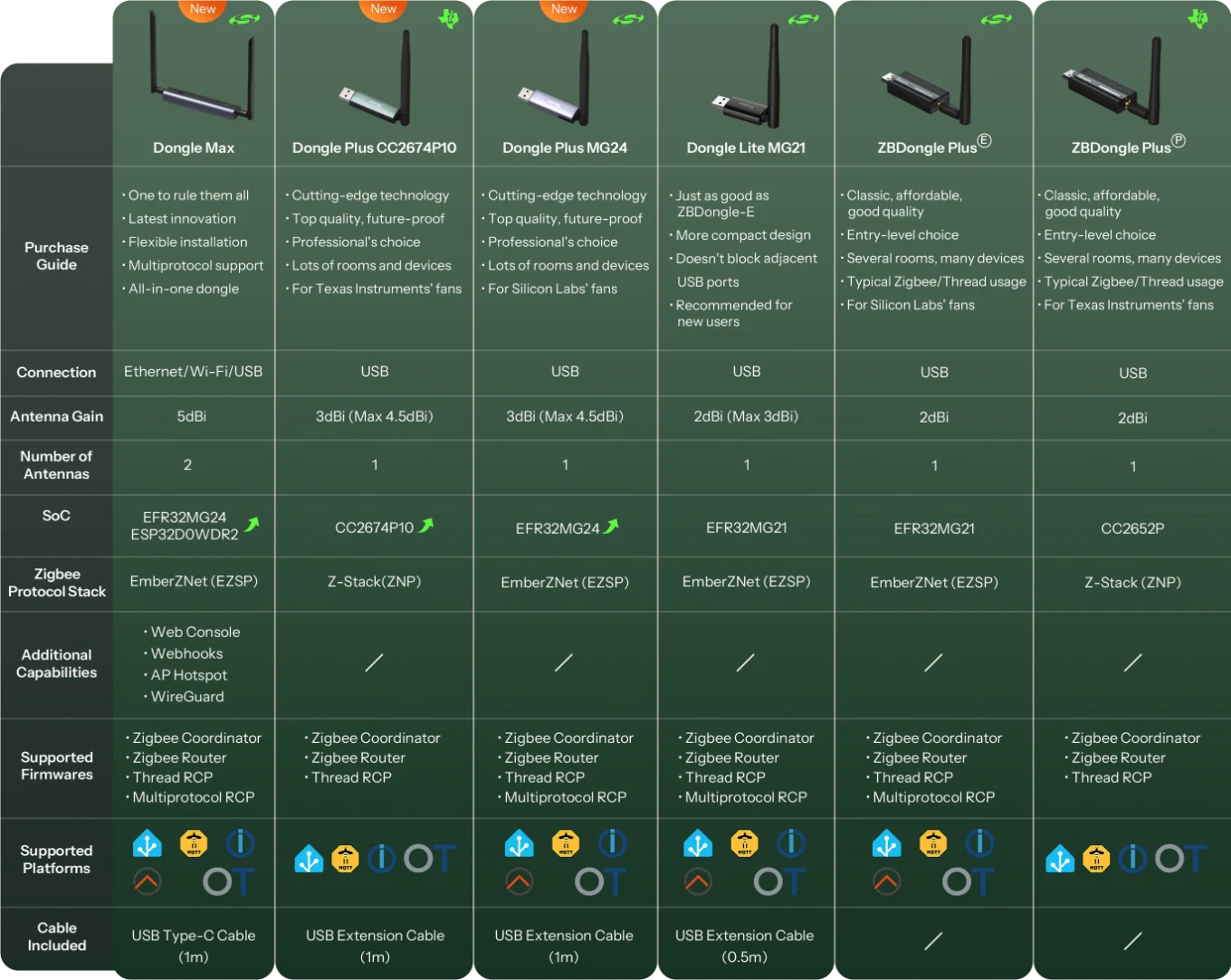
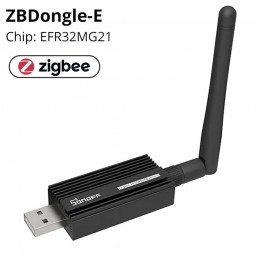
Sonoff has several Zigbee and Thread dongles, each designed for a specific use. The Dongle Max can also connect via Ethernet cable with PoE. The Dongle Plus MG24 and the Dongle Lite MG21 use Silicon Labs chips, while the Dongle-PP10 remains on Texas Instruments with the Z-Stack stack, like the ZBDongle-P. The ZBDongle-E is the Silicon Labs model from the previous generation. The table compares connection, antenna, chip, firmware, platforms, and included cable. Tap a dongle in the table to open its page, or check out all the smart hubs and gateways.
Sonoff Dongle Max
Sonoff Dongle Plus MG24
Sonoff Dongle Lite MG21
Sonoff ZBDongle-E
Sonoff ZBDongle-P
Dongle-PP10 Specifications: 5 V 500 mA, from -10 to 60 °C and Humidity up to 95%
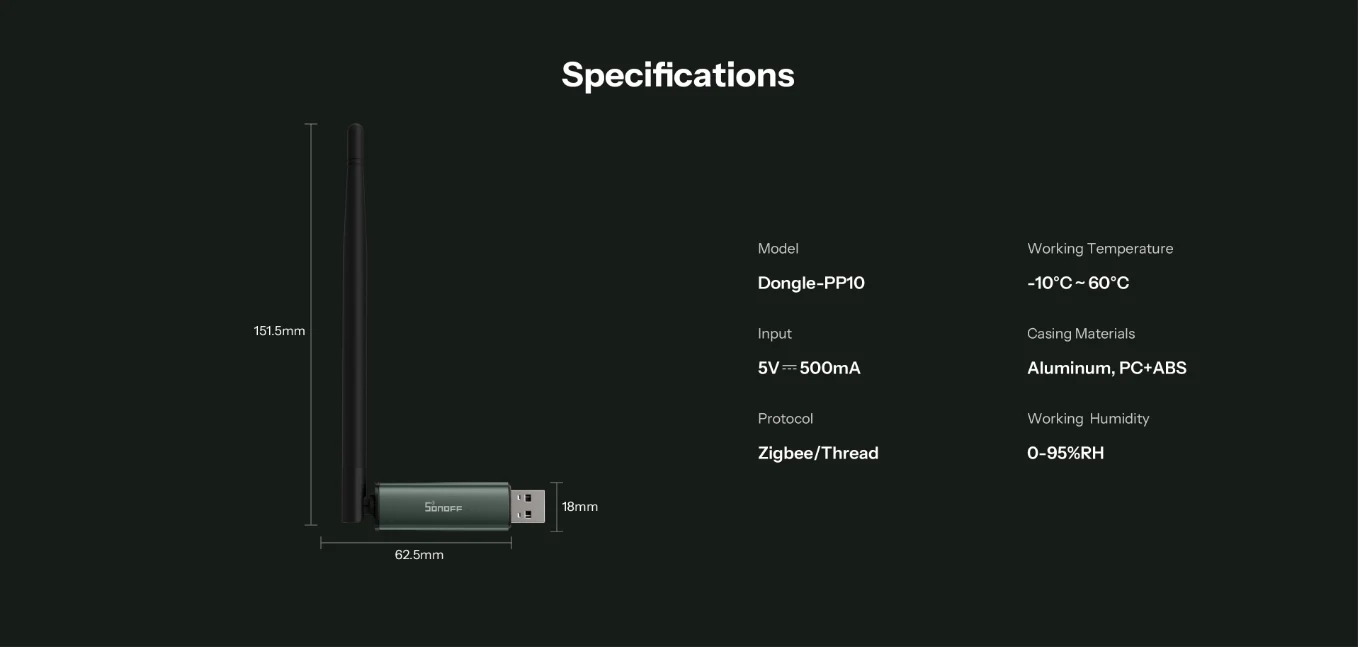
Manufacturer's specifications: model Dongle-PP10, chip CC2674P10, protocols Zigbee 3.0 and Thread over IEEE 802.15.4 at 2.4 GHz, power up to 20 dBm with a 3 dBi antenna. It is powered by 5 V 500 mA via the USB port, with a CP2102(N) converter, and consumes 40 mW on standby. Operates from -10 to 60 °C with humidity ranging from 0 to 95% RH. Casing in aluminum alloy and PC+ABS, dimensions 18 × 10.5 × 214 mm. Operating systems: Windows, Ubuntu, Raspberry Pi OS, and Docker.
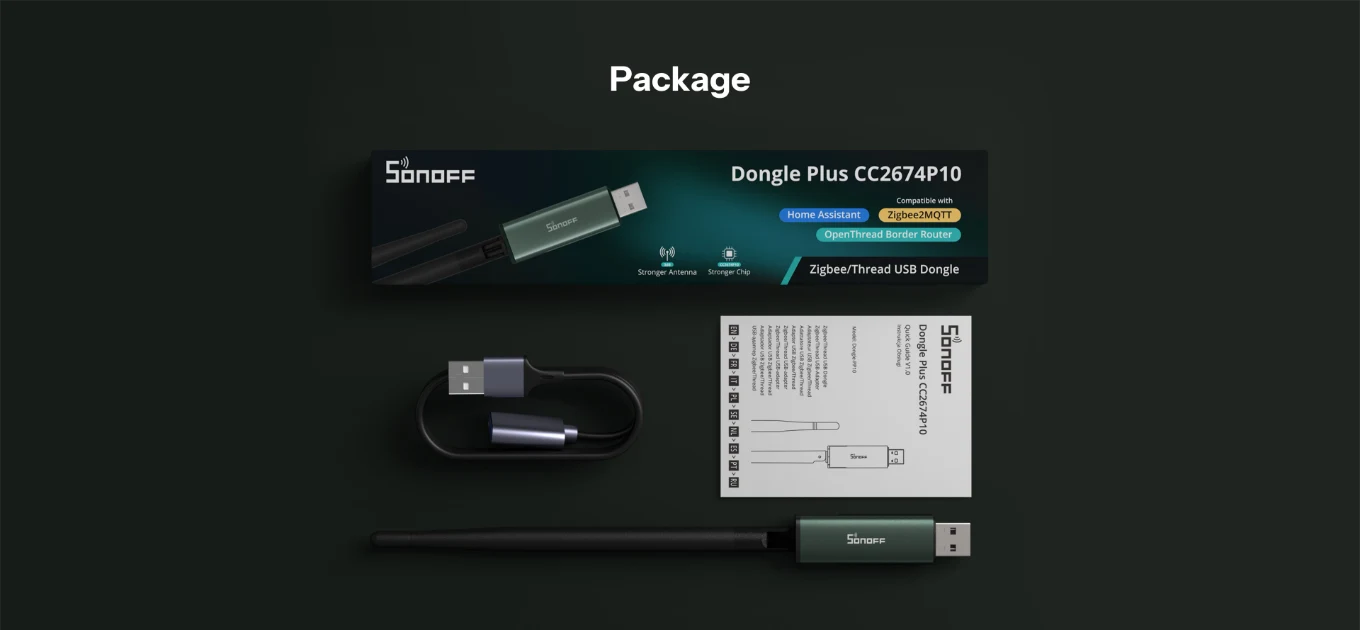
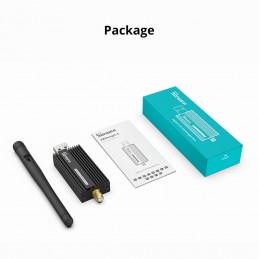
In the Package: Dongle Plus CC2674P10, 1 m USB Extension Cable, and Quick Start Guide
Inside the package you'll find the Sonoff Dongle Plus CC2674P10 with its antenna, the 1 m USB extension cable, and the quick guide, which you can also find among the attachments on this page. The computer, Raspberry Pi, or server running Home Assistant is not included and must be arranged separately. Before connecting it, choose the software you'll be using: with ZHA and Zigbee2MQTT the dongle is ready right away, while for Thread you first need to flash the RCP firmware.
The Dongle-PP10 uses the CC2674P10 chip instead of the CC2652P: flash and RAM three times larger, Cortex-M33 core with TrustZone, adjustable antenna up to 4.5 dBi, and a body about 60% smaller.
Yes, with the Thread RCP firmware and an OpenThread Border Router on the computer: this way you connect Thread devices and Matter over Thread. On its own, the dongle is not a Matter hub.
No. The dongle is used with open source platforms on a computer, a Raspberry Pi, or a server with Home Assistant: it doesn't work on its own and doesn't have an app.
In ZHA, migration from Silicon Labs or Texas Instruments adapters is guided. In Zigbee2MQTT, a backup and restore is required; OpenThread Border Router configurations do not transfer.
Orders confirmed by 3:30 PM on business days (Monday-Friday) are processed and shipped the same day. Orders placed after 3:30 PM or during the weekend or a public holiday will be processed on the next available business day.
TI CC2674P10 chip:48 MHz Arm Cortex-M33 processor with 1024 KB of flash and 256 KB of RAM and TrustZone security: three times the memory of the CC2652P.
Zigbee 3.0 and Thread: comes with Zigbee coordinator firmware (Z-Stack); use the flasher to turn it into a Zigbee router or a Thread RCP.
For Home Assistant and Zigbee2MQTT: works with ZHA, Zigbee2MQTT and ioBroker; Thread requires an OpenThread Border Router on the computer.
Power up to 20 dBm: transmits at up to 20 dBm with a 3 dBi antenna (up to 4.5 dBi depending on orientation): Sonoff specifies 200 m in open space.
Adjustable antenna: can be adjusted 90° vertically and 180° horizontally; do not force it beyond 180°, as this may damage it.
Easy firmware switching: via your browser with Sonoff Dongle Flasher, or using Docker or the Home Assistant add-on; Sonoff has tested it over 100 flashing cycles.
USB with CP2102(N):CP2102(N) USB-to-serial converter: works with Windows, Ubuntu, Raspberry Pi OS and Docker.
Aluminum housing:aluminum alloy and PC+ABS enclosure, smaller than the ZBDongle-P: does not block adjacent USB ports.
Laboratory-tested: operates from -10 to 60 °C at 0 to 95% RH; tested by Sonoff for 24 hours of salt spray exposure and 500 insertion cycles.
USB-powered:5 V 500 mA from the USB port of a computer or Raspberry Pi; consumes 40 mW in standby.
1 m USB extension cable: included in the package: lets you position the dongle away from the computer and in the best location in your home.
One role at a time: a single dongle works with ZHA or Zigbee2MQTT, not both; with two dongles, you can use both on the same machine.
Requires a computer: it is not a standalone hub and does not use the eWeLink app: it must be connected to a PC, Raspberry Pi or server running Home Assistant.