Smart WiFi Touch Switch for Fan and Light: Adjustable Speed, 1 or 2 Lights, Timer and Voice Commands
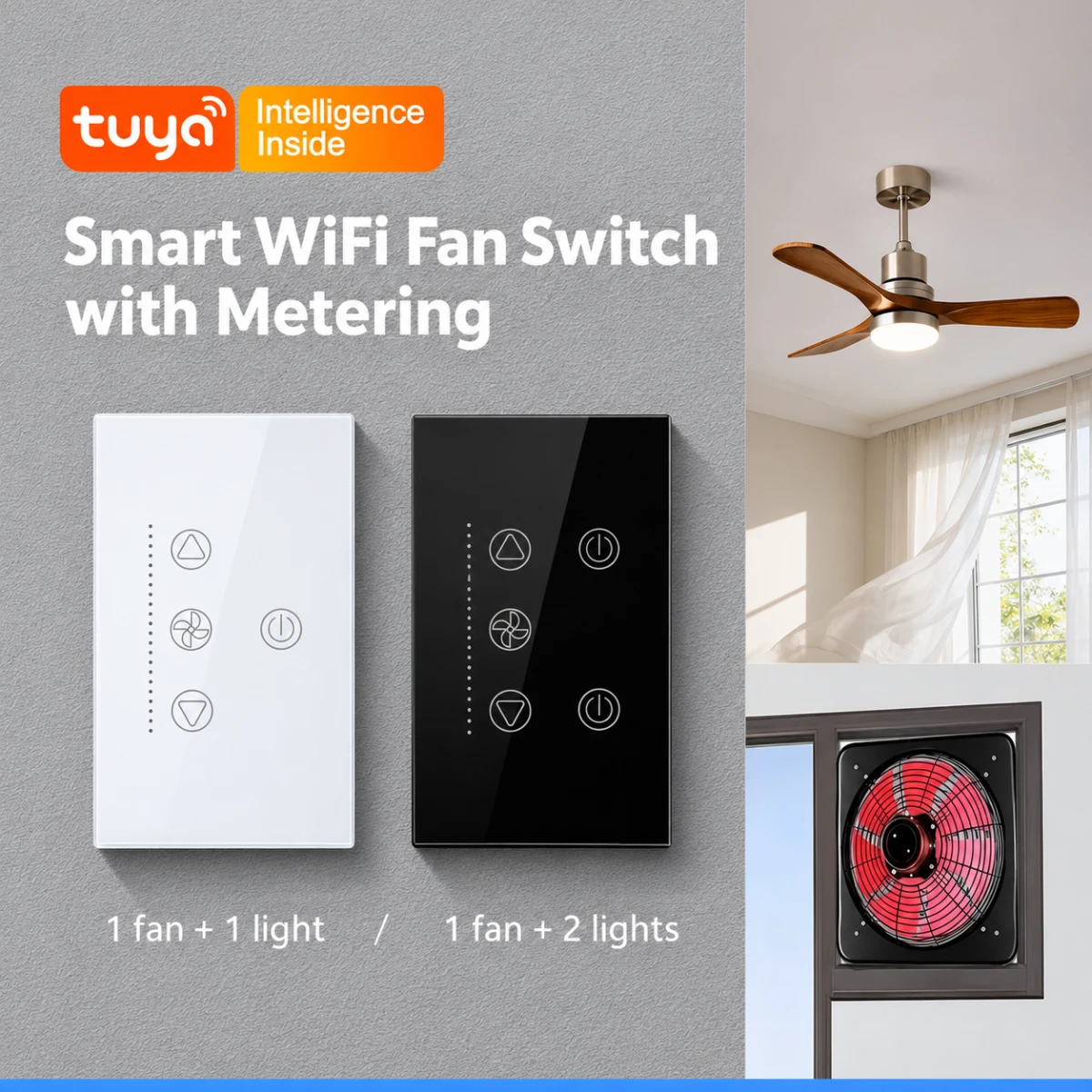
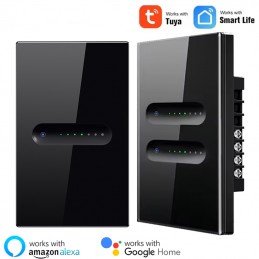
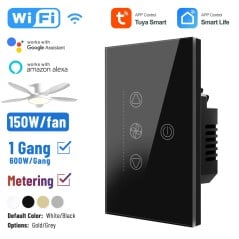
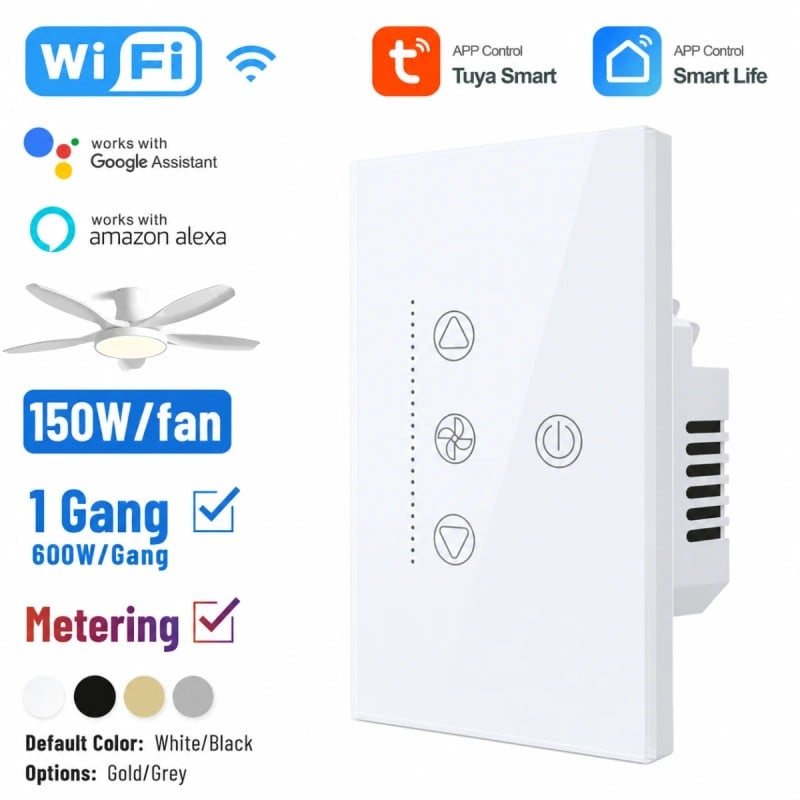
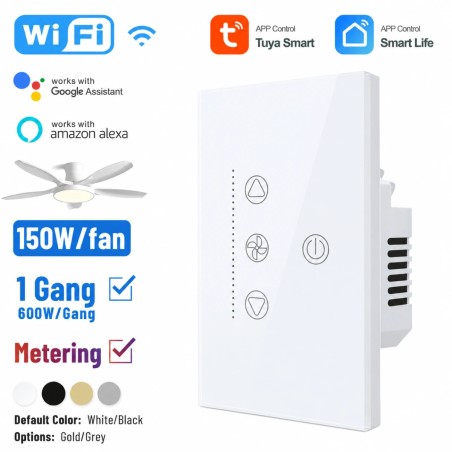
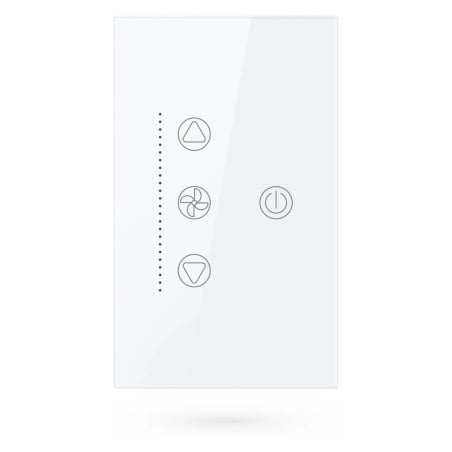
This WiFi smart touch switch for fan and light by Tuya brings together the fan and light controls on a single plate. It comes in two versions: Fan + 1 Light and Fan + 2 Lights, to be selected at the top of the product page. From the white tempered glass panel you can turn on the fan, change its speed with the up and down buttons, and turn the lights on or off with the dedicated buttons. From theTuya Smart or Smart Life app you can adjust the speed from 1 to 100%, set timers, and control everything even when you're away from home. It manages a fan up to 150 W and lights up to 600 W per channel, with 100-240 V power supply. It pairs via Bluetooth and works on a 2.4 GHz WiFi network, is compatible with Amazon Alexa and Google Home, and measures power consumption. It requires a neutral wire and is installed in a 503 box.
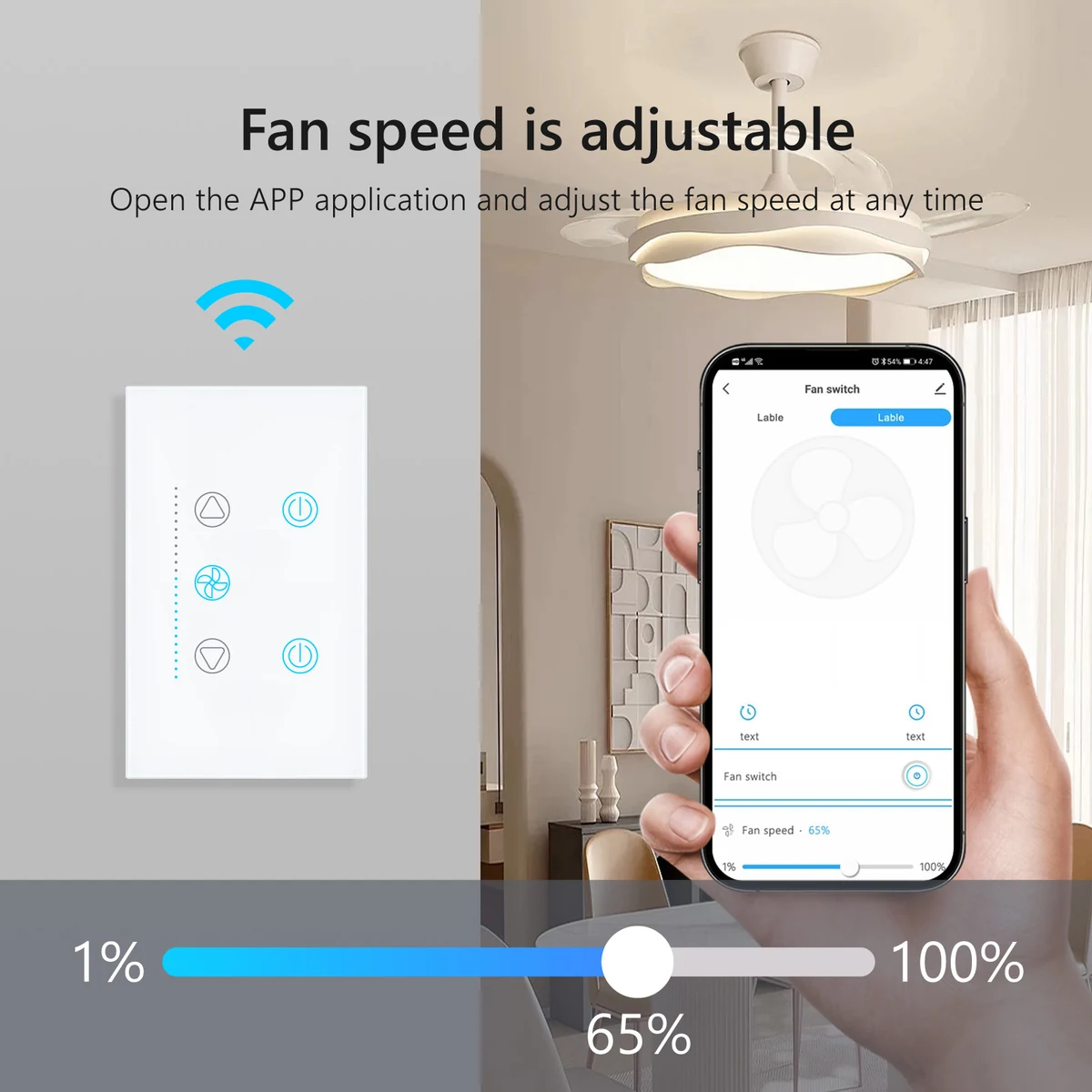
Adjustable Fan Speed from 1 to 100% with the Tuya Smart or Smart Life App
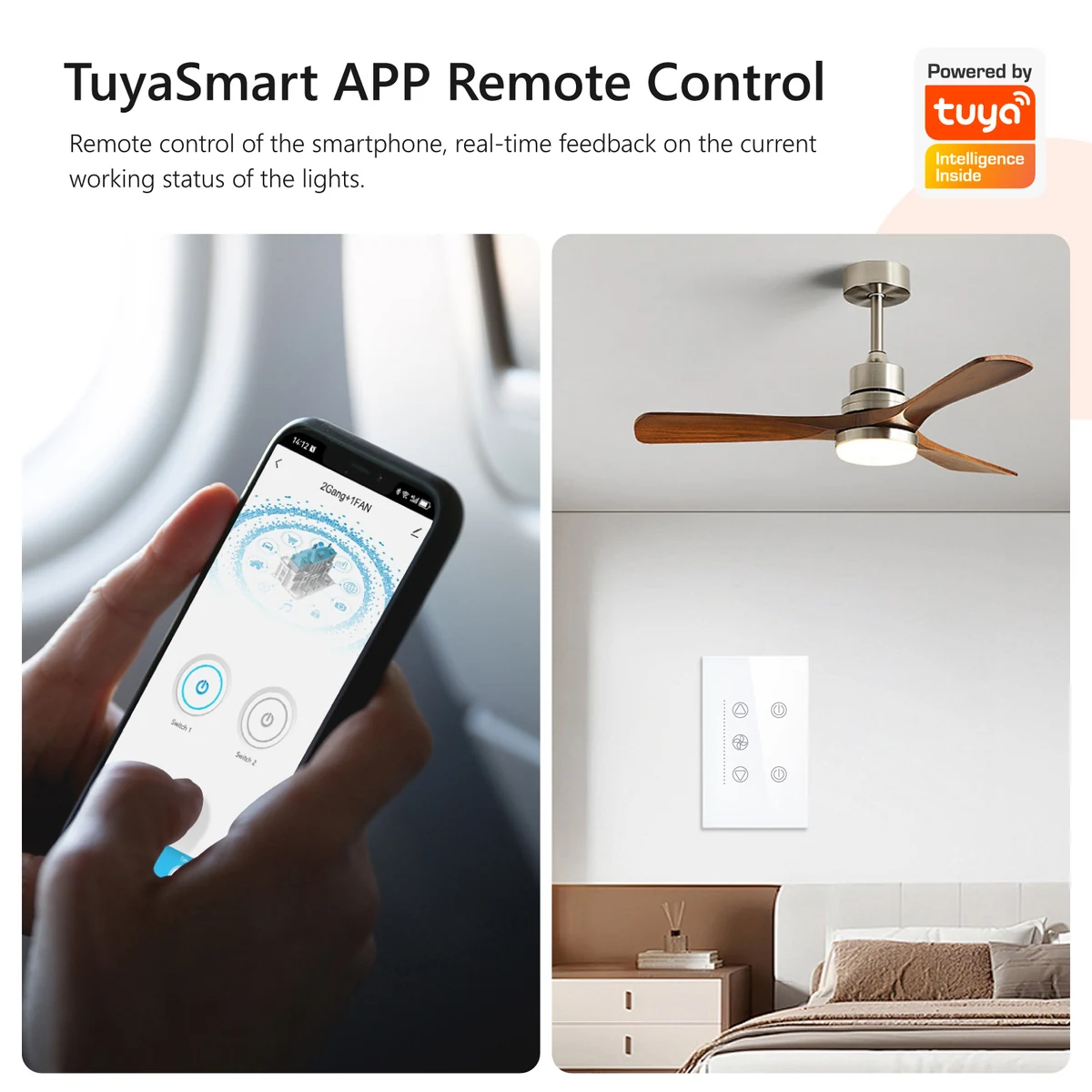
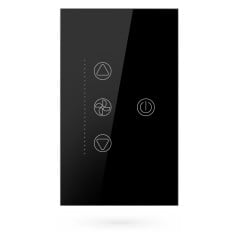
The bar of bright dots on the panel shows the level reached, while the up and down touch keys change the speed without opening the app. With your smartphone you have fine control: a slider adjusts the fan speed from 1 to 100% and in the settings you can set the minimum speed, useful if the motor vibrates or doesn't start below a certain threshold. The Tuya Smart or Smart Life app shows you the status of the fan and lights in real time, and lets you share control with the rest of the family.
Timer, Schedules, and Power-On Status After a Blackout
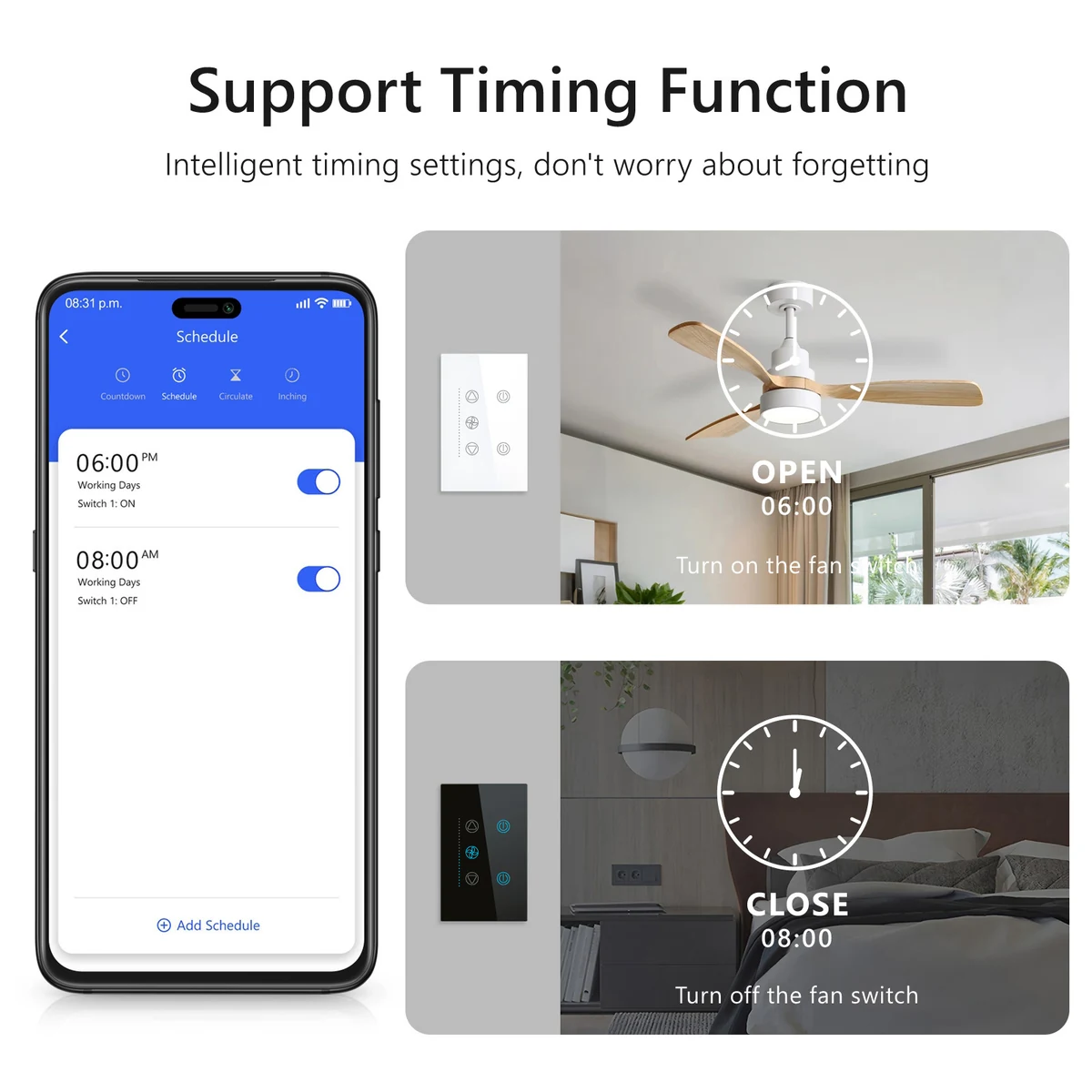
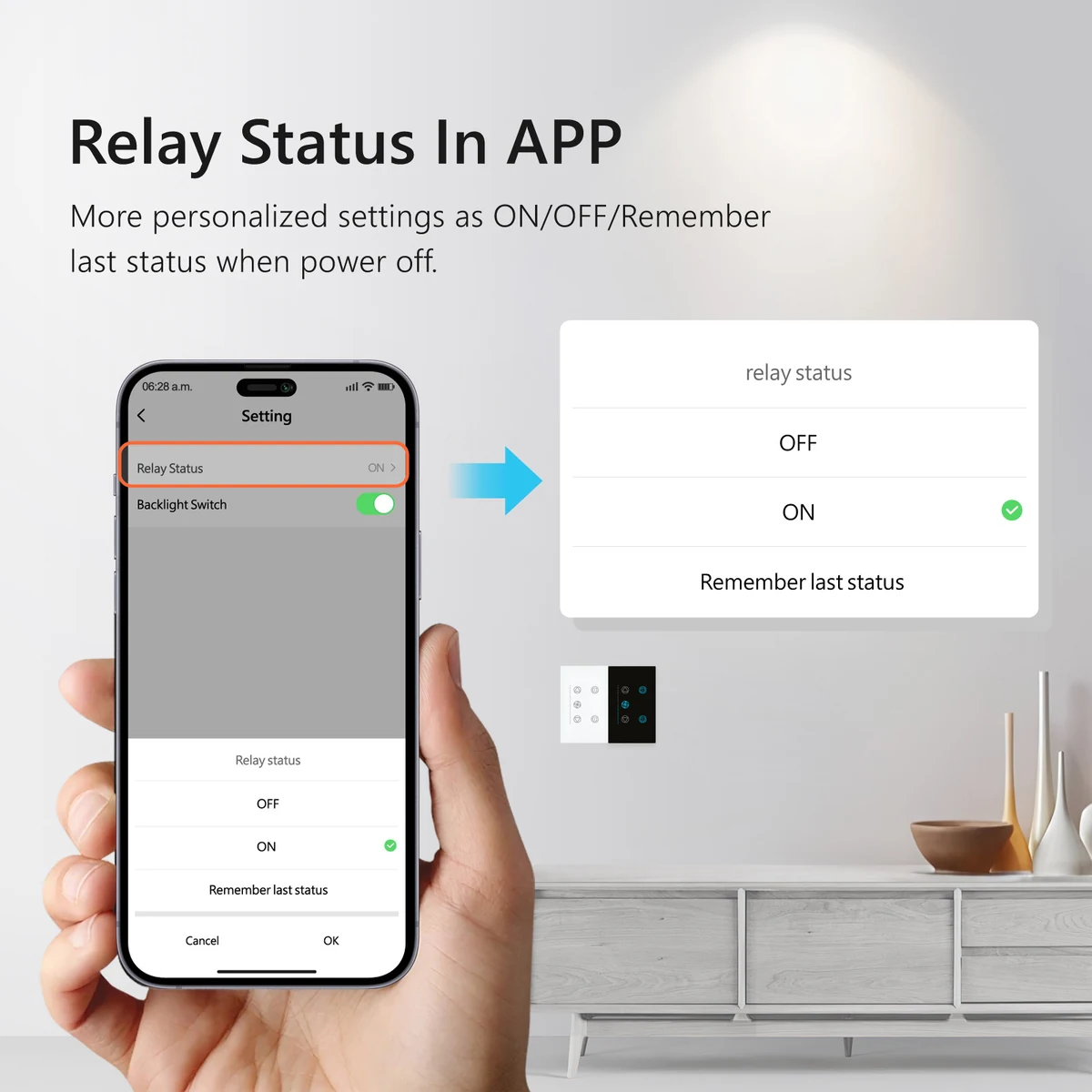
With the timers you set on and off times for each day of the week, for example the bedroom fan that starts at 6:00 and stops at 8:00; the countdown turns it off after the time you choose. In the settings you also decide the behavior after a power outage: everything stays off, it turns back on, or it returns to the previous state. Plus, you can add the fan and lights to scenes and Tuya automations together with other devices, no hub needed.
Key Backlighting and LED Indicator to Turn Off at Night
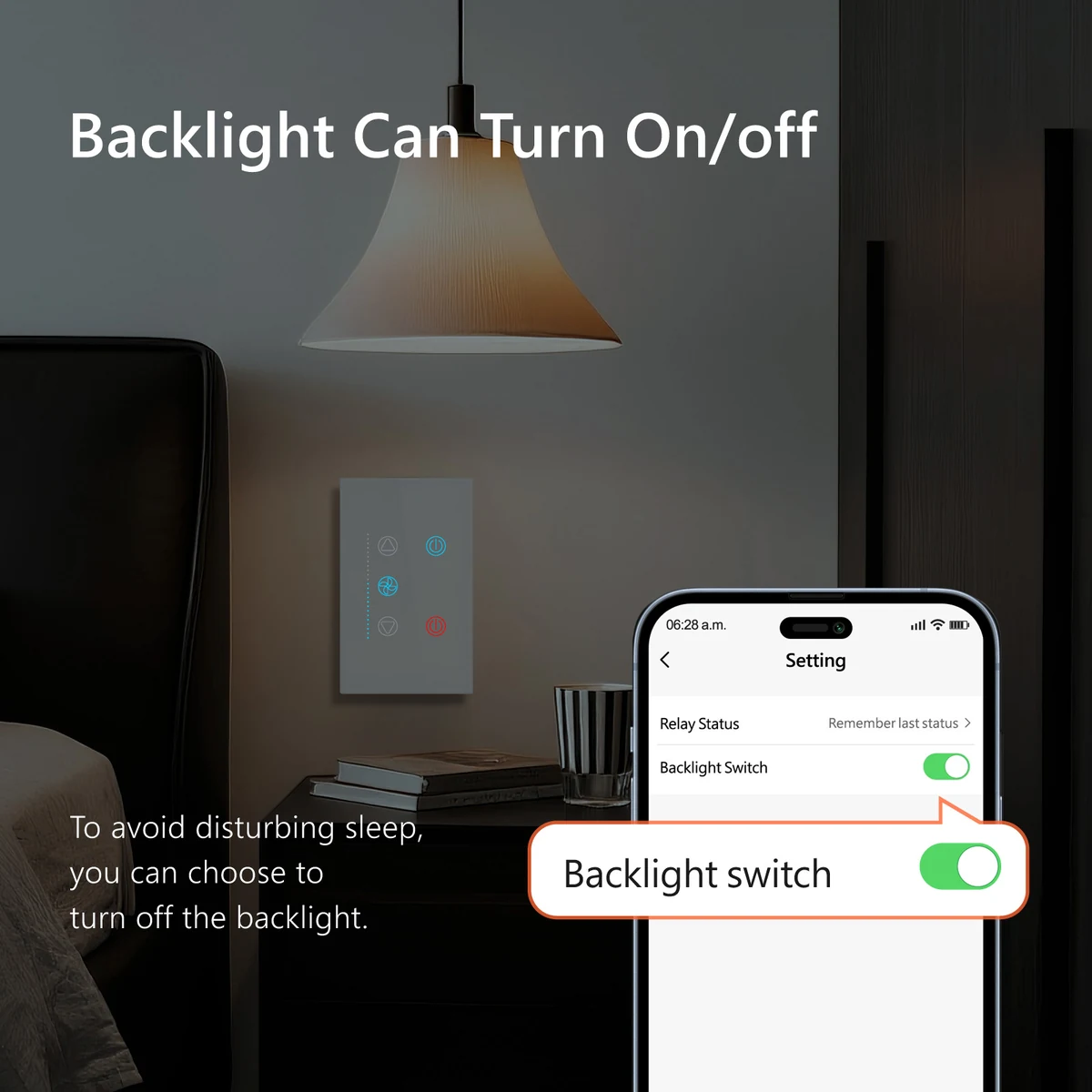
The buttons have a soft LED backlight that lets you find them in the dark. If the light bothers you while you sleep, you can turn it off from the app using a dedicated switch. The indicator has three modes: always off, on when the load is running, or on when it's off, so at night you can see where the switch is located. The switch's own power consumption is very low, less than 0.05 W, so it can stay connected all day without impacting your electricity bill.
Tuya Touch Switch for Fan (DS-1214)
Tuya Touch Switch for Fan and Light Black (DS-1216)
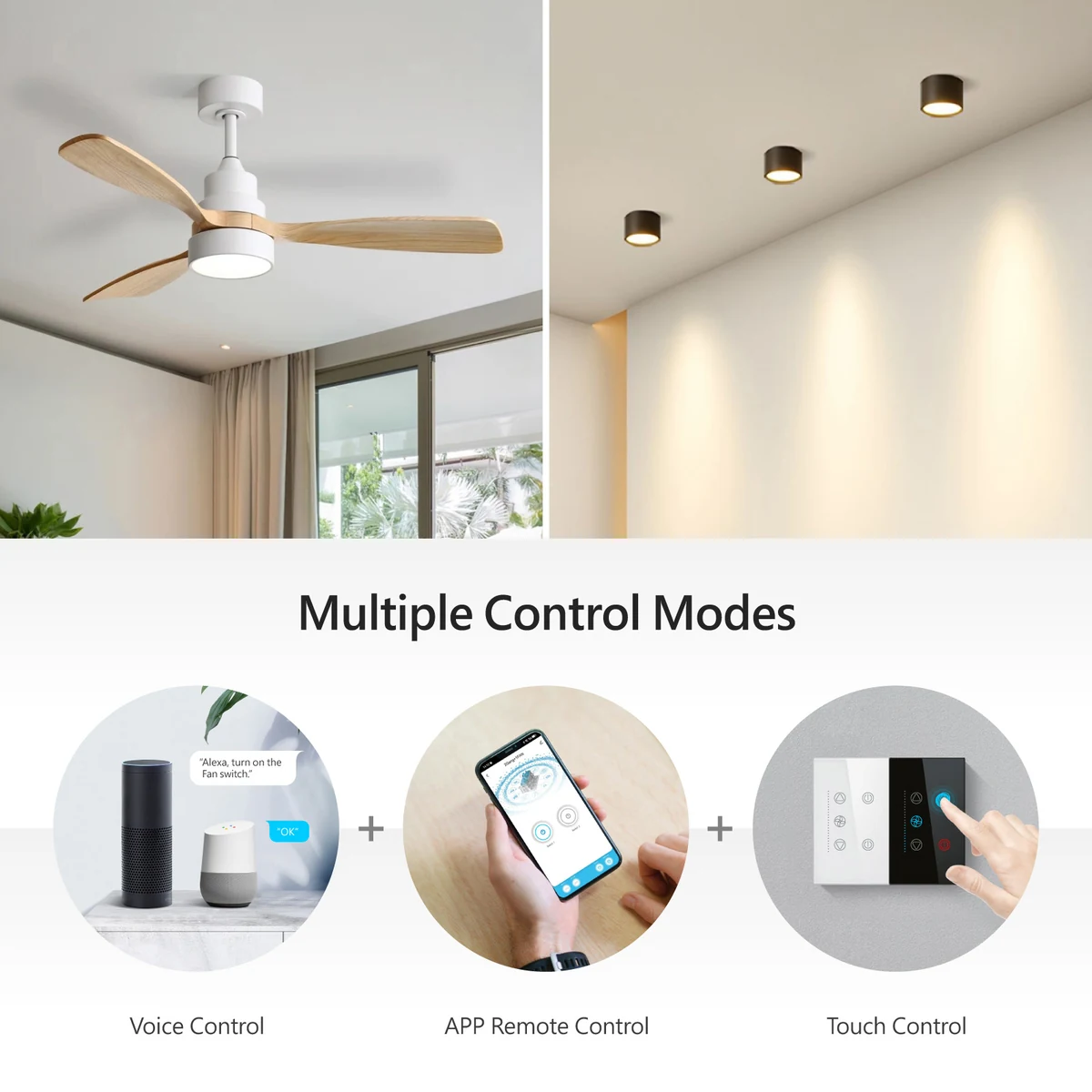
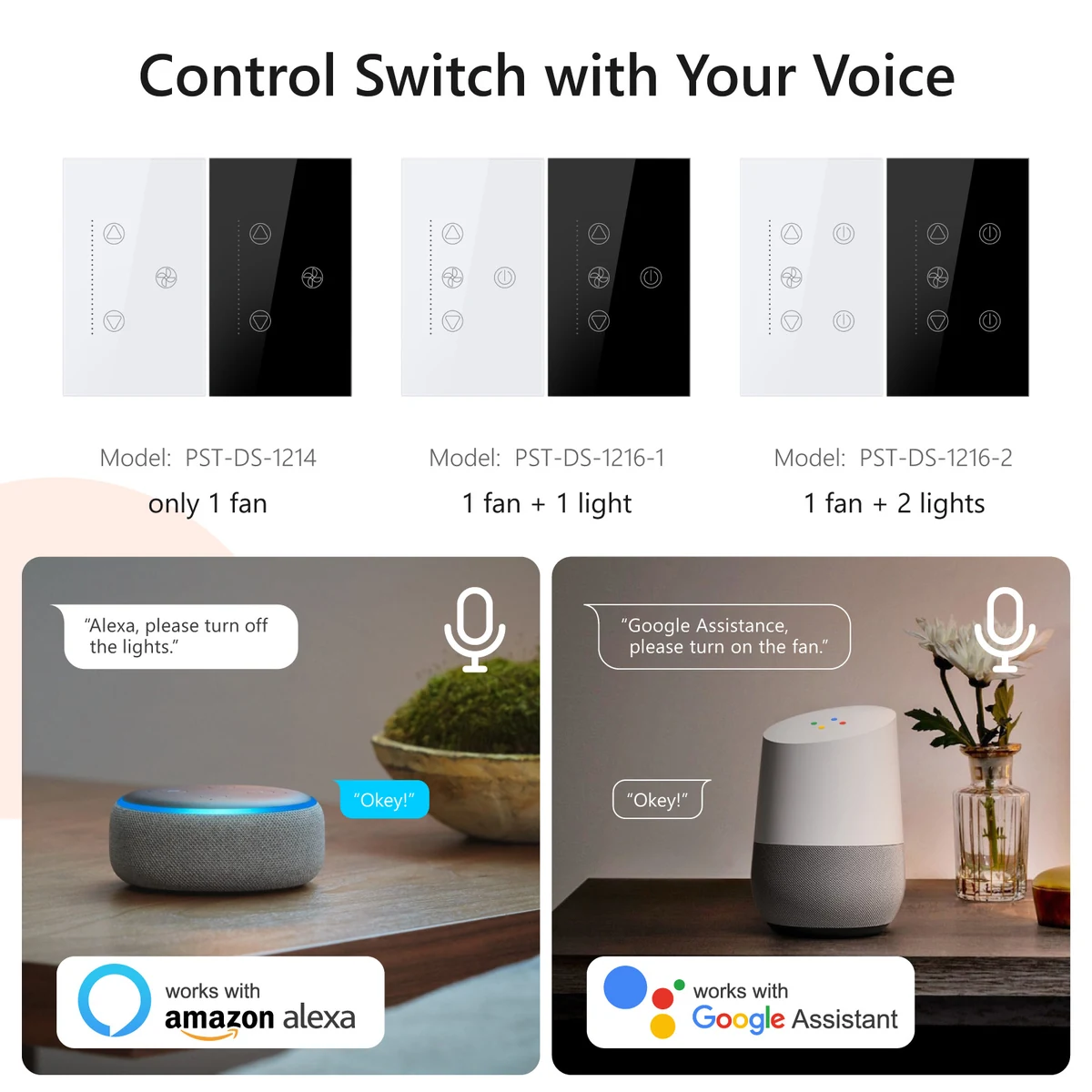
Voice Commands for Fan and Lights with Amazon Alexa and Google Home
By connecting the Tuya Smart or Smart Life app to Amazon Alexa or Google Home, you can turn on the fan, adjust its speed, and turn on the lights with your voice, for example when you get home. You'll need an Alexa or Google smart speaker or display, which is not included. Voice commands work alongside the touch panel and app controls, so the fan and lights remain always usable from the wall as well. Apple Home is not supported: the switch is not HomeKit or Matter certified.
Tempered White Glass Panel with Fireproof PC Base
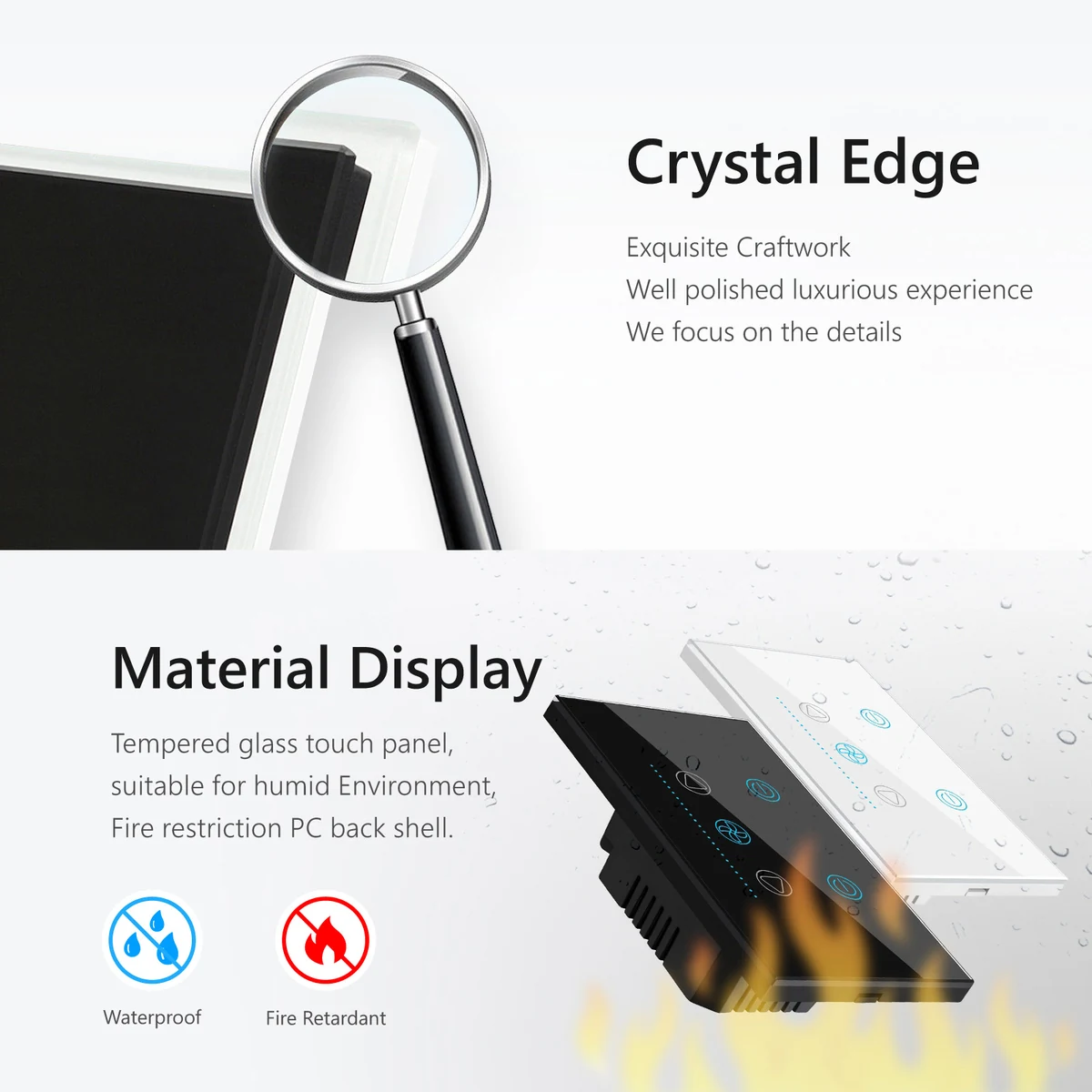
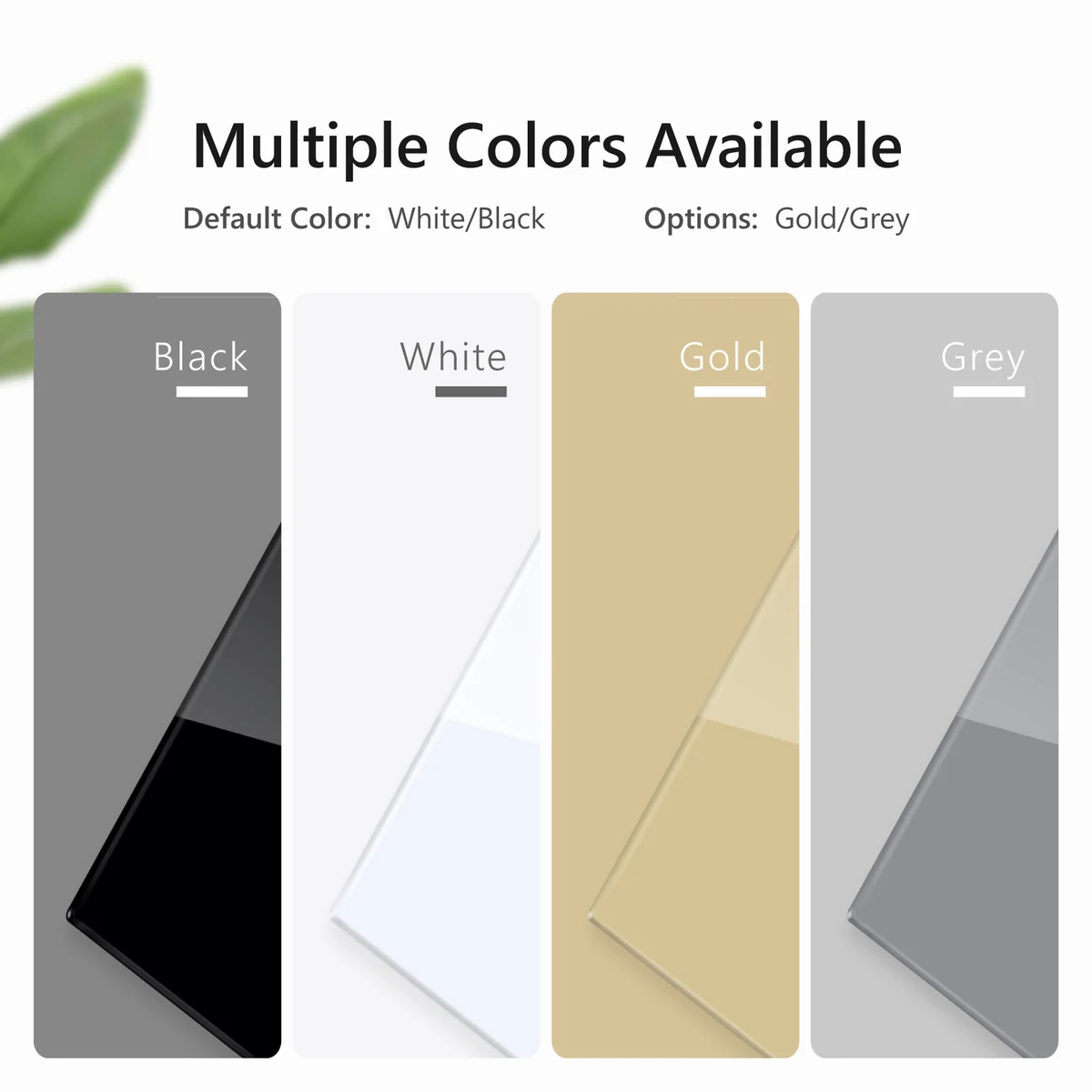
The front panel is a sheet of white tempered glass with polished edges, scratch-resistant and easy to clean with a cloth, even in the kitchen or bathroom. Behind it there is a fireproof PC base that protects the electronics. The same switch also comes in black, and you can match it with the other smart switches Tuya in the house to have coordinated plates.
Layered Structure: Touch Glass, Control Module, and Fireproof Base
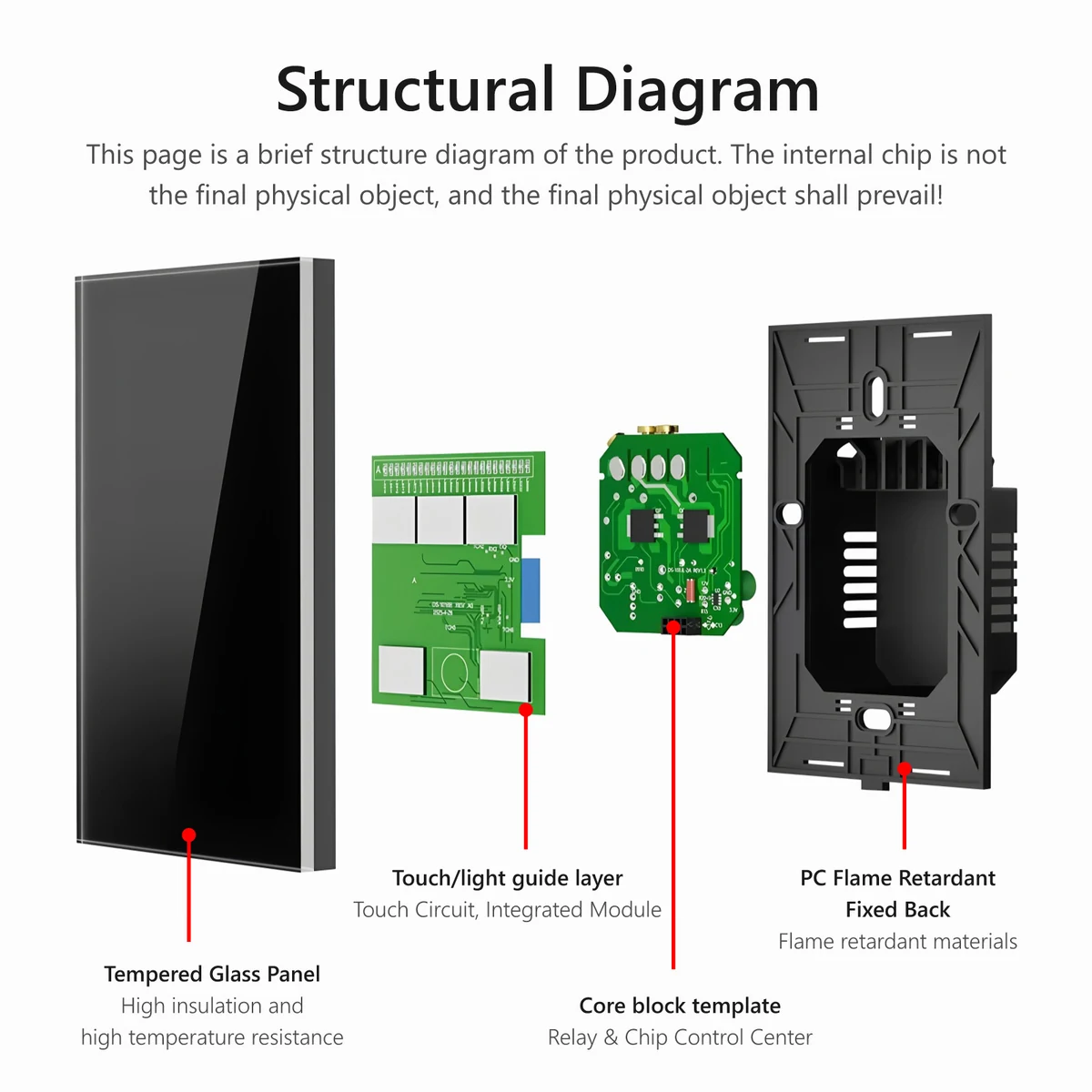
Beneath the glass lies the touch layer with light guide, which detects the touch and carries the light to the symbols. At the center is the control module with the WiFi and Bluetooth chip that controls the fan and lights, and behind it the fixed base made of fire-resistant material with terminals for live, neutral, fan, and lights. All layers are assembled into a compact body that fits into the 503 box.
Four-Step Installation in the 503 Box and Switches from the Same Line
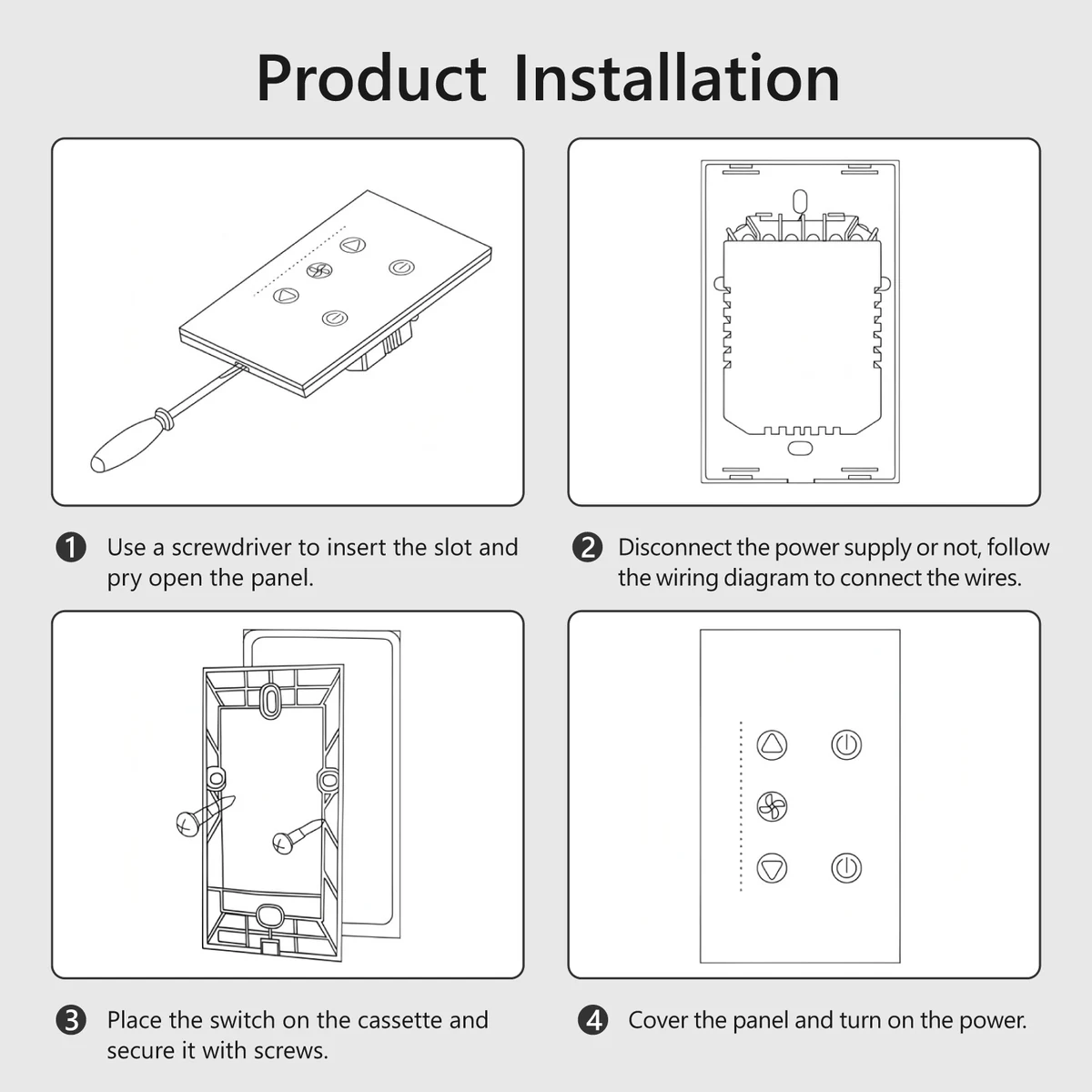
Installation requires four steps: lift the glass panel with a screwdriver, cut the power and connect the wires according to the diagram, fix the base to the 503 flush-mounted box with the 2 included screws, and close the panel back before restoring power. If you have no experience with electrical systems, leave the job to an electrician. If you only need fan control, check out the smart switches for fans; below you'll find the Tuya switches from the same line.
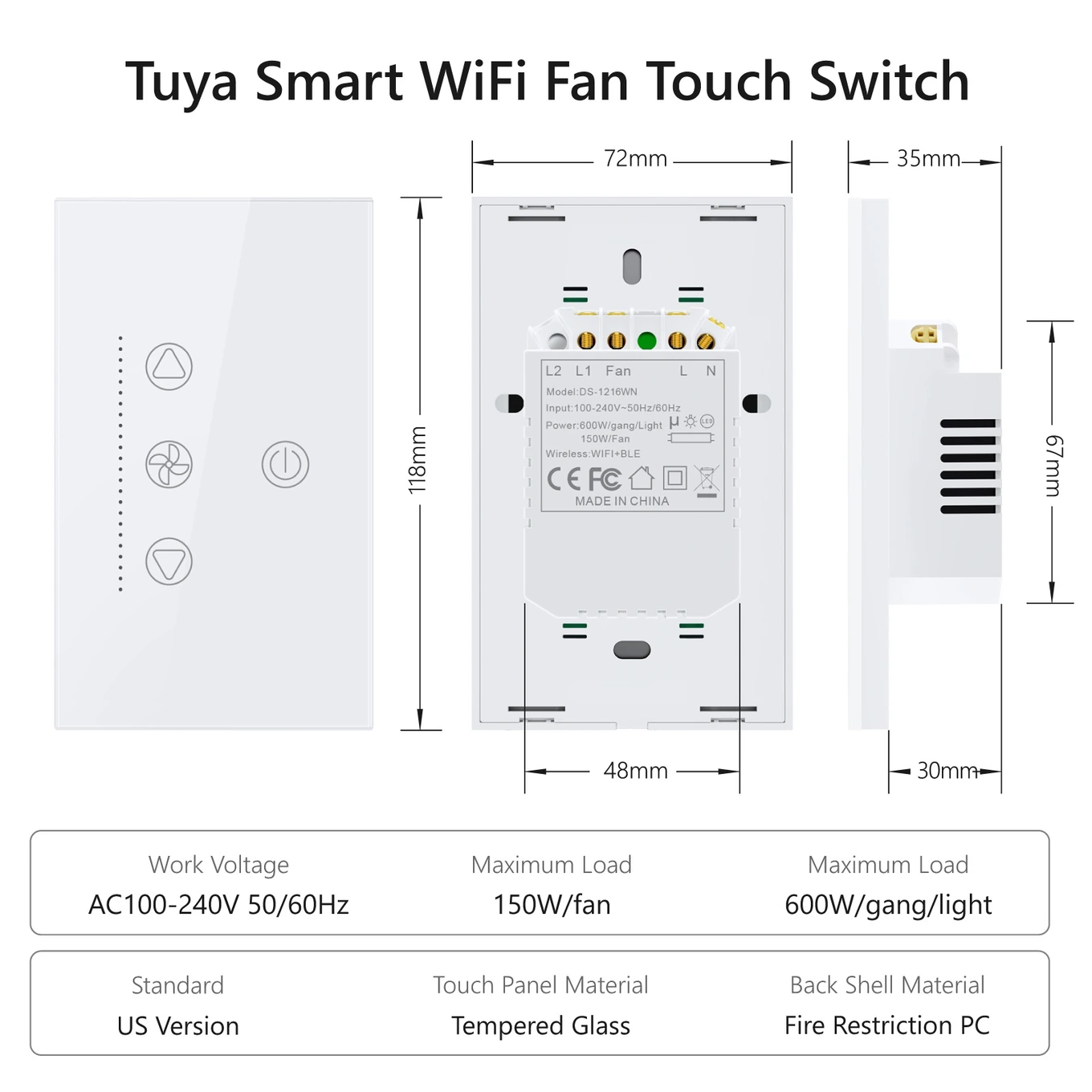
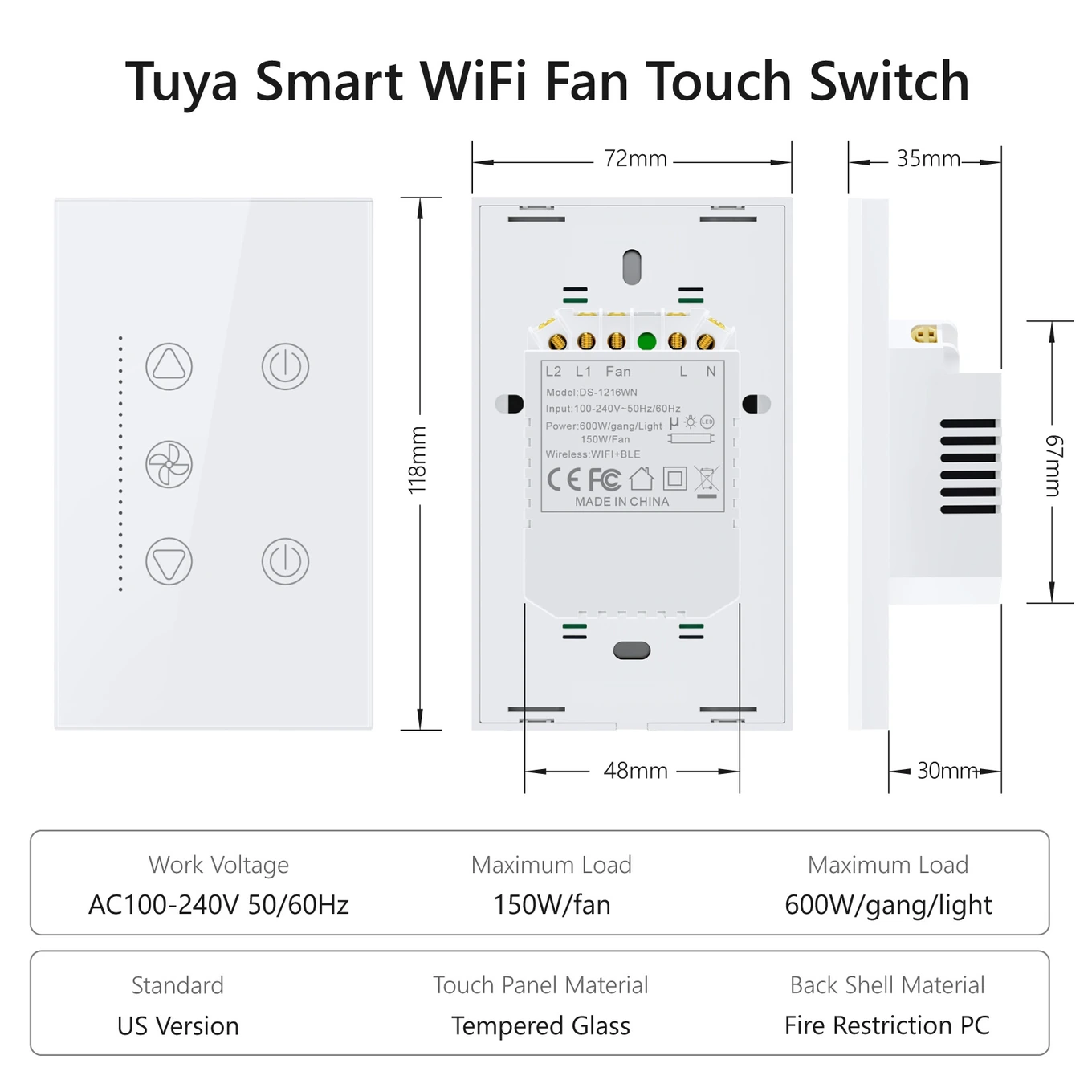
Connection Diagram with Neutral, L1 and L2 Outputs and Dimensions 118 × 72 × 35 mm
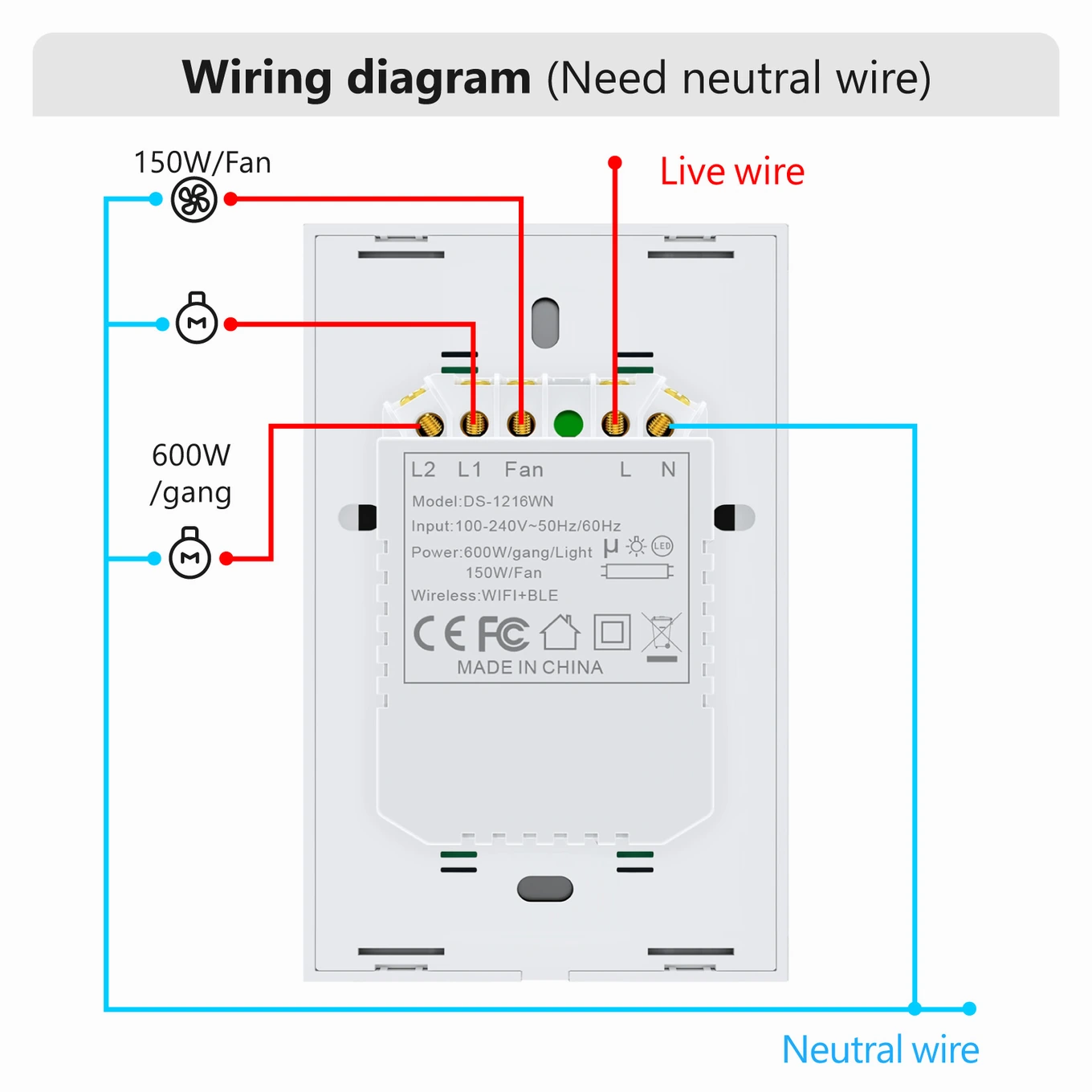
The live wire goes to terminal L and the neutral to terminal N. The fan connects to terminal Fan, up to 150 W, and the lights to terminals L1 and, in the two-light version, L2, up to 600 W per channel; the other end of each load goes to the neutral. The switch controls from a single point and does not work with two-way switches. Both versions have the same dimensions: plate 118 × 72 mm, depth 35 mm, body 67 × 48 × 30 mm, for 503 box.
Both control a fan with speed regulation. The Fan + 1 Light version has a light button and output L1; the Fan + 2 Lights version has two independent light buttons and outputs L1 and L2. Dimensions and installation are the same.
Fans up to 150 W, such as ceiling fans and extractor fans controlled by a wall switch, and lights up to 600 W per channel. The lights turn on and off, without dimming. Just check that your fan's power does not exceed 150 W.
From the panel with the touch up and down keys, with the light bar showing the level, or from the Tuya Smart or Smart Life app with a slider from 1 to 100%. In the app, you can also set the minimum speed.
No. The switch only works in a single-point control circuit and is not compatible with two-way switches. To control the fan and lights from multiple points, you can use the app or voice commands.
No. It only connects to 2.4 GHz WiFi networks (802.11 b/g/n). The initial pairing happens via Bluetooth: keep your phone's Bluetooth active during setup.
Works with Amazon Alexa and Google Home by connecting the Tuya Smart or Smart Life app. Apple Home is not supported, because the switch is not HomeKit or Matter certified.
The plate measures 118 × 72 mm with a total depth of 35 mm, and the recessed body measures 67 × 48 × 30 mm. It is installed in the 503 rectangular recessed box, where it is fixed with the 2 included screws.
Orders confirmed by 3:30 PM on business days (Monday-Friday) are processed and shipped the same day. Orders placed after 3:30 PM or during the weekend or a public holiday will be processed on the next available business day.