• New
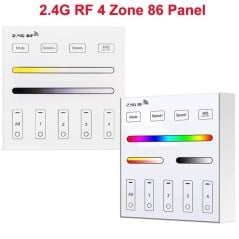
    2.4G RF Touch Panel Remote Control with 4 Scenes or 4 Zones for LED Controller
    2.4G RF Touch Panel Remote Control with 4 Scenes or 4 Zones for LED Controller
    2.4G RF Touch Panel Remote Control with 4 Scenes or 4 Zones for LED Controller
    2.4G RF Touch Panel Remote Control with 4 Scenes or 4 Zones for LED Controller
    2.4G RF Touch Panel Remote Control with 4 Scenes or 4 Zones for LED Controller
    2.4G RF Touch Panel Remote Control with 4 Scenes or 4 Zones for LED Controller
    2.4G RF Touch Panel Remote Control with 4 Scenes or 4 Zones for LED Controller
    2.4G RF Touch Panel Remote Control with 4 Scenes or 4 Zones for LED Controller
    2.4G RF Touch Panel Remote Control with 4 Scenes or 4 Zones for LED Controller

    2.4G RF Touch Panel Remote Control with 4 Scenes or 4 Zones for LED Controller

    €24.90
    Tax included
    rating No review at the moment
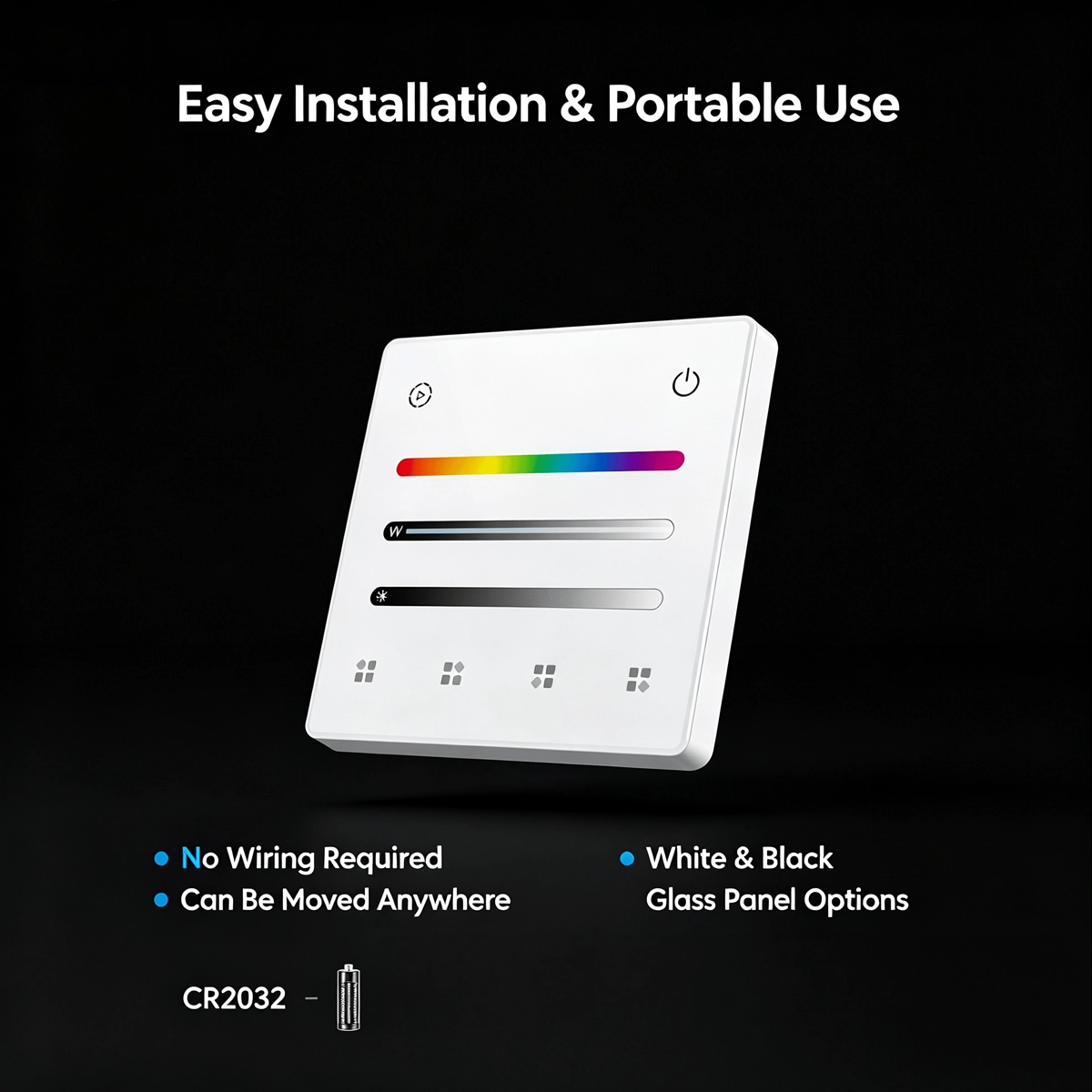
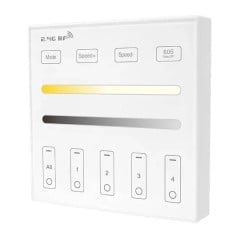
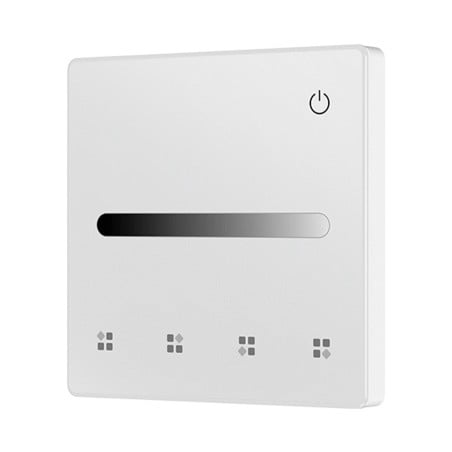
    • Wireless wall-mounted remote control: white glass touch panel powered by a CR2032 battery: no wiring required, so you can position it wherever you need it, even away from the controller.
    • 2.4G RF with a range of up to 30 metres: wirelessly controls one or more 2.4G RF LED controllers from the same series, up to 30 m in open areas. It cannot switch on lights by itself: a controller is required.
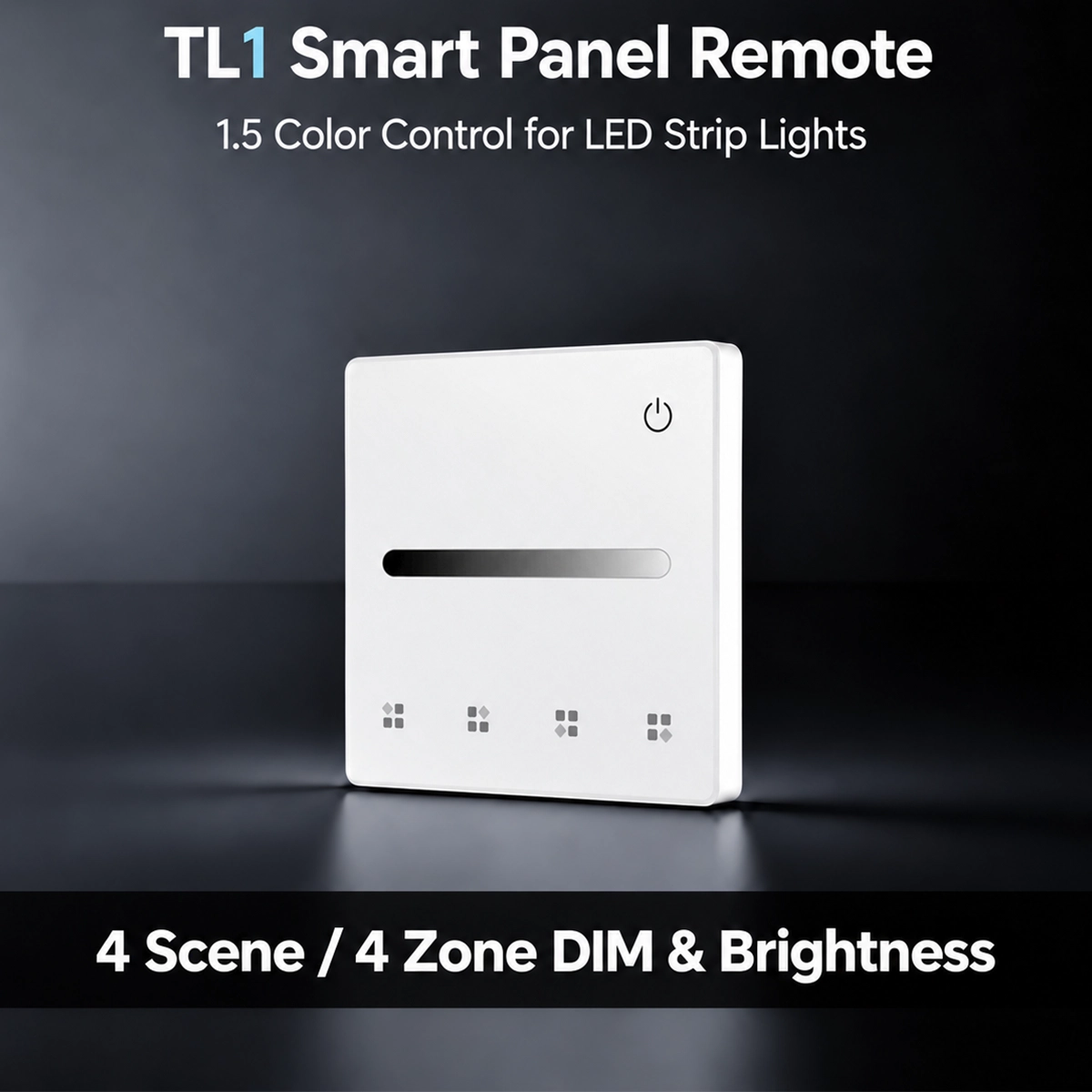
    • 4 scenes or 4 zones: by default, it controls one zone with 4 scenes that can be recalled; alternatively, you can set it up as a 4-zone remote control for four separate groups of lights.
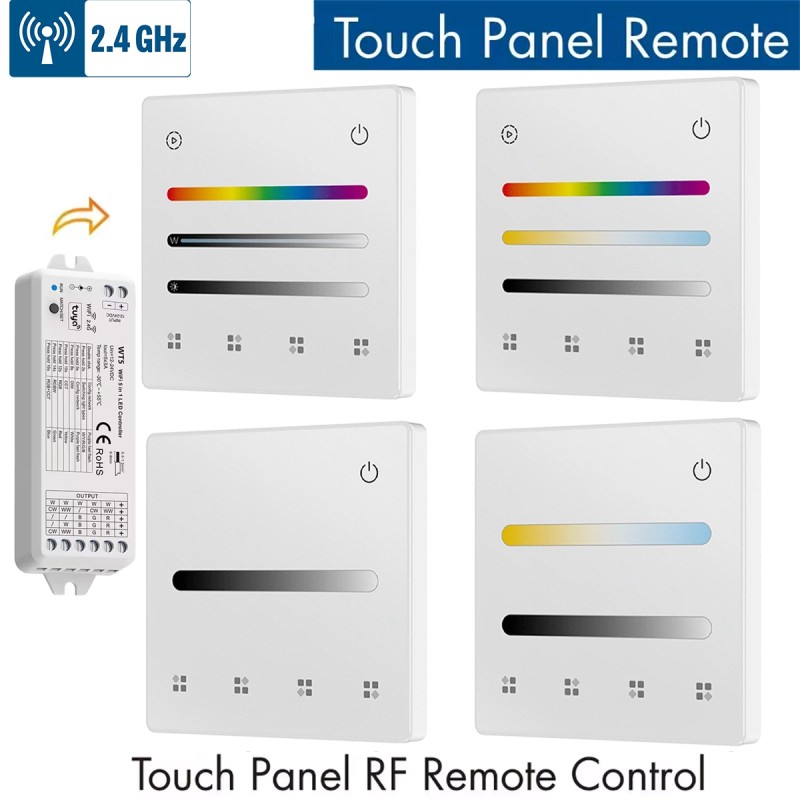
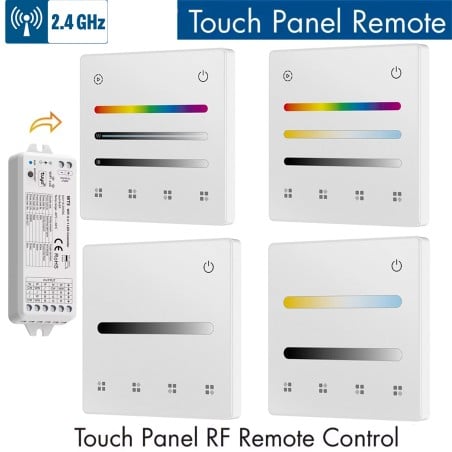
    • Four versions to choose from: Single Colour (TL1), CCT (TL2), RGB-RGBW (TL4) and RGBCCT (TL5). Choose the variant that matches the controller's lighting type.
    • Dedicated touch sliders: brightness on all versions; white colour temperature on CCT and RGBCCT; RGB colour on RGB-RGBW and RGBCCT. Slide your finger across the glass and the light responds.
    • Save scenes from the panel: adjust the light and press and hold a scene button for 5 seconds: the red LED flashes once and the scene is saved. A short tap recalls it.
    • Independent zones: in 4-zone mode, a tap switches on and selects the zone, while pressing and holding for 2 seconds switches it off. Tap several buttons in quick succession to control multiple zones together.
    • RGB, RGB+W or RGBW on the RGB-RGBW version: set the lighting type from the panel. The third slider adjusts saturation in RGB mode or white brightness in RGBW mode.
    • Dynamic modes on the colour versions: RGB-RGBW and RGBCCT have a dedicated button: a tap changes the effect, while pressing and holding for 2 seconds adjusts the speed across 10 levels.
    • Two pairing methods: use the controller's Match button, or disconnect and reconnect power to the controller and tap the panel's power button three times.
    • 86 × 86 mm format, 10 mm thick: the base plate attaches with two screws to a European round mounting box or an 86-format mounting box, with mounting holes spaced 60 mm apart; the panel clips onto it.
    • One year of battery life in standby: draws less than 15 µA in standby and less than 4 mA during use. When the range decreases or the buttons stop responding, it is time to replace the battery.
    • For dry indoor use only: IP20 protection rating and an operating temperature of -30 to +55 °C. The touch buttons have an LED indicator that confirms each command.
    • Battery and controller sold separately: the CR2032 battery is not included, and the panel cannot operate on its own: it must be paired with a 2.4G RF LED controller from the same series, purchased separately.
    Type :
    Quantity :
    Not sure it works with your home?
    Close
    • Secure payments: Secure payments: cards, PayPal, bank transfer, and installments
    • Delivery within 48 hours: Delivery within 48 hours: Free shipping on orders over €150 across Europe
    • Easy 14-day returns: Easy 14-day returns: follow the steps to get your refund
    Buy it with

    • 2.4G RF Touch Panel Remote Control with 4 Scenes or 4 Zones for LED Controller
    • +
    • Tuya Smart WiFi + RF SPI LED Controller for Addressable Pixel Strips 5-24V
    • +
    • Tuya 1 Zone Touch Control Panel for LED Controller
    • €76.70-3 %
      Total price: €74.40
    info Some of these items can be chosen with different options  Show details

    2.4G Wireless RF Touch Panel for LED Controller: 4 Scenes or 4 Zones from the Wall

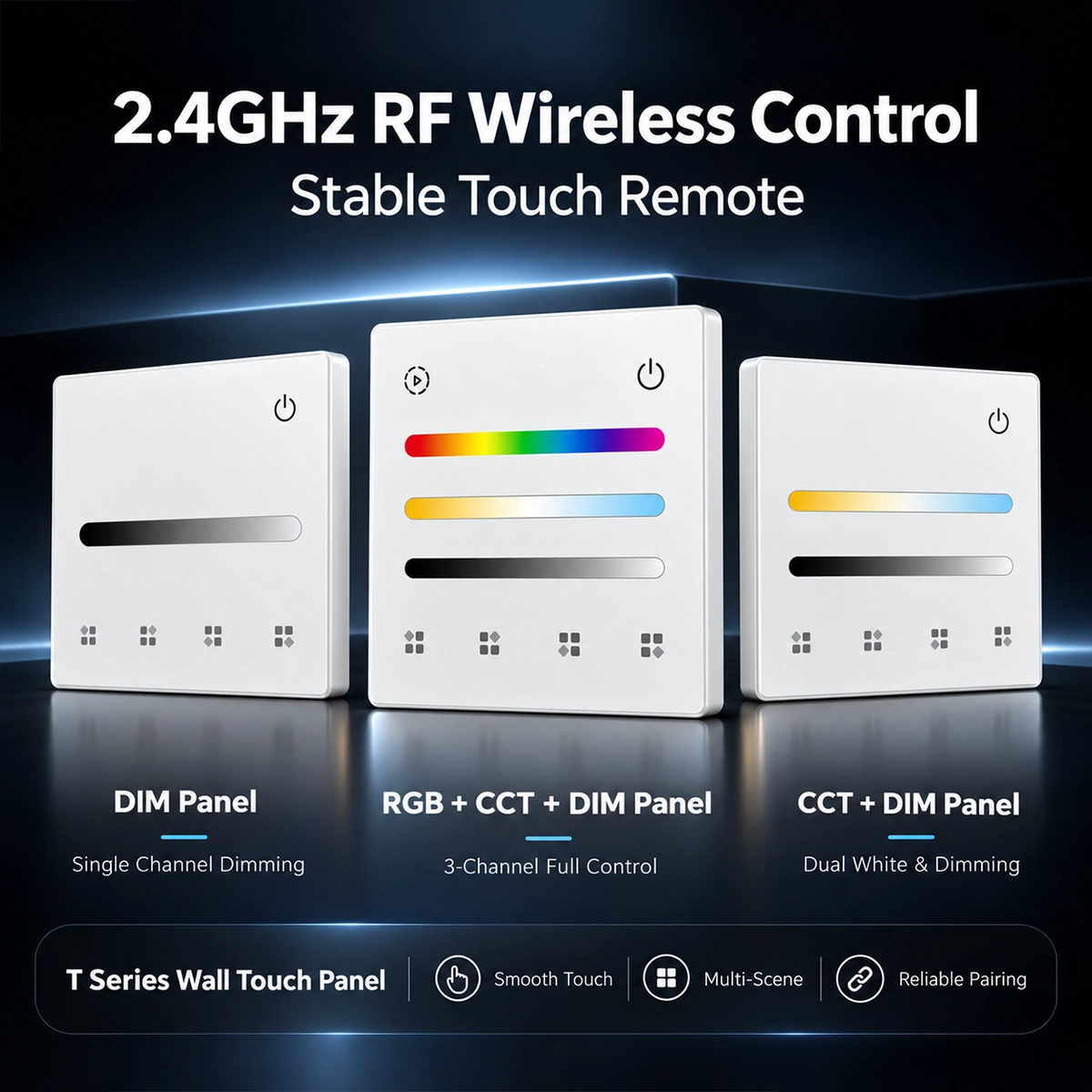
    Three white 2.4G RF touch panels for LED controllers: DIM, RGB+CCT and CCT versions with sliders and scene keys

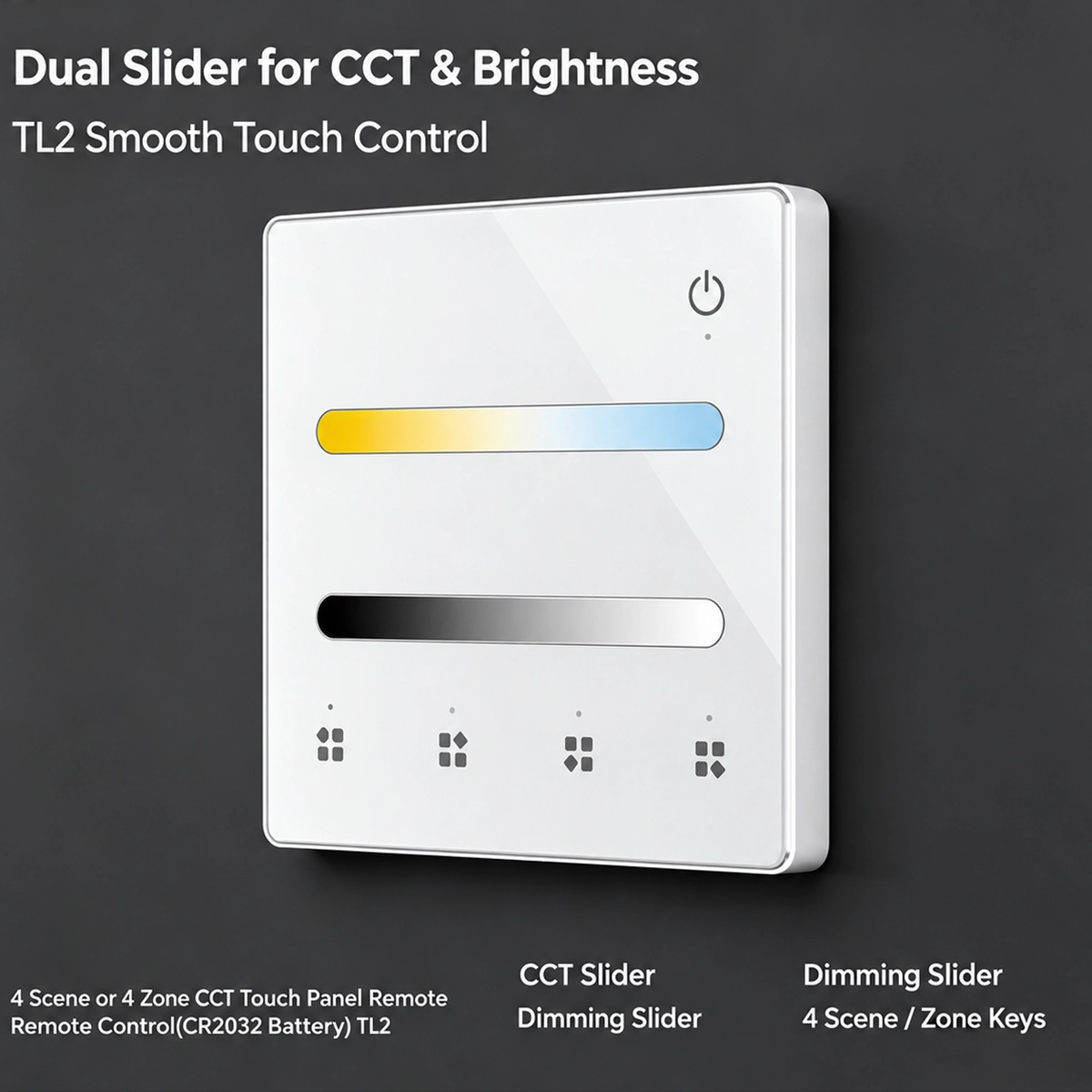
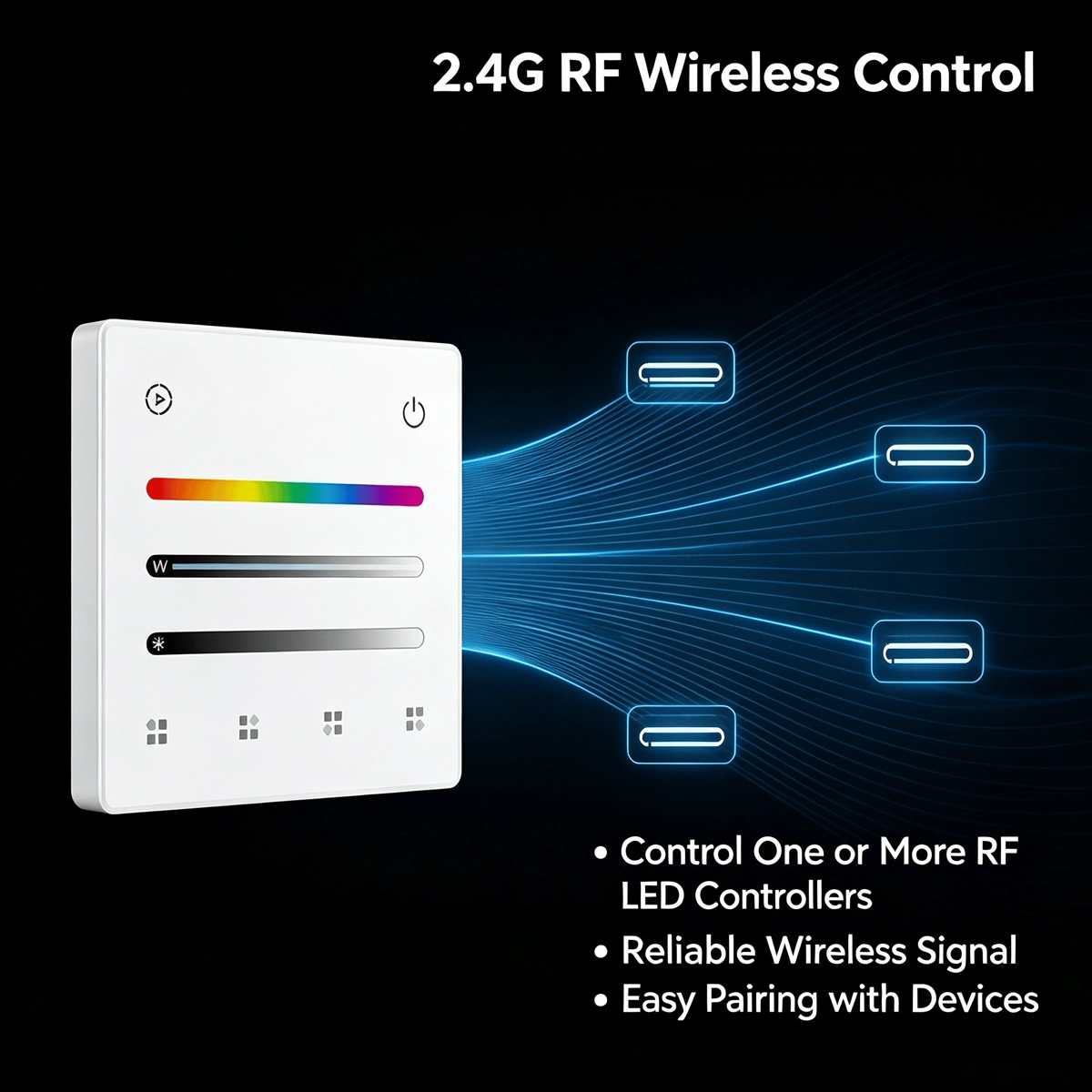
    The 2.4G RF touch panel remote control is a wireless wall control for LED controllers from the same series: it works with a CR2032 battery, does not need to be connected to the system and can be mounted wherever is most convenient for you. On the white glass you will find the power button, the sliders for adjusting the light and four buttons, which work as 4 scenes or as 4 zones . You can choose from four versions, based on the type of light: Single Color , CCT , RGB-RGBW and RGBCCT . The 2.4 GHz radio signal reaches up to 30 meters in an open field and a panel can control one or more controllers. On its own it does not turn anything on: you need a 2.4G RF LED controller, which must be purchased separately like the battery.

    Four versions: Single Color, CCT, RGB-RGBW and RGBCCT

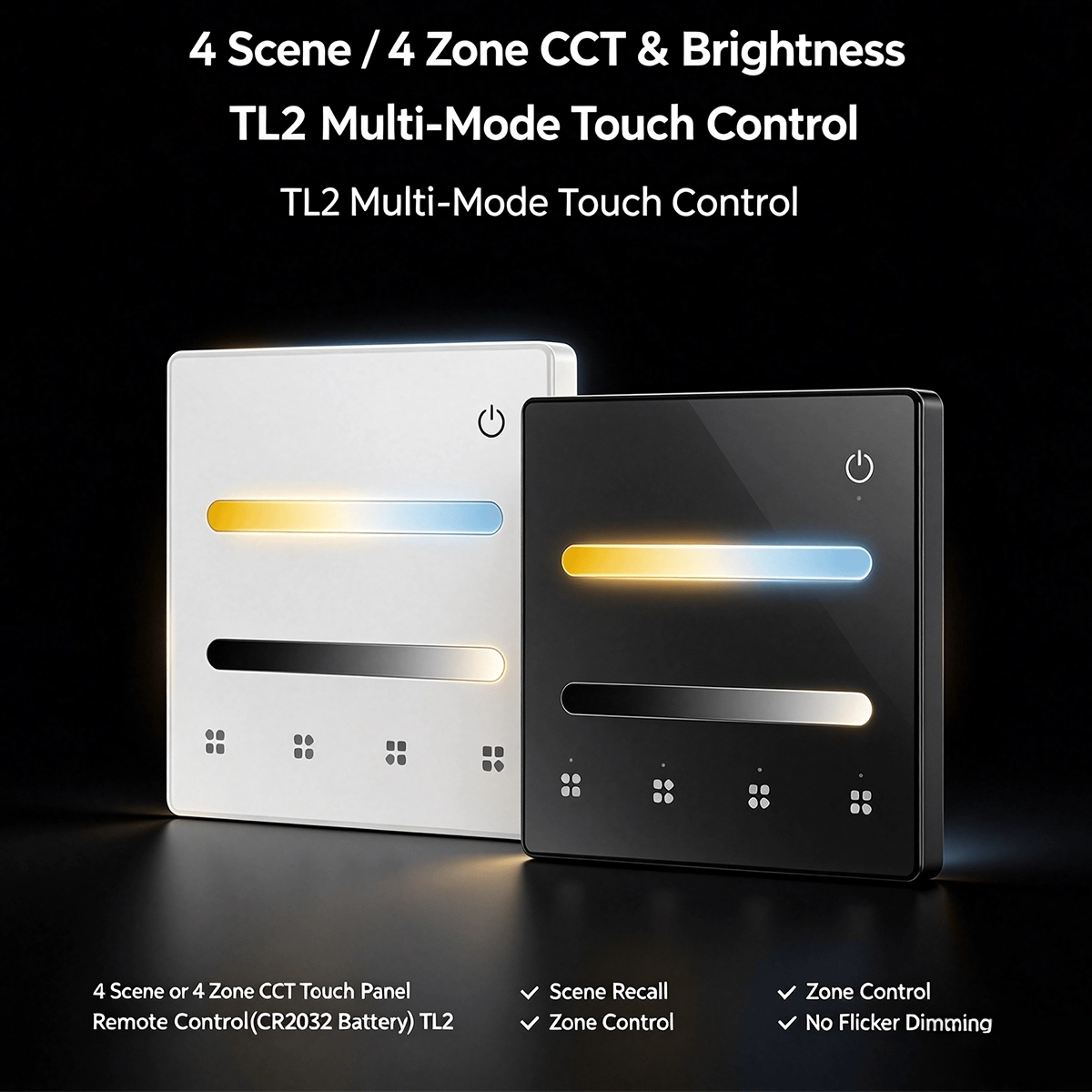
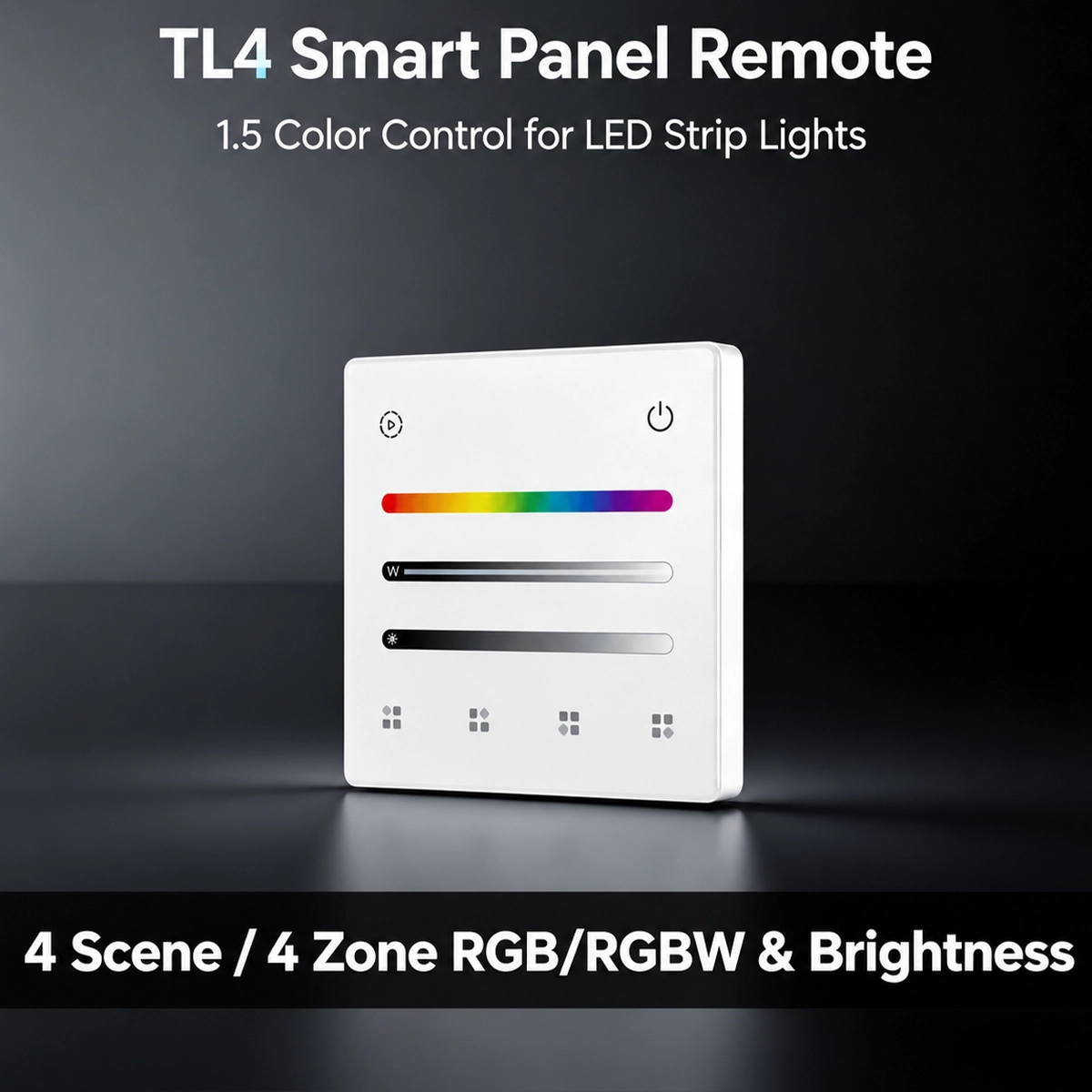
    The version should be chosen based on the type of light set on the controller, because each panel has the sliders needed for that light. Single Color (TL1) adjusts the power and brightness of single-color strips. CCT (TL2) adds the white temperature, from warm to cold. RGB-RGBW (TL4) manages color strips, with or without the white channel. RGBCCT (TL5) combines color and adjustable white in the same panel. All have the four buttons for scenes or zones and the same 86 mm format. The panel for sale is white : in some images, the manufacturer's black finish also appears, which is not part of this board.

    Separate touch sliders for color, white and brightness

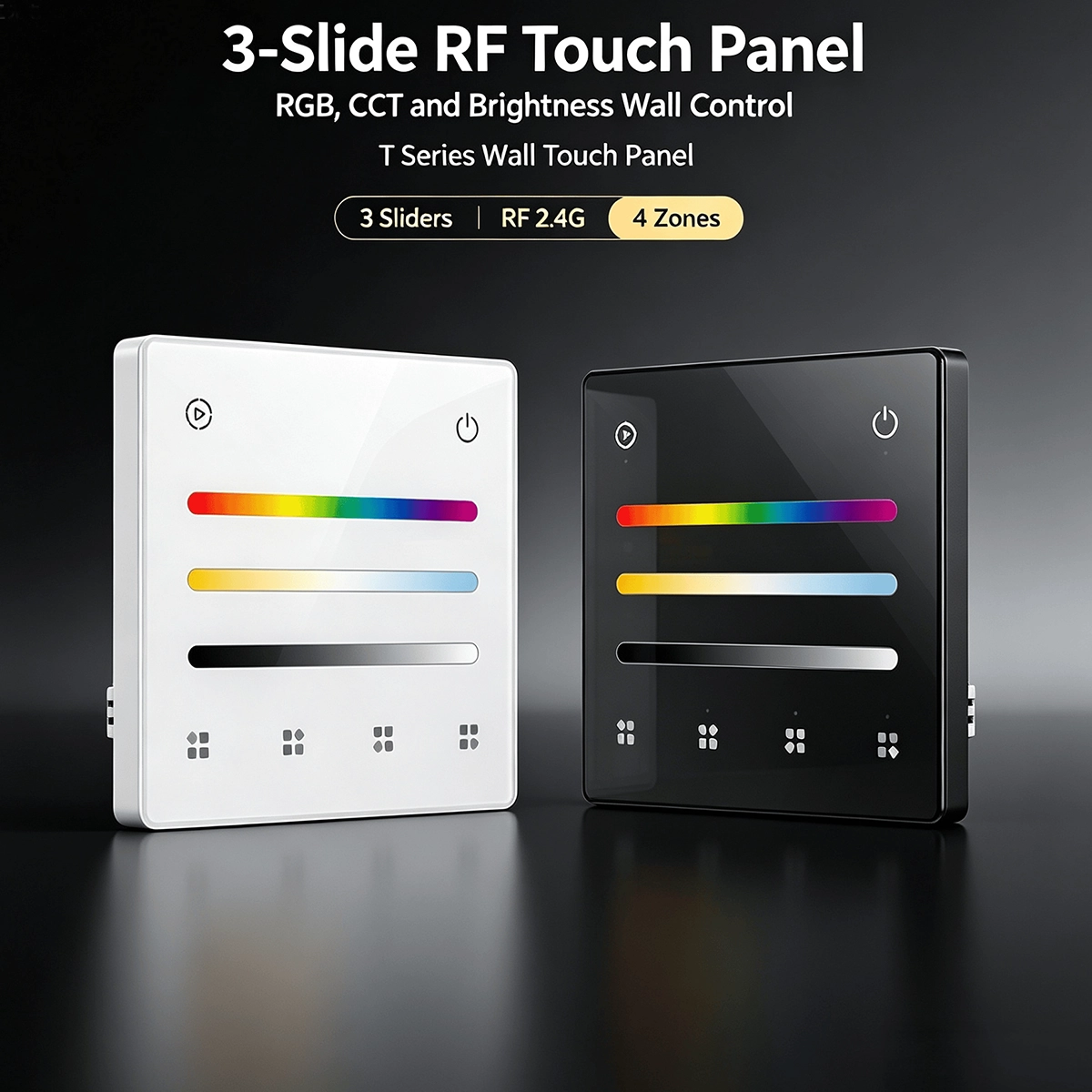
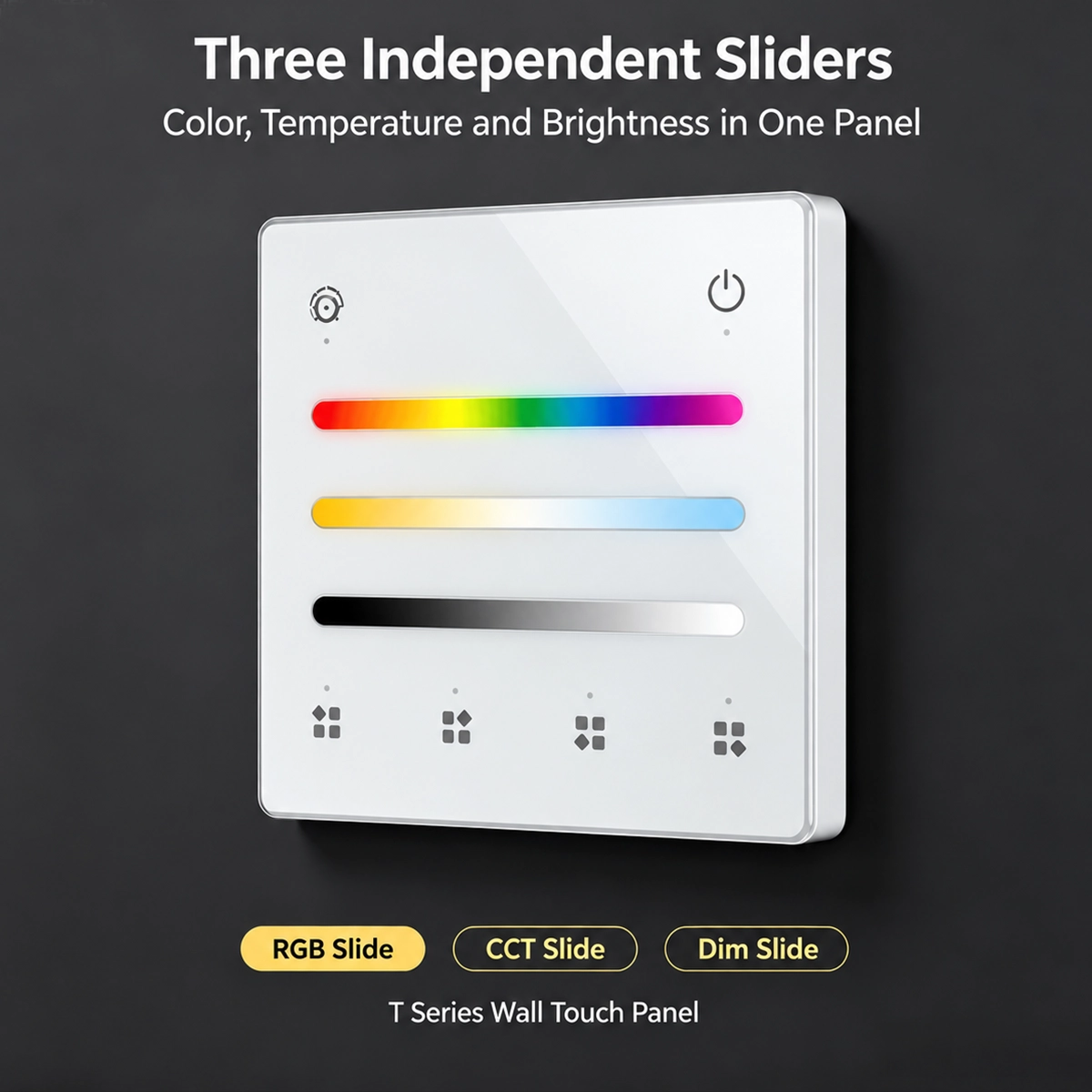
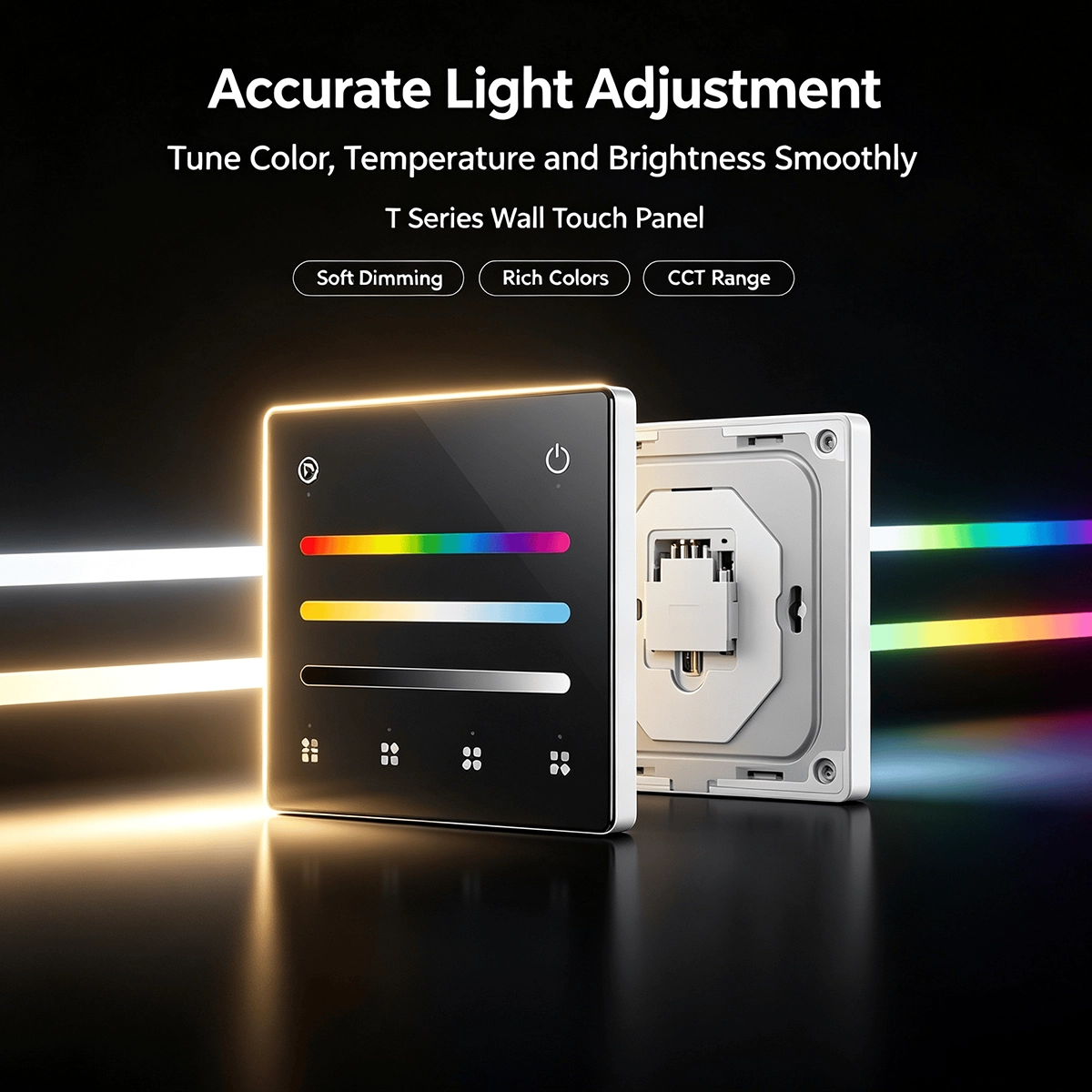
    Each size has its own touch slider : slide your finger across the glass and the light follows, without menus or a phone. The brightness slider is available on all versions. CCT and RGBCCT have a white temperature slider, while CCT LED strips have a color slider; RGB-RGBW and RGBCCT have a color slider. On the RGB-RGBW version, the third slider adjusts the saturation if the panel is set to RGB, or the white brightness if it is set to RGBW; the light type, RGB, RGB+W, or RGBW, is selected from the panel. The two color versions also have a dynamic mode button: a touch changes the effect, a 2-second press adjusts the speed through 10 levels.

    Four scenes to save and recall with a touch

    By default, the panel works on one zone with 4 scenes . Adjust the light as needed, for example, low for the evening, then hold down one of the four buttons for 5 seconds : the red indicator flashes once and the scene is saved. From that moment, a quick tap on that button is all it takes to recall it. You can overwrite a scene whenever you want by repeating the operation. If you prefer to prevent someone from accidentally changing it, the manual includes a lock sequence that deactivates saving with a long press, and one to reactivate it. The touch buttons have an LED indicator that confirms the command.

    Black RGB+CCT touch panel with its base plate and LED strips lit in warm white and color

    Wall mounting on 86 or round box, wireless

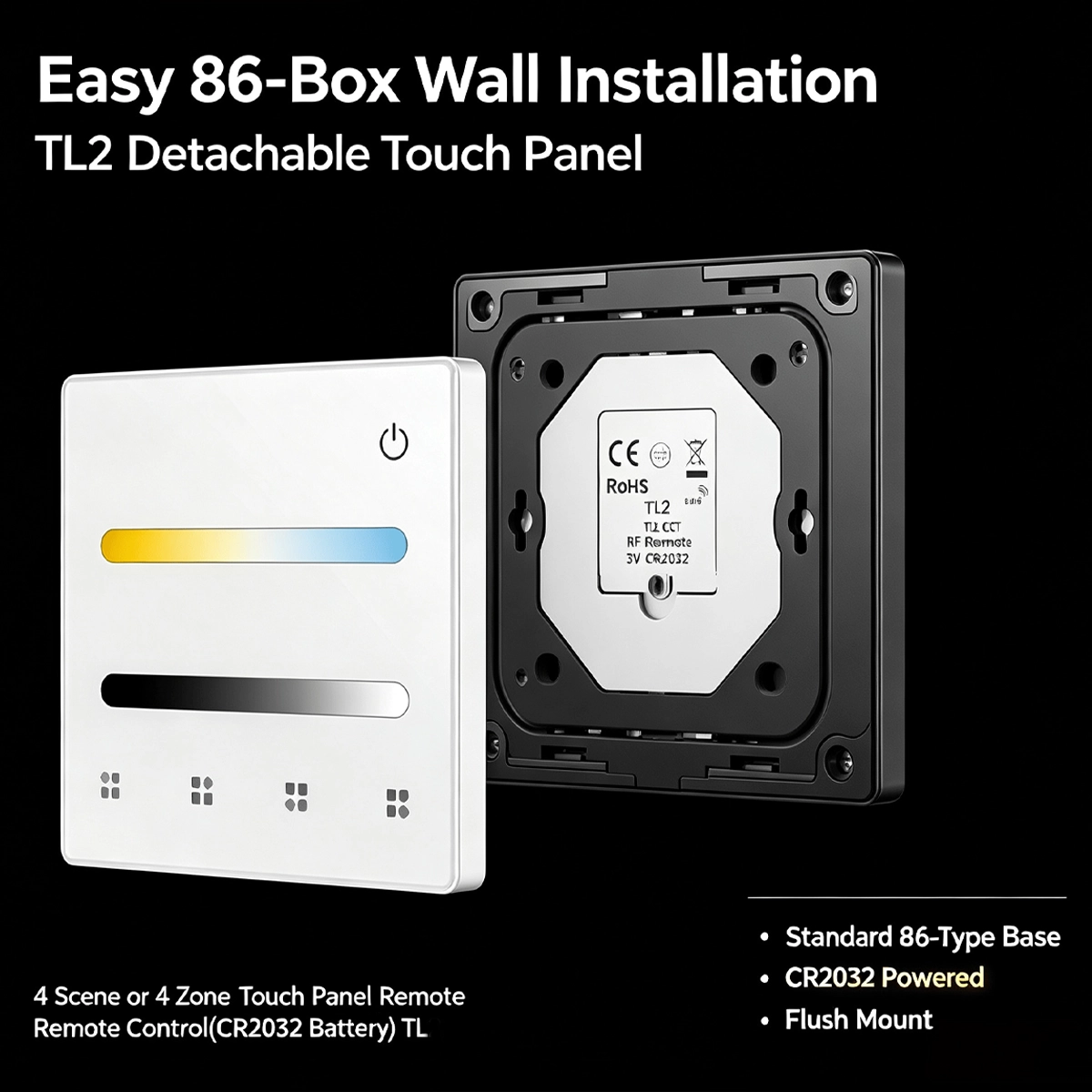
    The panel measures 86 × 86 mm and is 10 mm thick. The base plate is fixed with two screws, with holes spaced 60 mm apart, to a European-style round box or a 86-format box; the glass panel clips onto the top and remains protruding, not flush with the wall. There are no cables to run: the power supply is a 3 V CR2032 battery, not included , with a declared standby life of one year. The manual also indicates adhesive attachment. When the range decreases or the buttons become unresponsive, replace the battery. IP20 protection rating: dry interiors only, -30 to +55 °C.

    2.4G RF pairing with one or more LED controllers

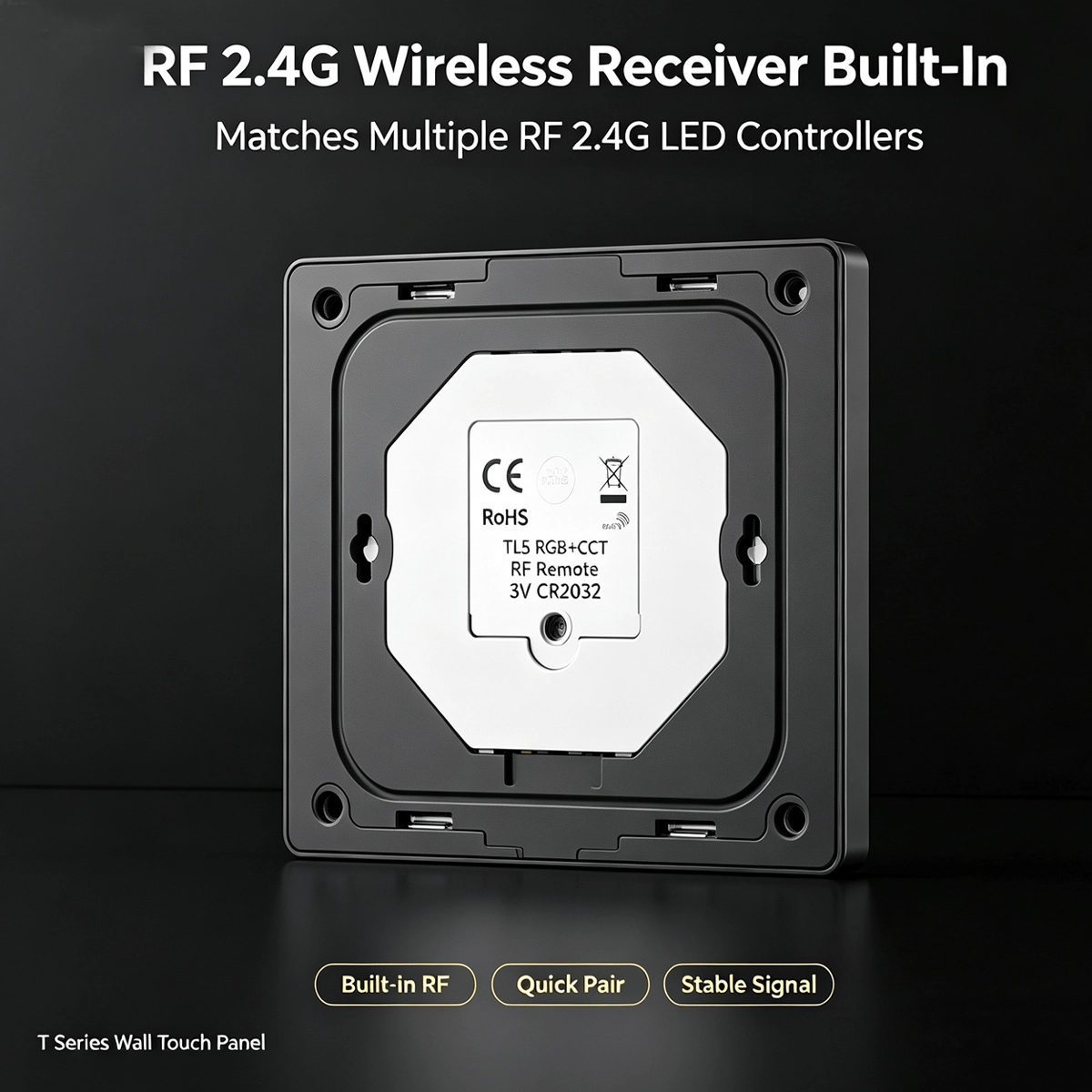
    The panel is a 2.4 GHz radio transmitter: the receiver is in the controller, which powers and regulates the strip. It pairs with 2.4G RF LED controllers from the same series, one or more at a time, up to 30 meters in an open field. There are two ways to do this: press the Match button on the controller and then immediately press the panel's power button; or, power cycle the controller and triple-tap the power button. To delete pairings, hold down Match for 5 seconds. If the controller is also Wi-Fi-enabled, the apps and voice assistants remain the same as the controller's: the panel is just another control, without the app.

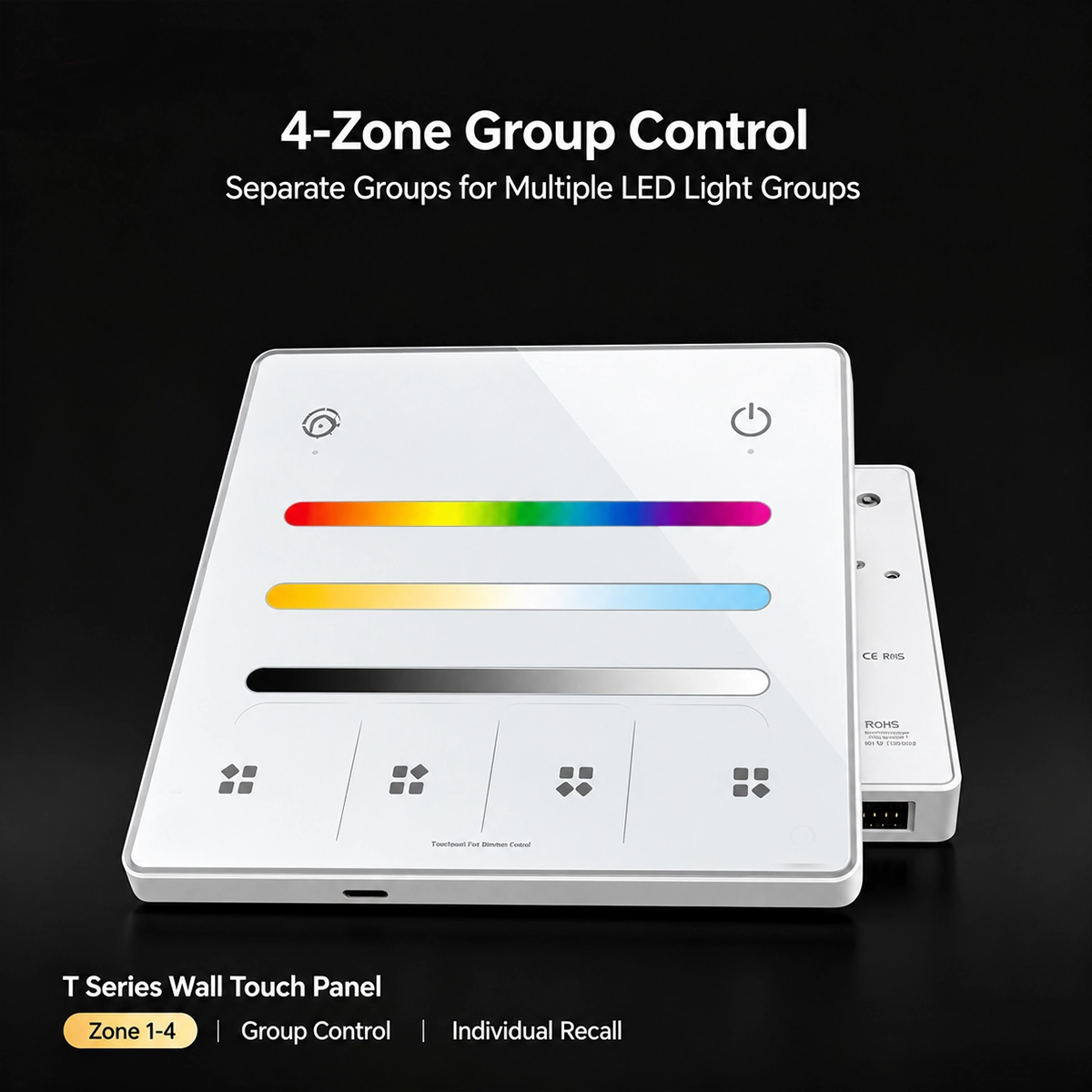
    RGB+CCT touch panel with four highlighted zone keys, to control separate groups of lights

    Four zones to control separate groups of lights

    As an alternative to scenes, the four buttons become 4 zones : hold down the power button and the fourth button at the same time for 5 seconds, and the red indicator will flash three times. To return to the 4 scenes, do the same with the first button. In zone mode, you assign one or more controllers to each button, using the zone button in place of the power button. One touch turns the zone on and selects it, so the settings only apply to that zone; a two-second press turns it off. By tapping multiple buttons in quick succession, you select multiple zones and adjust them together. This is the way to manage, for example, the living room, kitchen, study, and hallway from a single panel.

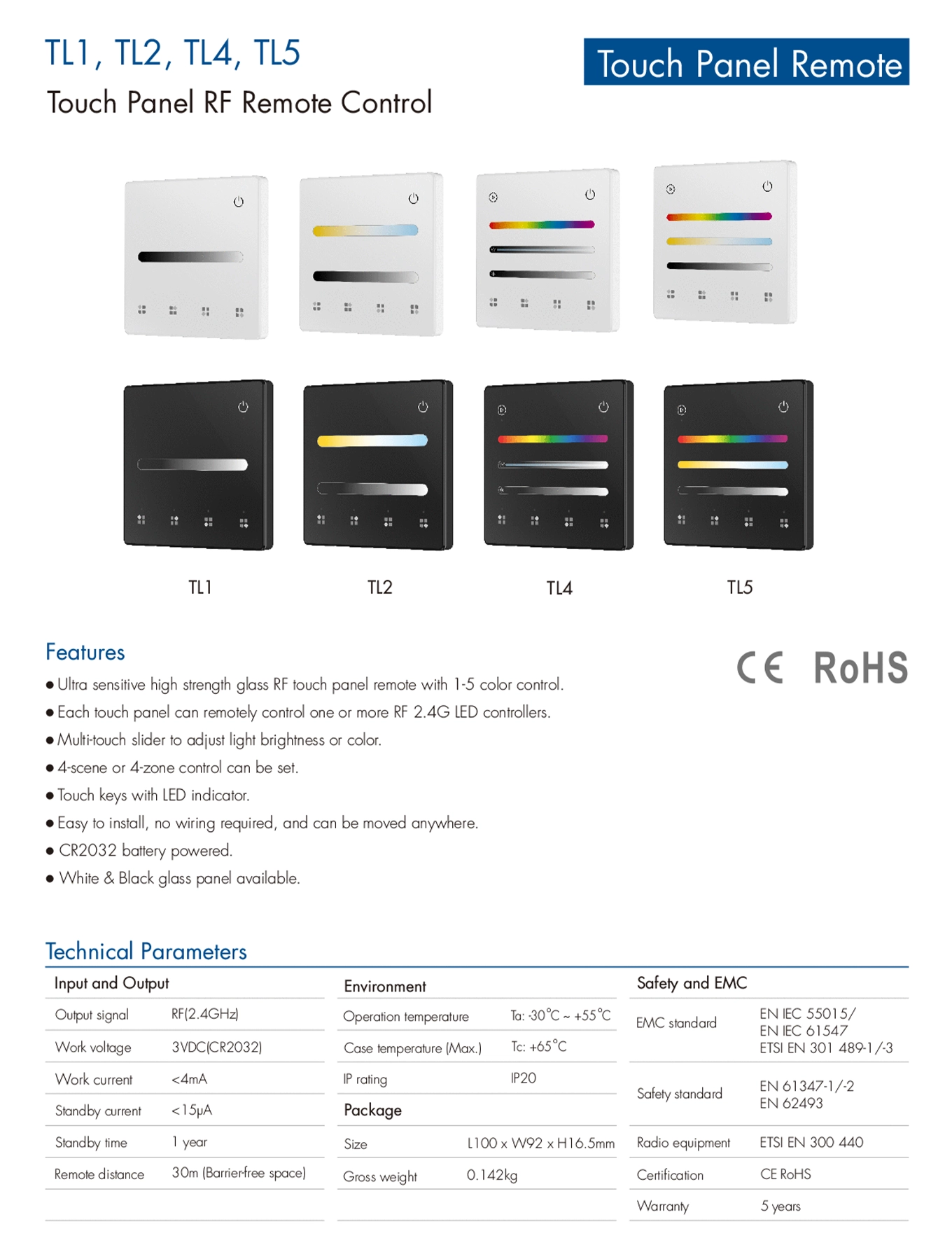
    TL1, TL2, TL4, and TL5 Touch Panel Datasheet

    Technical data sheet for the TL1, TL2, TL4 and TL5 touch panels in black and white, with features and parameters

    Frequently Asked Questions

    Does it work on its own?

    No. It's a radio remote control: it must be paired with a 2.4G RF LED controller from the same series, which powers and controls the strip. The controller is purchased separately.

    Compatible with LED controllers from the same series that use 2.4G RF in the communication protocol. Compatibility with other brands' controllers, even those with 2.4GHz, is not guaranteed.

    The one that corresponds to the controller's light type: Single Color for single-color strips, CCT for variable white, RGB-RGBW for color strips, RGBCCT for variable color plus white. For SPI controllers for addressable strips, the manufacturer specifies RGB/RGBW remotes.

    In scene mode, the four buttons recall four saved settings for the same zone. In zone mode, each button controls a different group of lights. The panel operates in one mode at a time, and you change it using the buttons.

    Adjust the light and hold a scene button for 5 seconds: the red indicator will flash once. Then a short tap on the same button will recall it.

    Press the Match button on the controller and immediately afterward the power button on the panel. Alternatively, unplug the controller and reconnect it, then triple-tap the power button: the light will flash three times.

    One 3V CR2032, not included. The manufacturer claims one year of standby time; actual battery life depends on usage.

    No electrical connection required. The base plate screws into a Euro-round box or a size 86 box, or is attached with adhesive. The panel protrudes 10 mm from the wall.

    The panel doesn't: it doesn't have Wi-Fi or an app. If the controller is also Wi-Fi, apps and voice go through the controller, and the panel remains just another radio control.

    White, with a glass front. Some images also show the manufacturer's black version, which is not for sale in this listing.

    No. The protection rating is IP20: it should be used in dry interiors, between -30 and +55 °C.

    Tuya
    Tuya-34401

    Data sheet

    Power supply
    CR2032 3V battery
    Colors
    White
    Working temperature
    -30°C ~ +55°C
    Voice Control
    None
    Dimensions
    86x86x10 mm
    Communication Protocol
    RF 2.4G
    Installation
    Wall mounting
    Wireless transmission range
    30 meters in open spaces
    Protection Rating
    IP20
    Radio frequency
    2.4GHz
    LED Types Supported
    CCT White Variable
    Monochrome
    RGB
    RGB+CCT
    RGBW
    Works with
    No app (accessory)
    Hub required
    None (Wi-Fi / standalone)
    Ideal for
    Lights & LED
    Home Assistant integration
    Not integrable

    Specific References

    UPC
    930435240777
    EAN13
    9304352407779
    MPN
    TL1

    Download

    User Manual TL1,TL2,TL4,TL5

    User Manual Expert4house Tuya Telecomando a pannello touch a 4 scene e 4 zone RF 2.4GHz

    Download (613.8KB)
    Four RF 2.4G touch panel remote controls for LED controllers: single color, CCT, RGB-RGBW, and RGB+CCT
    2.4G RF Touch Panel Remote Control with 4 Scenes or 4 Zones for LED Controller
    €24.90
    Tax included
    rating No review at the moment