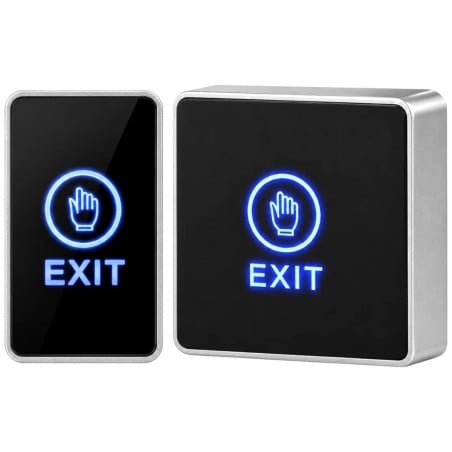
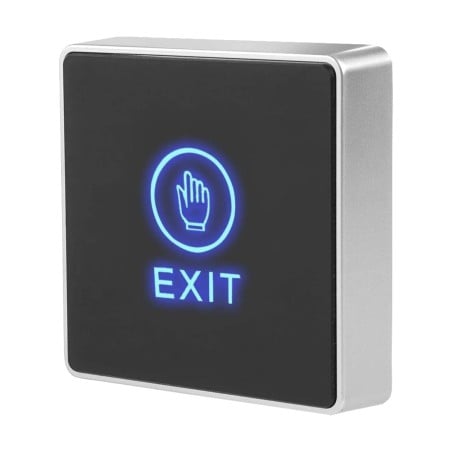
Touch Door Release Button with LED for Electric Locks and Access Control
€12.89
Tax included
No review at the moment
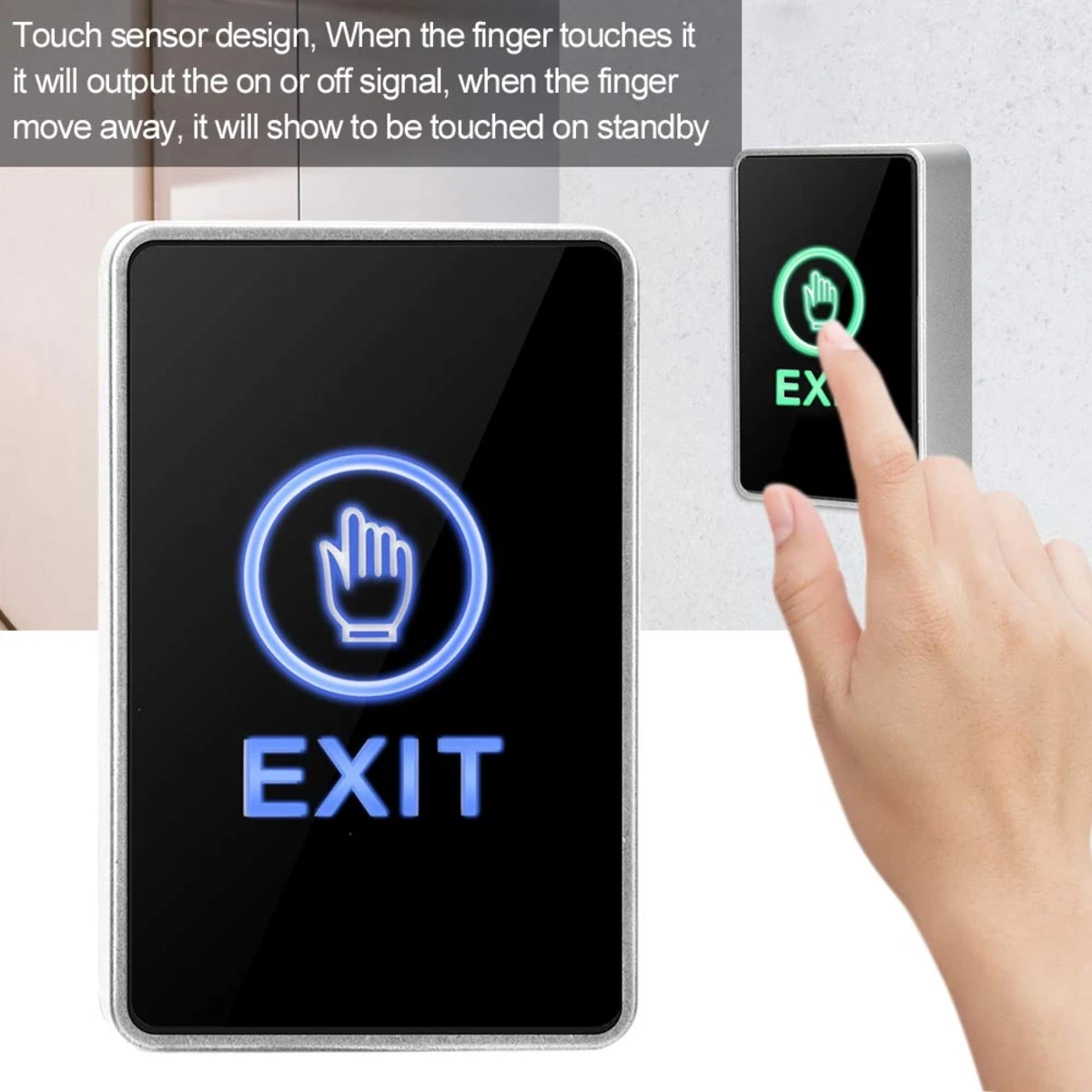
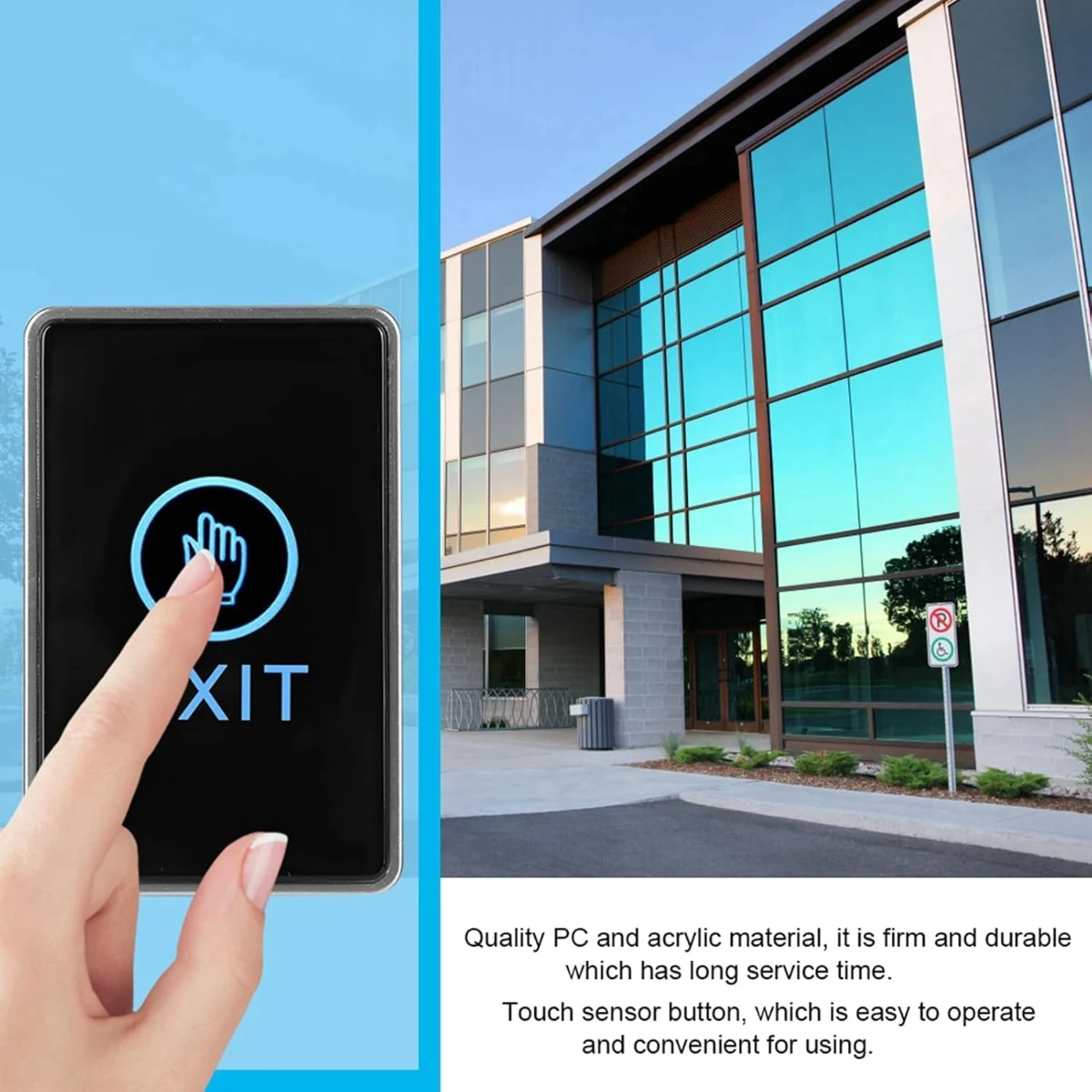
Opens the door with a touch: touch the panel lightly and the button sends an opening signal to the access control system or the electric lock power supply.
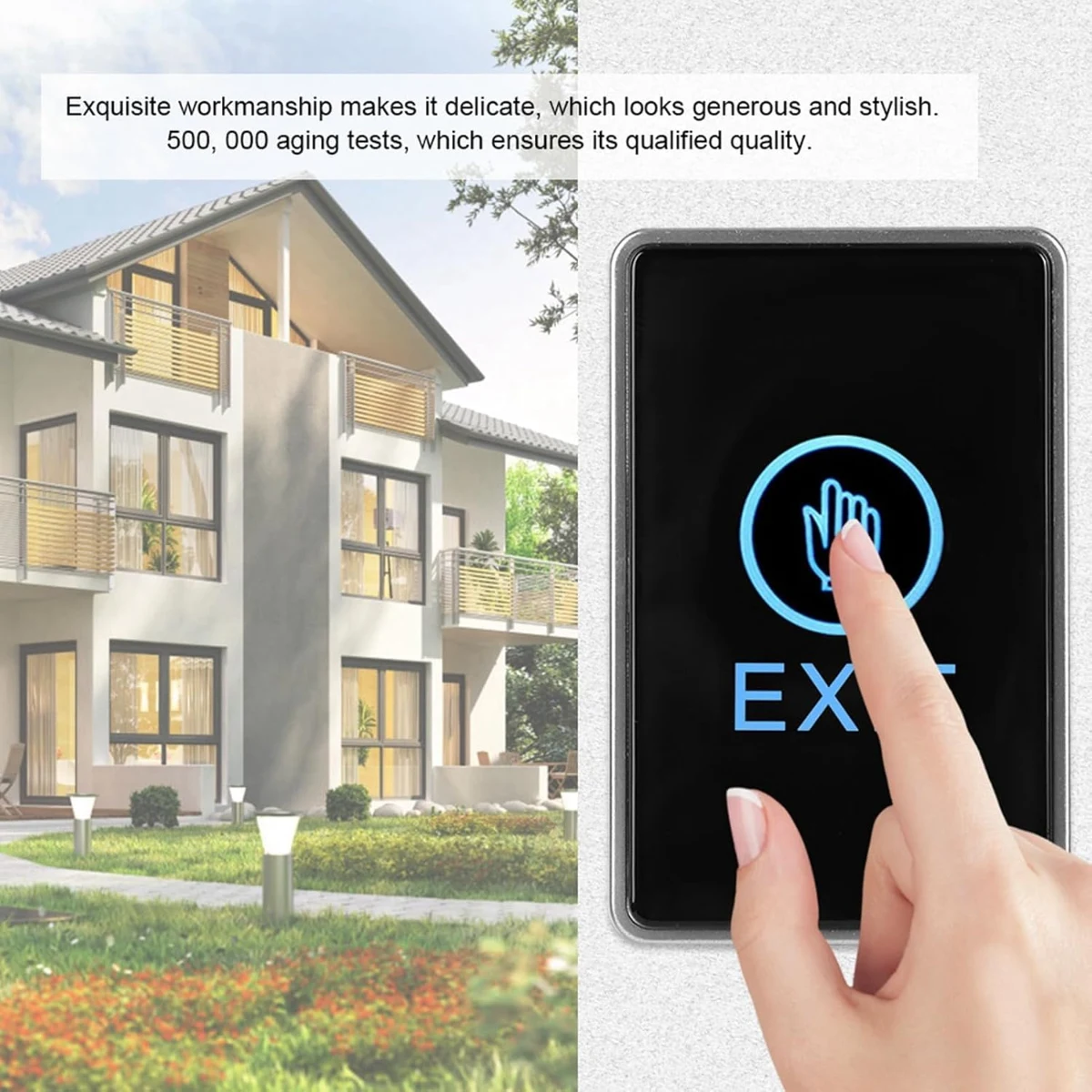
Touch sensor: no mechanical button: beneath the panel is a touch sensor, tested by the manufacturer for 500,000 operations.
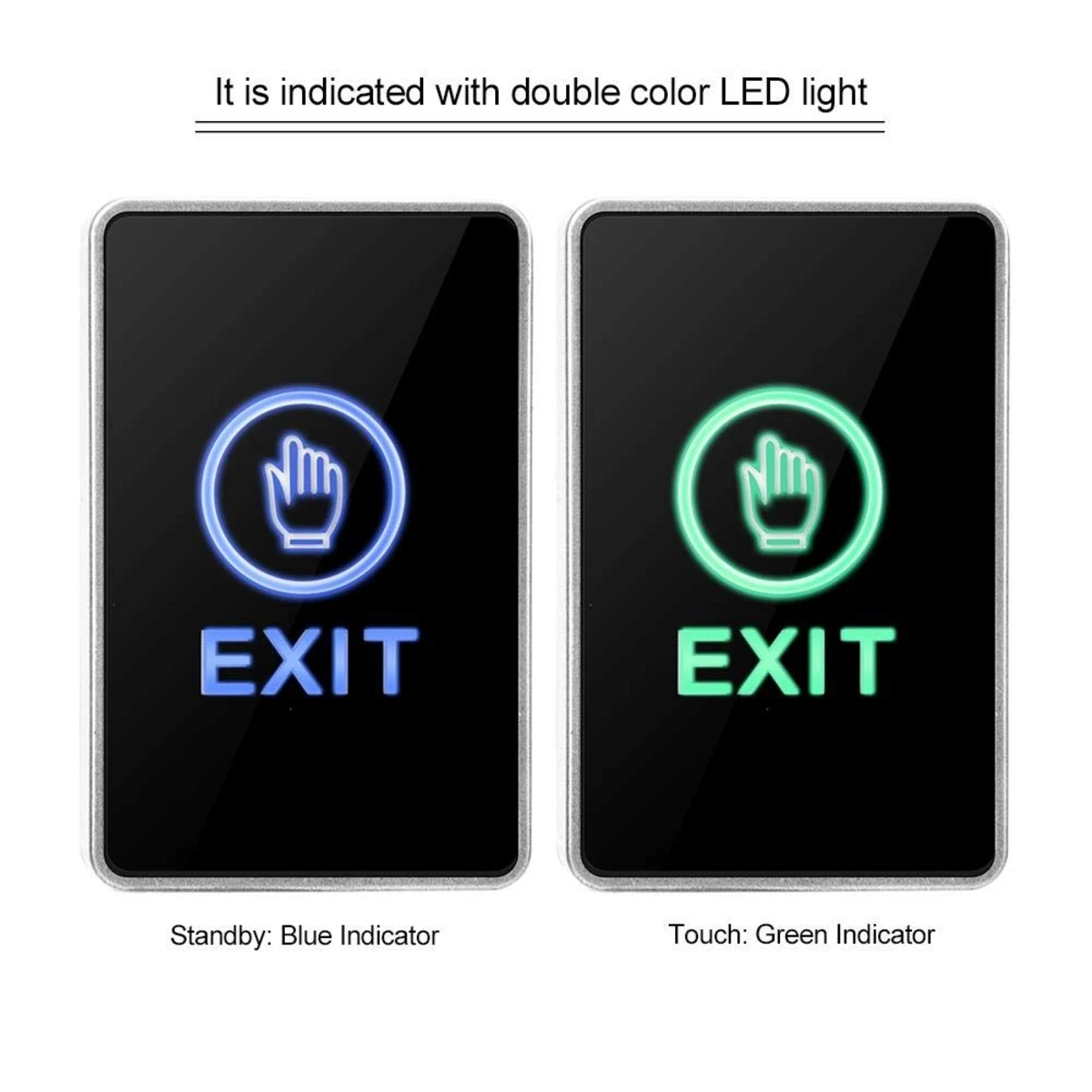
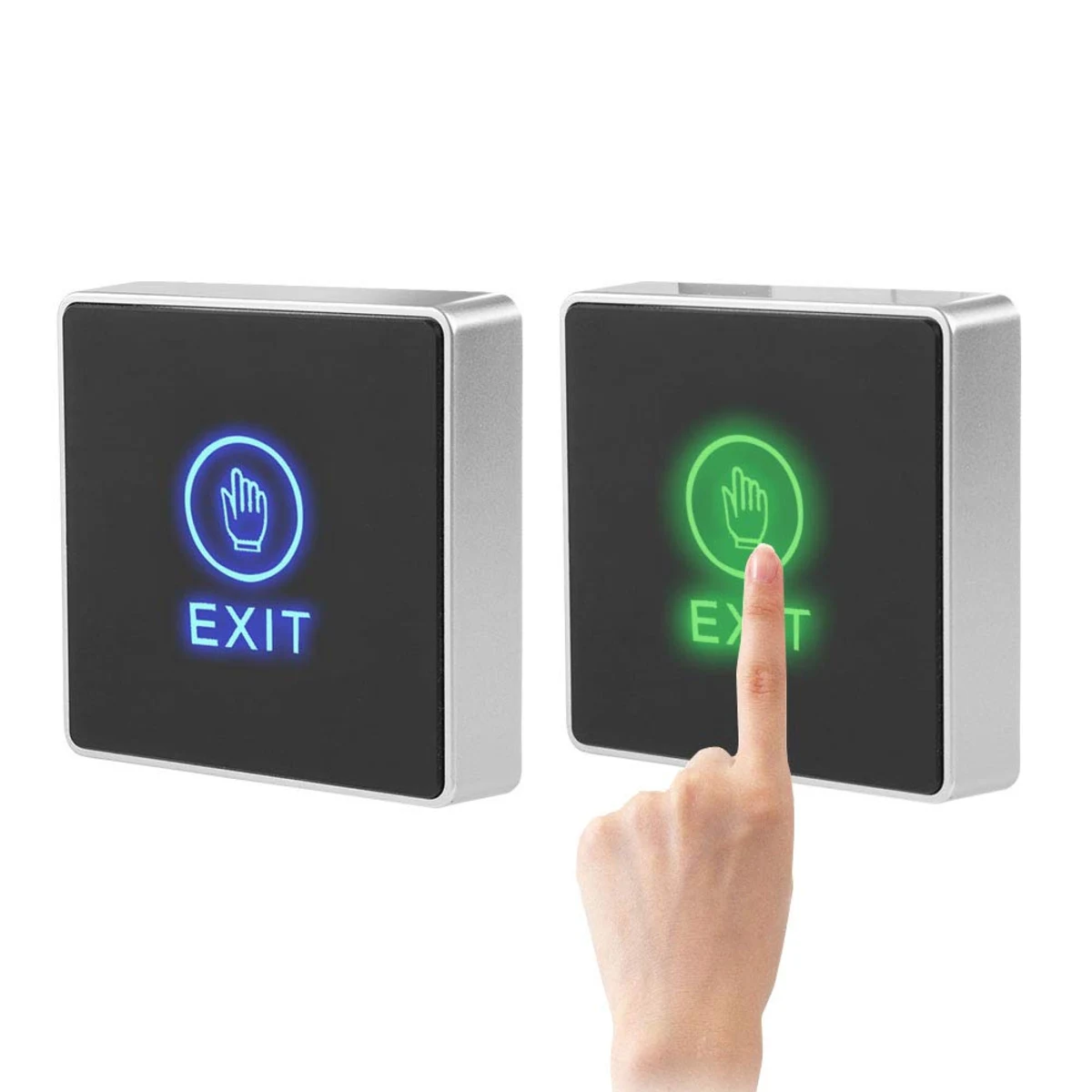
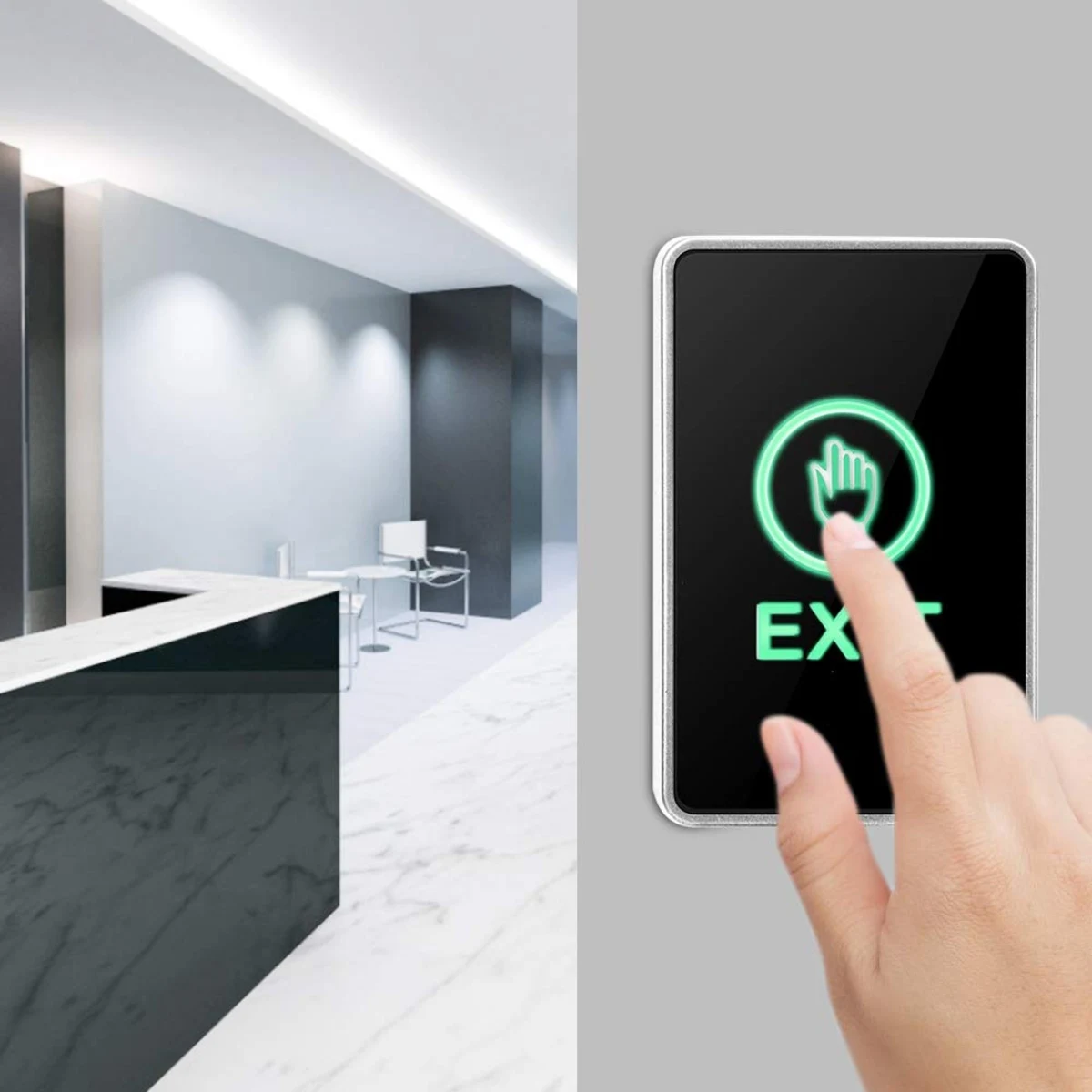
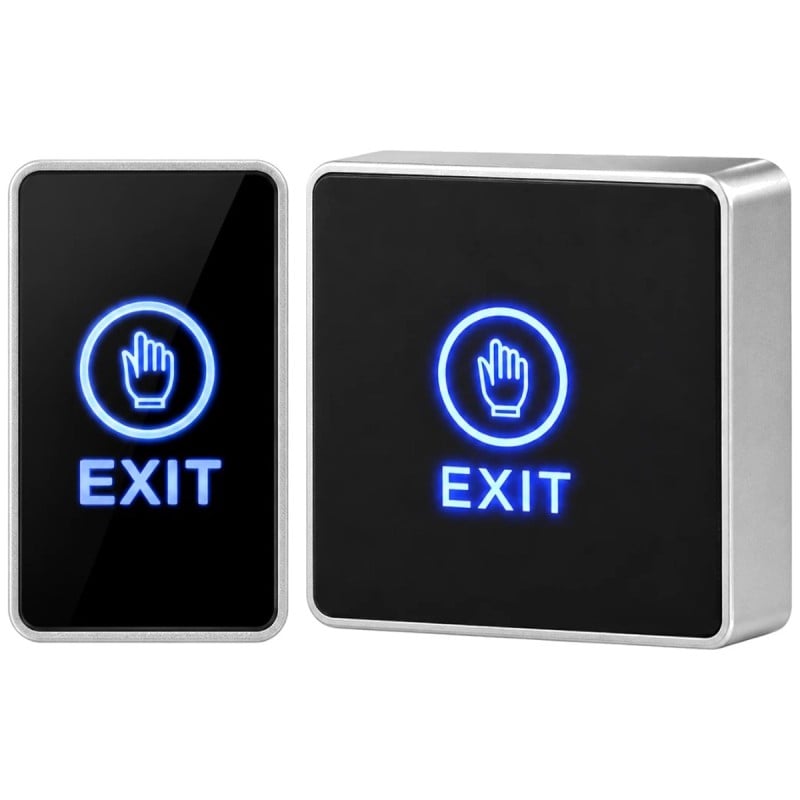
Dual-colour LED: the EXIT text and hand icon light up blue on standby and green when touched, making the button easy to find even in the dark.
NO, NC and COM contacts: you can use the normally open or normally closed contact, with a maximum load of 3 A at 12-24 V DC.
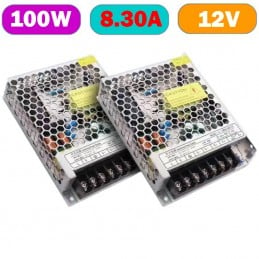
12 V DC power supply: the LEDs are powered at 12 V DC via the red and black wires, usually from the same power supply as the access control system. Power supply not included.
Five colour-coded wires:red +12 V, black GND, yellow COM, white NC and green NO, also identified on the label on the back.
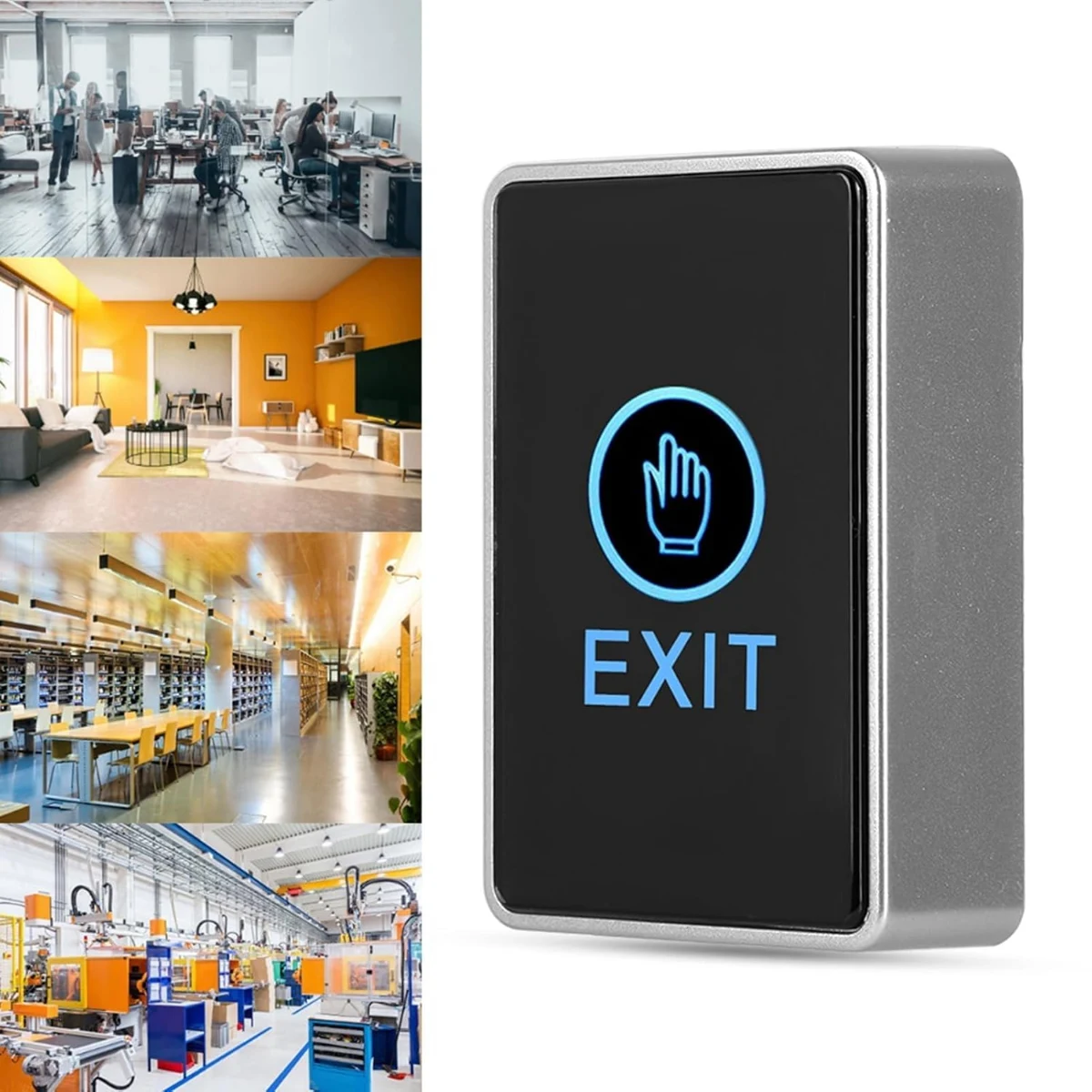
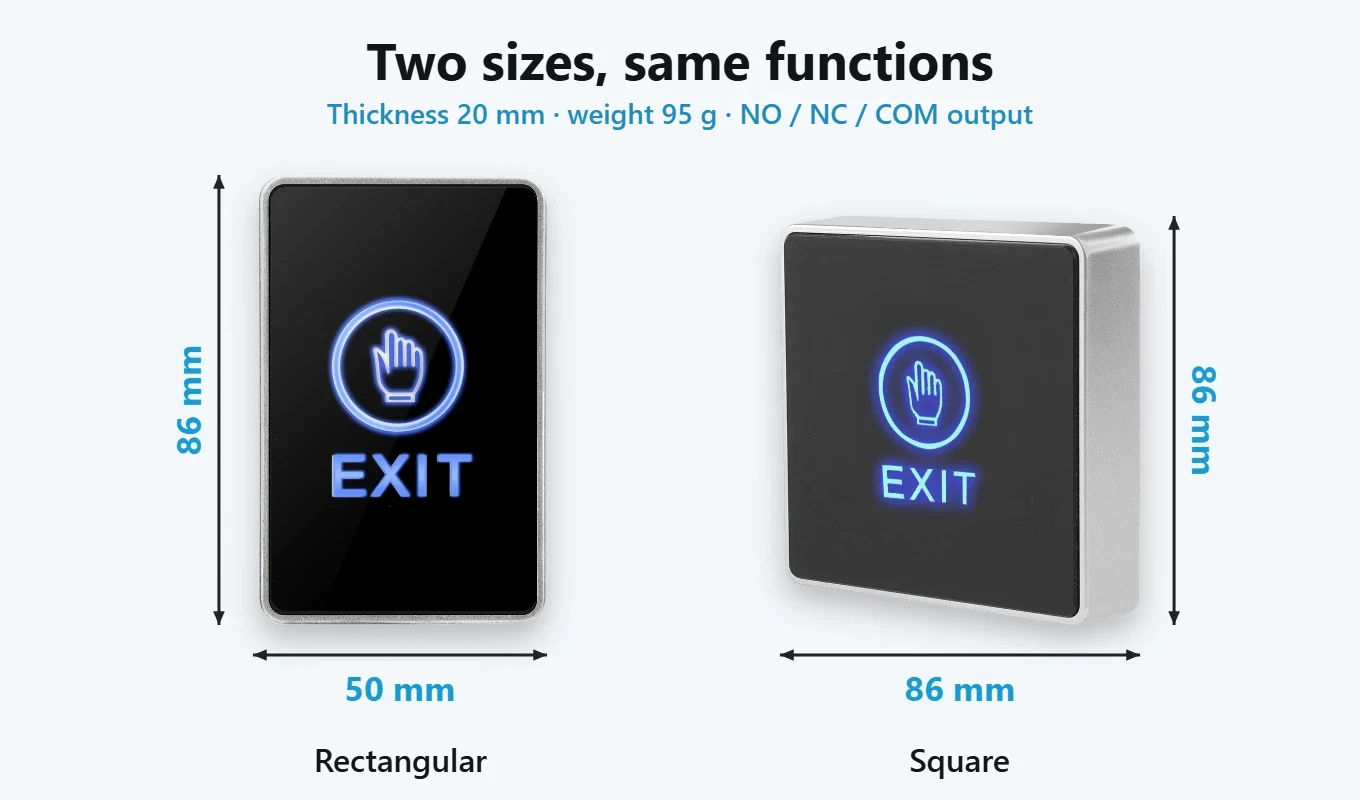
Two sizes:square, 86 × 86 × 20 mm, or the narrower rectangular version, 50 × 86 × 20 mm, with the same functions: select your preferred version from the product options.
Surface mounting: mounts on the wall or door frame using the 2 screws and 2 wall plugs included, with no flush-mount box required; weighs 95 g.
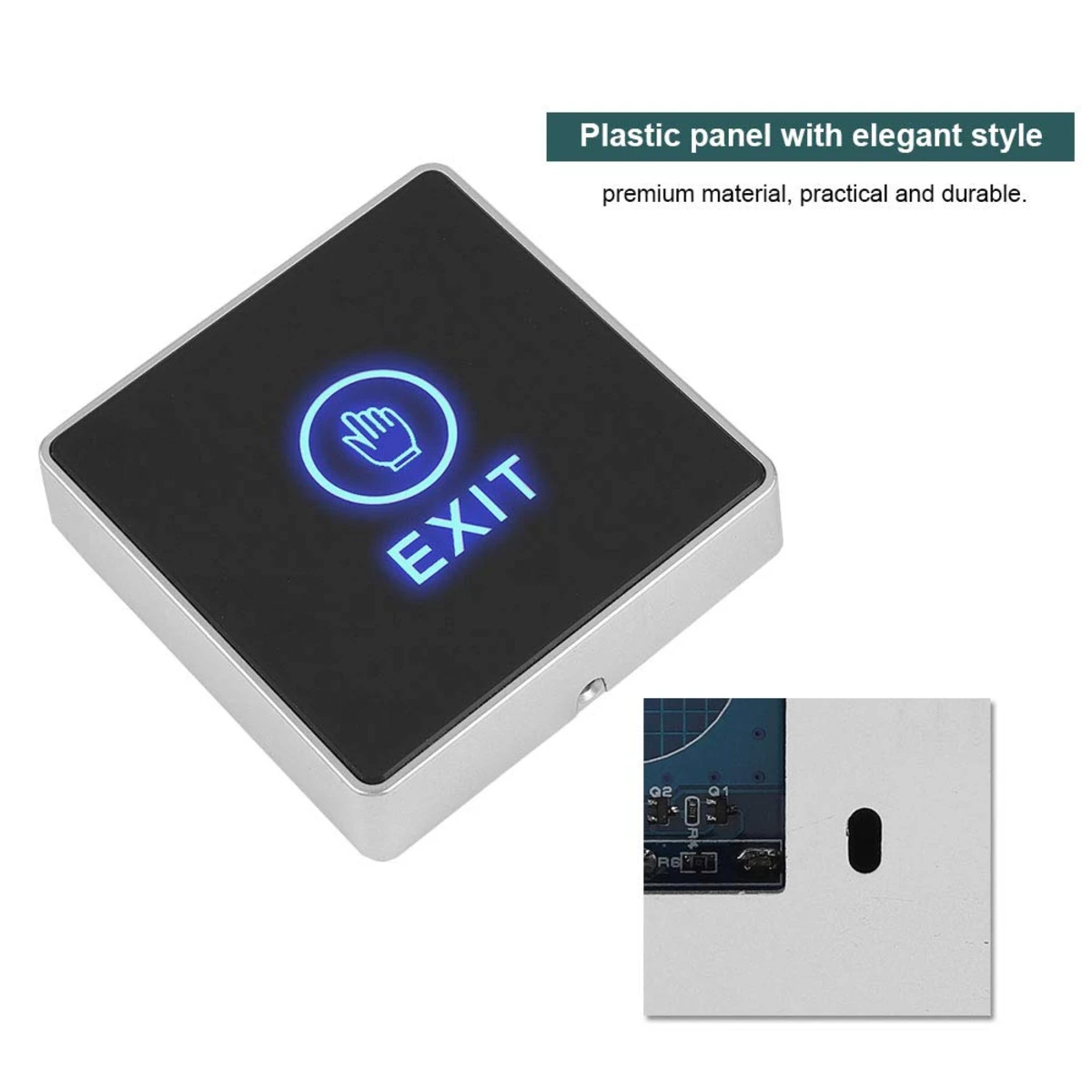
Plastic panel: the housing and panel are made of plastic, with a smooth surface and no gaps around a button.
Temperature and humidity: operates from -10 to 55 °C at relative humidity up to 95%. The manufacturer does not specify an IP rating.
For homes, offices and reception areas: for exiting through a door fitted with an electric lock or letting visitors in from a counter or desk, in offices, workshops and industrial buildings.
Passive button: no app and no WiFi: works with the access control system, keypad or power supply that controls the lock.
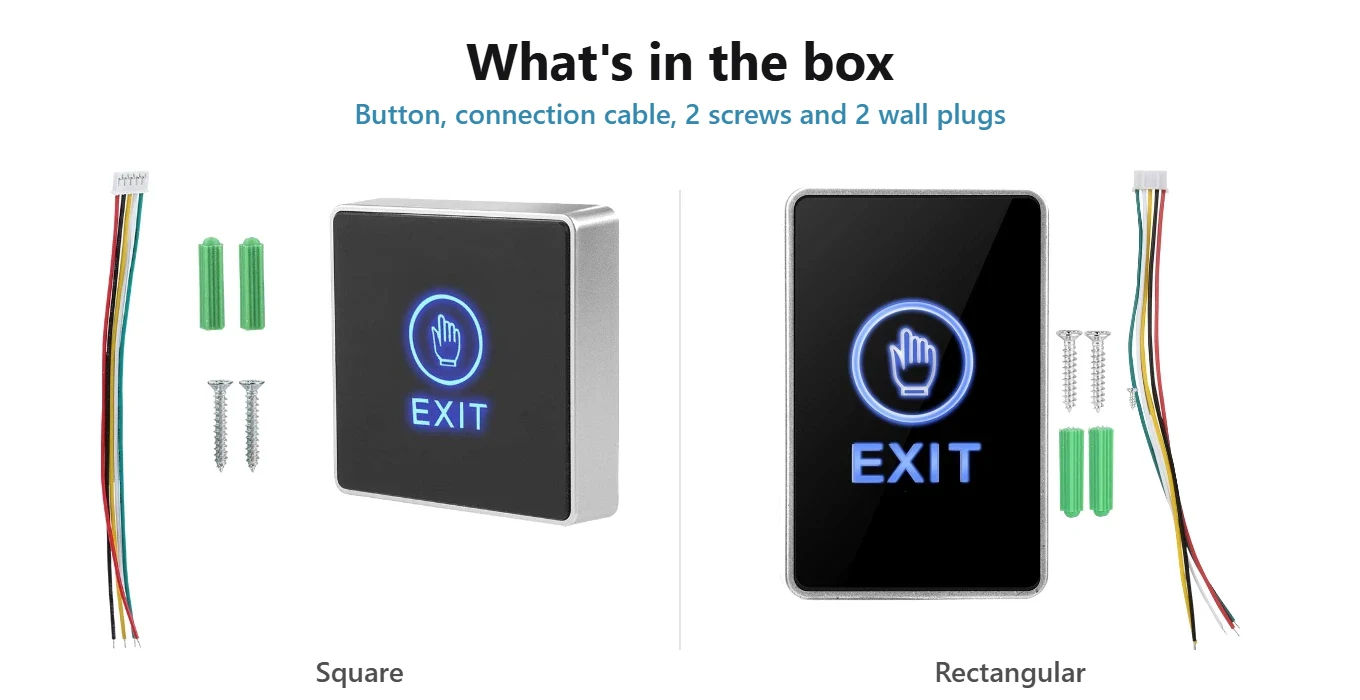
Package contents: the button with connection cable, 2 screws and 2 wall plugs. Lock and power supply sold separately.
Secure payments: cards, PayPal, bank transfer, and installments
Delivery within 24 hours: Free shipping on orders over €150 across Europe
Easy 14-day returns: follow the steps to get your refund
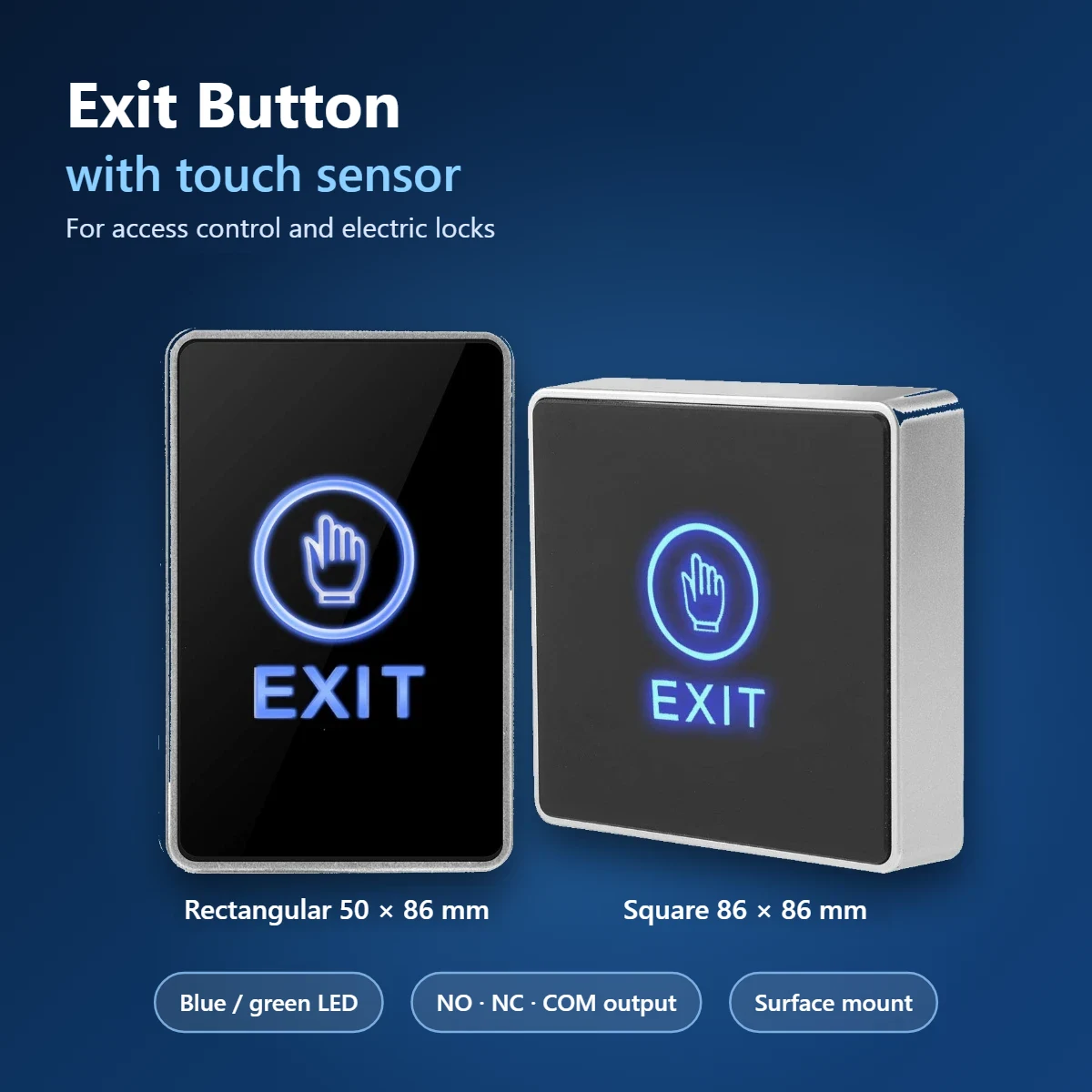
Blue and Green LED Touch Door Opener Button: Open the Door with a Touch
The touch door release button opens the door from the inside with a simple tap: it is mounted next to the entrance and sends the opening command to the access control or to the electric lock power supply. In place of the mechanical button there is a touch sensor under the panel, with the word EXIT and the hand icon lit up: blue when idle and green when you touch it. It has NO, NC and COM contacts, up to 3 A at 12-24 V DC, and is surface-mounted. You can choose it square 86 × 86 mm or rectangular 50 × 86 mm, with the same functions. In the catalog you'll also find smart access control systems.
Blue LED on Standby and Green on Touch: See Instantly That the Command Has Started
The EXIT lettering and the hand icon stay lit up in blue, so the button is easy to find even in the dark or in a dimly lit hallway. When you place your finger on the panel, the light turns green: this confirms that the command has been sent to the lock. The LEDs are powered at 12 V DC through the red and black wires, usually connected to the same power supply as the access control or the lock.
Touch Sensor with No Mechanical Parts, Tested for 500,000 Activations
The button doesn't have a key that moves: just touch the panel and the touch sensor closes the contact. Without springs or mechanical parts that wear out, the manufacturer has tested it for 500,000 actuations. The smooth panel has no gaps around a key and is convenient where the button is touched by many people every day. It works from -10 to 55 °C with relative humidity up to 95%.
Home and Office: Walk Out the Door Without a Key and Without a Code
At home, you place it next to the front door or the service door controlled by an electric lock: to go out you don't need the key or the code, just a touch. In the office, it's the simplest way to exit a room protected by a card reader or keypad: those entering identify themselves, those leaving tap the button. The access control remains what you have; the button just tells it when to open.
Reception: Open the Door for Visitors Without Getting Up from the Desk
Mounted next to the counter or under the desk, the button allows those working at the reception to open the door for clients and suppliers without getting up. On touch, the light turns green and the door unlocks for the time set on the access control or on the lock's power supply. With the blue LED always on, the button can be spotted at a glance, even when the counter is cluttered.
Offices, Common Areas, Workshops and Warehouses: Wherever a Convenient Exit Is Needed
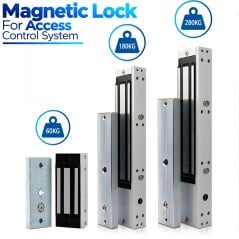
The exit button is useful wherever a door is secured by an electric lock and opens from the outside with a card, code, or fingerprint: offices, common rooms in condominiums and clubs, workshops, and industrial warehouses. Inside, just one touch is enough to exit, without having to use the reader again. Pair it with an electromagnetic lock or with the other electric locks and door accessories in the catalog.
Plastic Panel with Surface Mounting Using Two Screws and Two Wall Plugs
Housing and panel are made of plastic. The button is mounted exposed on the wall or door jamb with the included 2 screws and 2 wall plugs, without a flush-mount box: the wires come out from the back and reach the access control unit or the power supply. It protrudes 20 mm from the wall and weighs 95 g. The manufacturer does not specify an IP protection rating: it is advisable to install it indoors or in any case sheltered from rain.
Five-Wire Connection: NO, NC and COM up to 3 A and 12 V DC LED
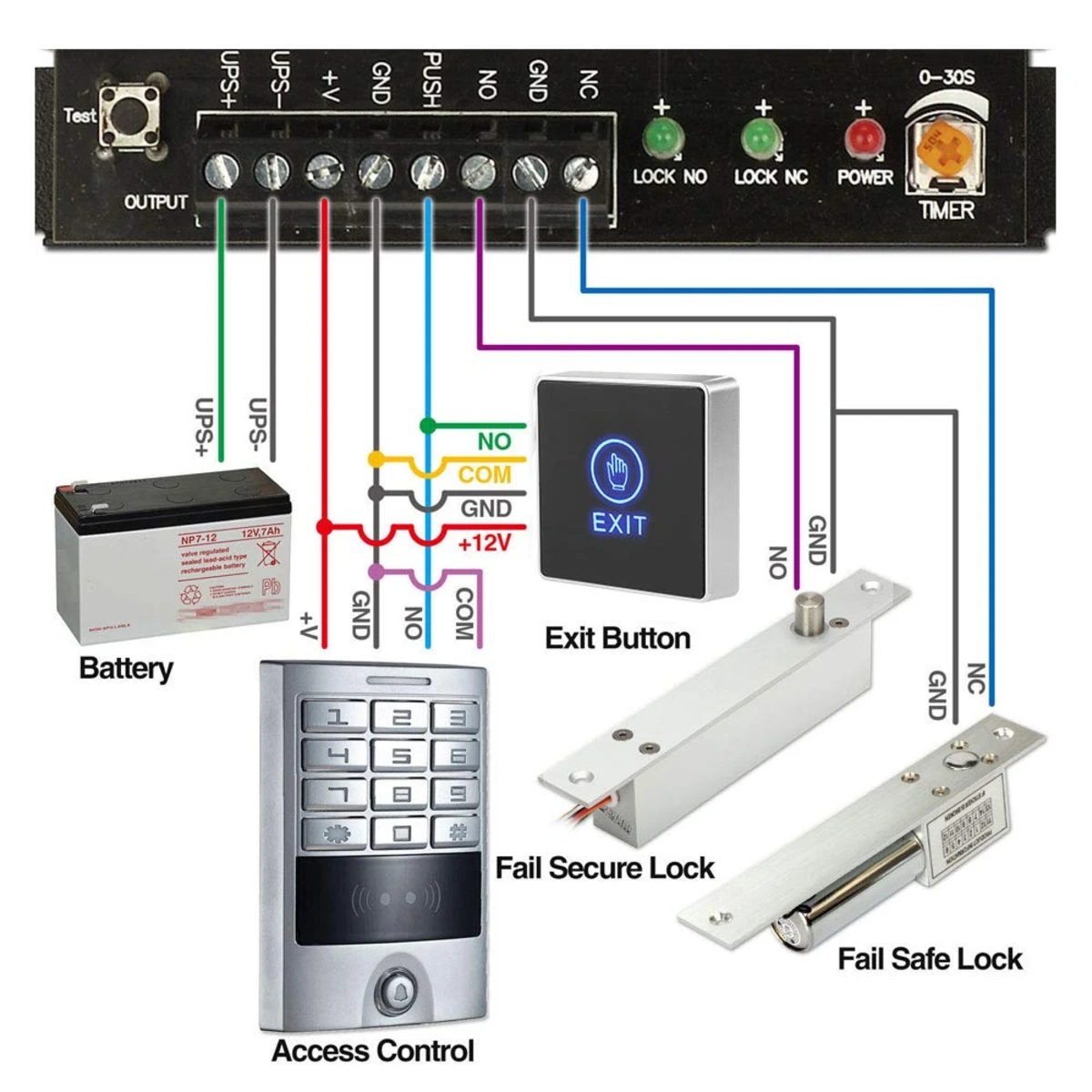
From the back comes out a five-wire cable: red +12 V DC, black GND, yellow COM, white NC and green NO. In the typical wiring diagram, NO goes to the PUSH input of the access control power supply and COM goes to GND, while red and black power the LEDs. The contacts can handle up to 3 A at 12-24 V DC. To power it, you need a 12 V DC power supply. Below you'll find compatible locks, power supplies, and access controls.
Tuya Smart WiFi Flush-Mount Access Control IP67 with Fingerprint and Touch Keypad
€59.90
Two Formats with the Same Features: Packaging and Technical Specifications
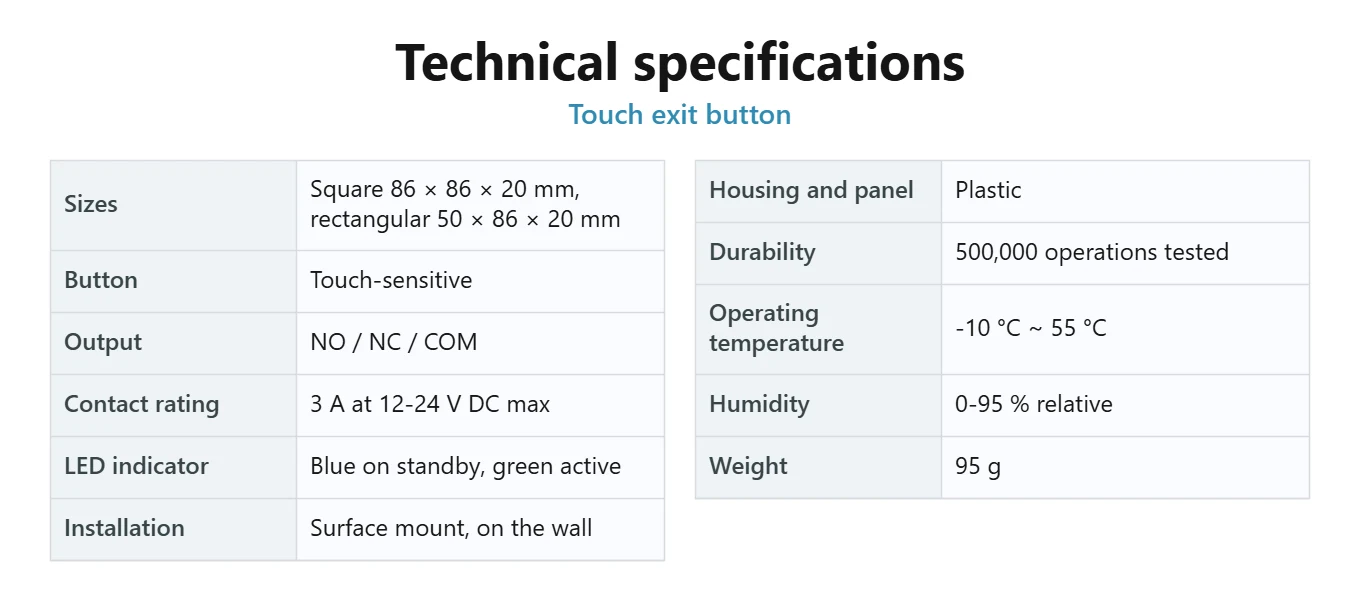
The button is available in two formats with the same functions: square 86 × 86 × 20 mm and rectangular 50 × 86 × 20 mm, narrower, suitable for thin door frames. The package includes the button with connecting cable, 2 screws, and 2 wall plugs. Manufacturer's specifications: NO/NC/COM contacts, 3 A at 12-24 V DC, 500,000 operations, from -10 to 55 °C, humidity from 0 to 95%, weight 95 g.
Yes. The LEDs are powered at 12 V DC with the red wire (+) and the black wire (GND), usually from the same power supply as the access control or the lock. The power supply is not included.
No. It is a wired, passive button: it closes or opens a contact when you touch it, and works with the access control system, the keypad, or the lock power supply.
In the typical diagram, connect the NO (green) to the PUSH or EXIT input of the power supply or access control unit, and the COM (yellow) to the GND. The NC (white) contact is used for systems that require it.
Orders confirmed by 3:30 PM on business days (Monday–Friday) are processed and shipped the same day. Orders placed after 3:30 PM or during the weekend or on a public holiday will be processed on the next available business day.
Opens the door with a touch: touch the panel lightly and the button sends an opening signal to the access control system or the electric lock power supply.
Touch sensor: no mechanical button: beneath the panel is a touch sensor, tested by the manufacturer for 500,000 operations.
Dual-colour LED: the EXIT text and hand icon light up blue on standby and green when touched, making the button easy to find even in the dark.
NO, NC and COM contacts: you can use the normally open or normally closed contact, with a maximum load of 3 A at 12-24 V DC.
12 V DC power supply: the LEDs are powered at 12 V DC via the red and black wires, usually from the same power supply as the access control system. Power supply not included.
Five colour-coded wires:red +12 V, black GND, yellow COM, white NC and green NO, also identified on the label on the back.
Two sizes:square, 86 × 86 × 20 mm, or the narrower rectangular version, 50 × 86 × 20 mm, with the same functions: select your preferred version from the product options.
Surface mounting: mounts on the wall or door frame using the 2 screws and 2 wall plugs included, with no flush-mount box required; weighs 95 g.
Plastic panel: the housing and panel are made of plastic, with a smooth surface and no gaps around a button.
Temperature and humidity: operates from -10 to 55 °C at relative humidity up to 95%. The manufacturer does not specify an IP rating.
For homes, offices and reception areas: for exiting through a door fitted with an electric lock or letting visitors in from a counter or desk, in offices, workshops and industrial buildings.
Passive button: no app and no WiFi: works with the access control system, keypad or power supply that controls the lock.
Package contents: the button with connection cable, 2 screws and 2 wall plugs. Lock and power supply sold separately.