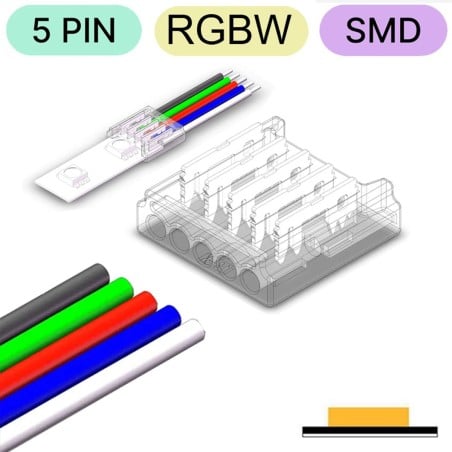
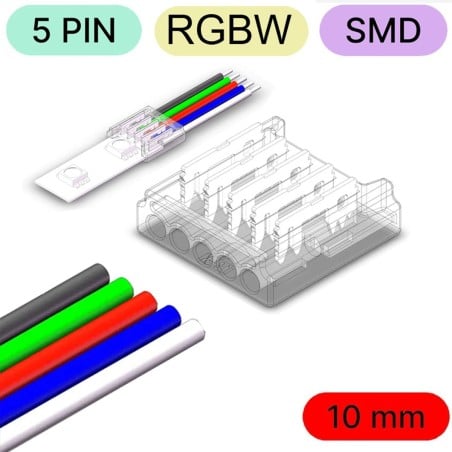
5-pin RGBW quick connector from strip to wire for 10mm and 12mm SMD LED strips
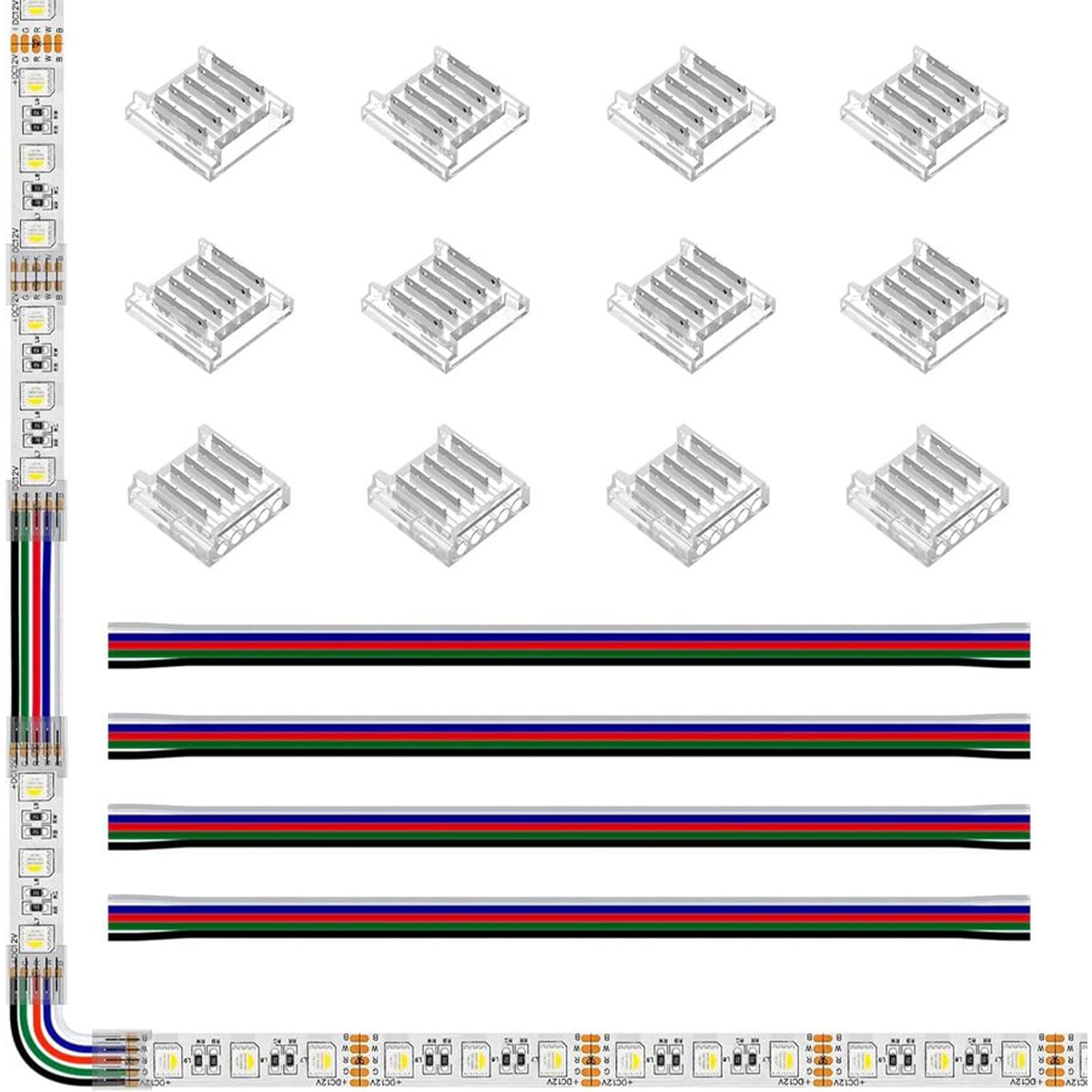
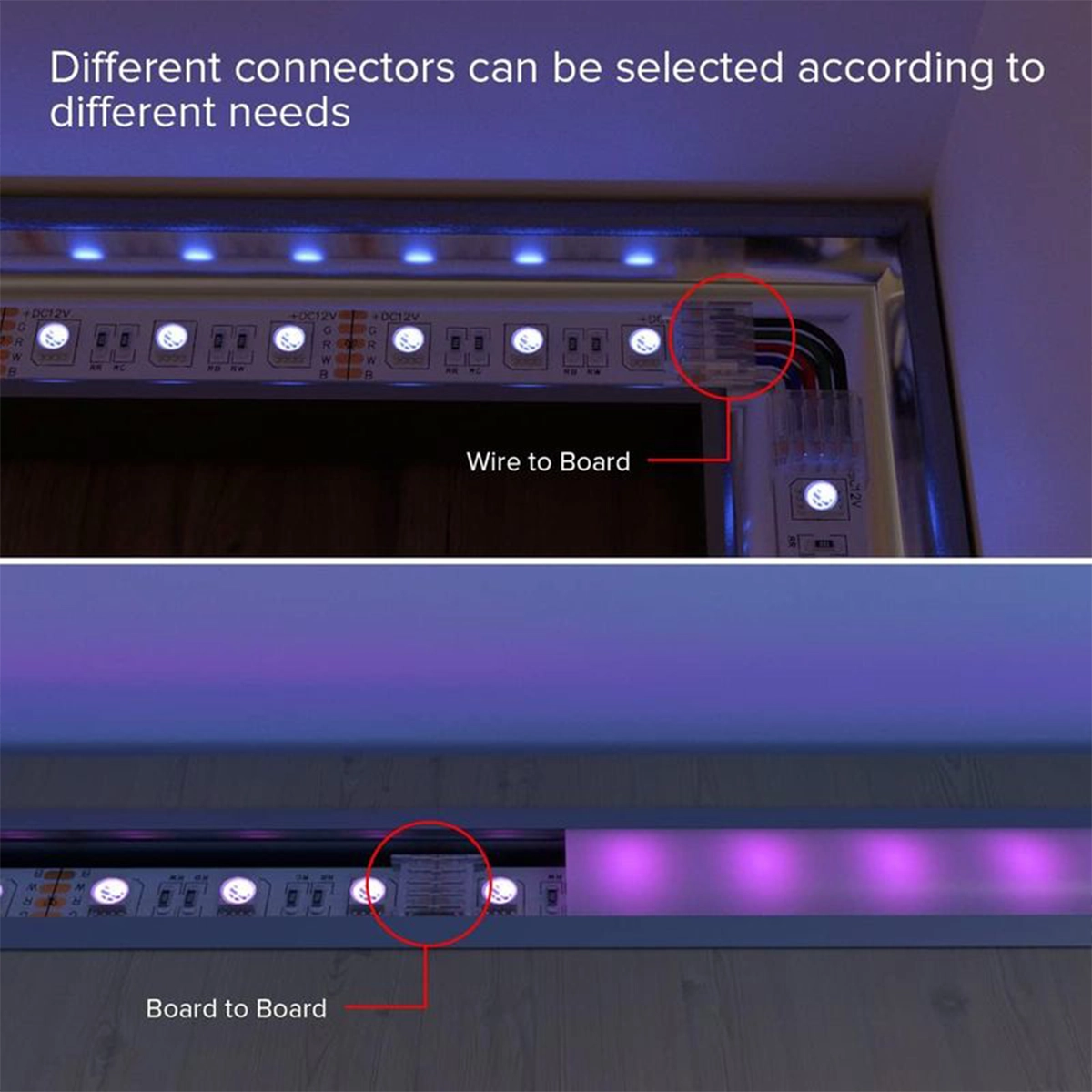
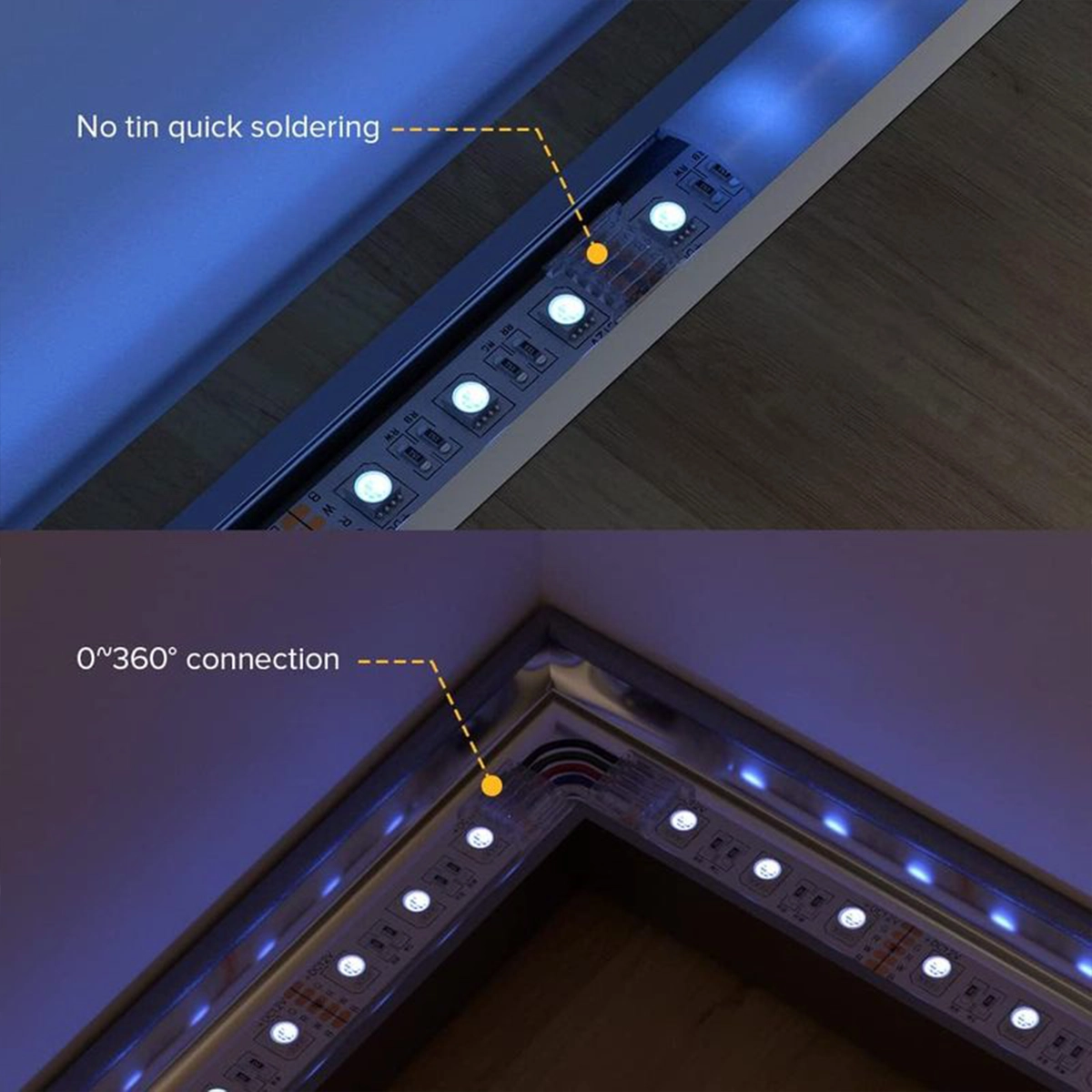
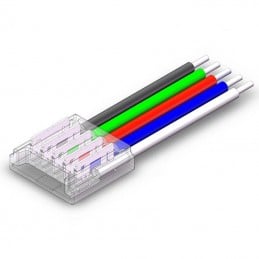
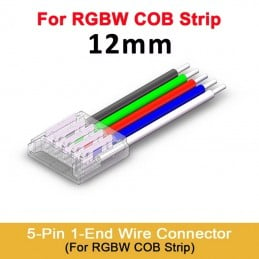
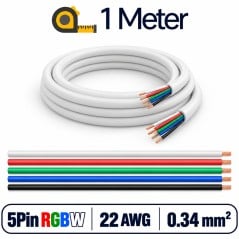
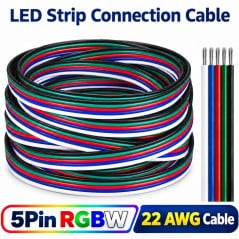
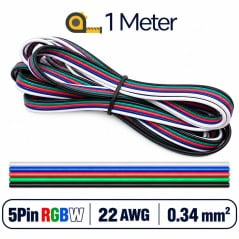
The 5-pin RGBW quick connector from strip to cable links the end of an RGBW SMD LED strip to a five-wire cable, without soldering iron and without solder. You insert the strip on one side, the wires on the other, then press with pliers: the contacts touch the +, R, G, B and W pads of the strip and the wires of the cable. You use it to bring the strip to the controller, to turn a corner or to extend a section. It's available in versions for 10 and 12 mm wide strips and accepts 22 AWG wires, like the 22 AWG 5-pin RGBW flat cable.
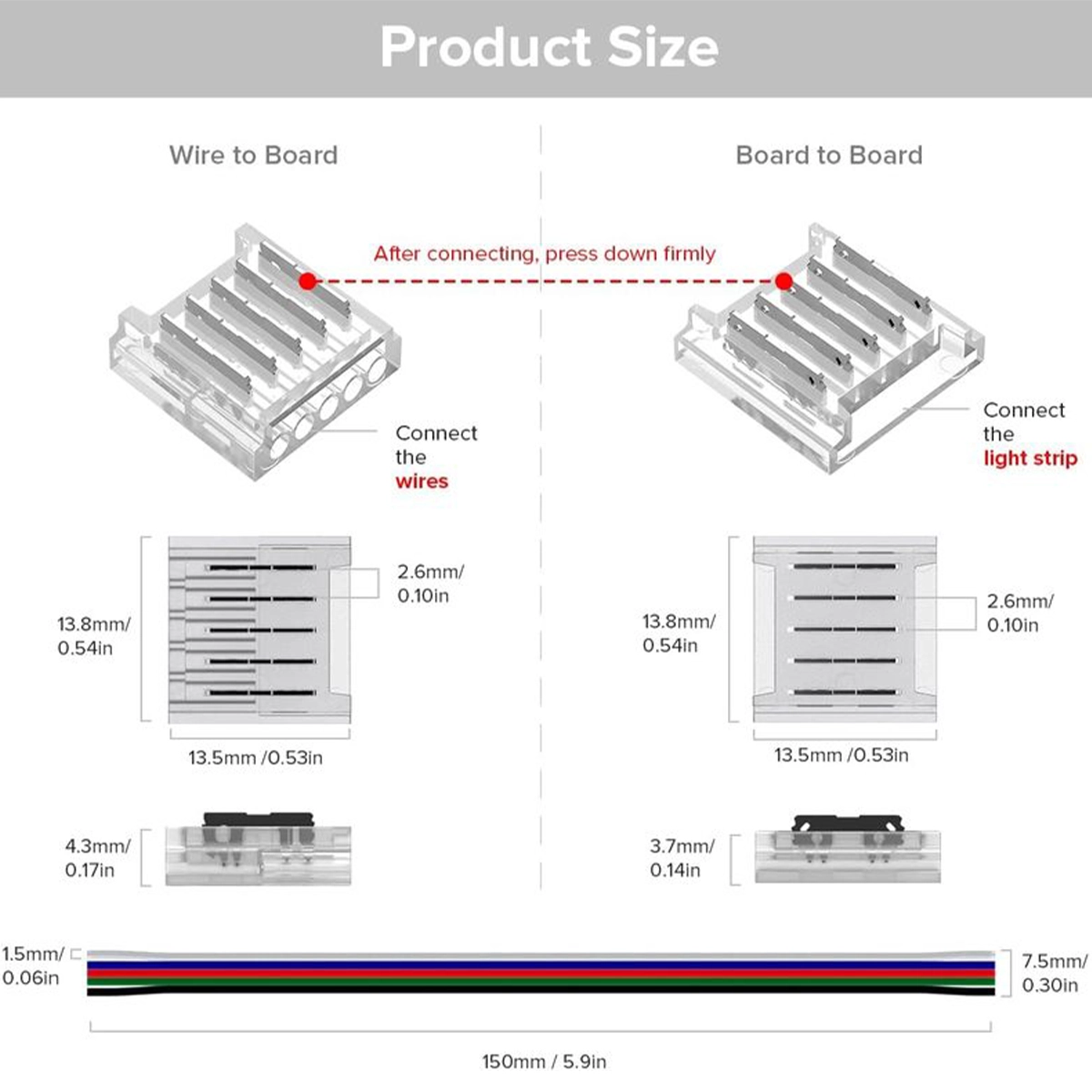
Small and low profile: 13.5 × 13.8 mm for aluminum profiles
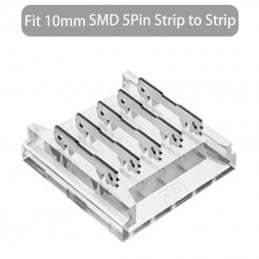
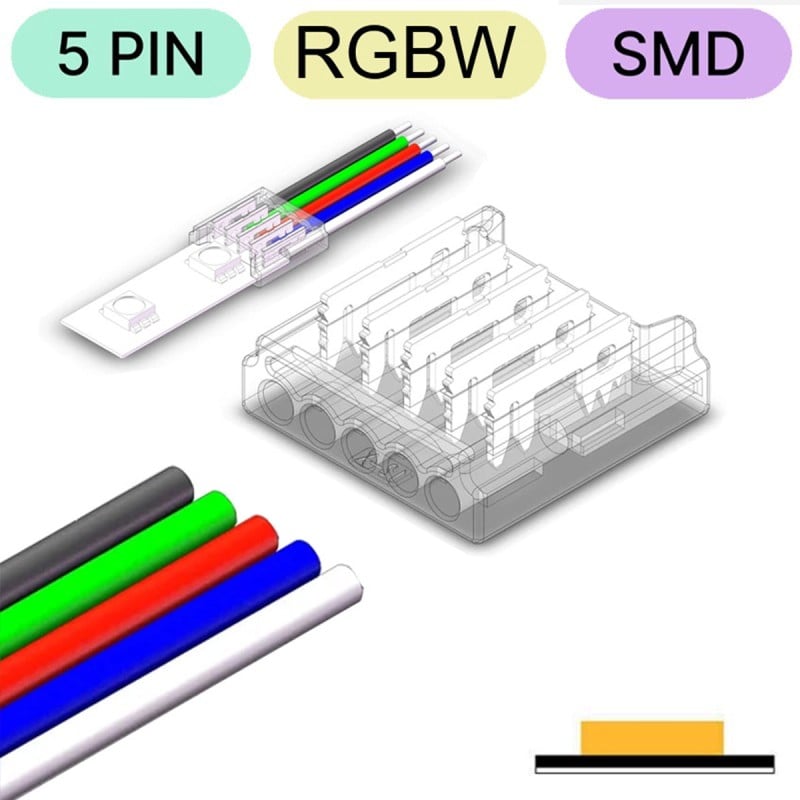
The 12 mm version measures 13.5 × 13.8 mm and is only a few millimeters high, so it fits inside aluminum profiles and cable channels together with the strip. The body is transparent: after closing it, you can see whether the strip and the wires have reached the bottom of their slot. The diagram compares the strip-to-wire connector, where the wires go in, with the strip-to-strip one, which joins two segments with no cable in between.
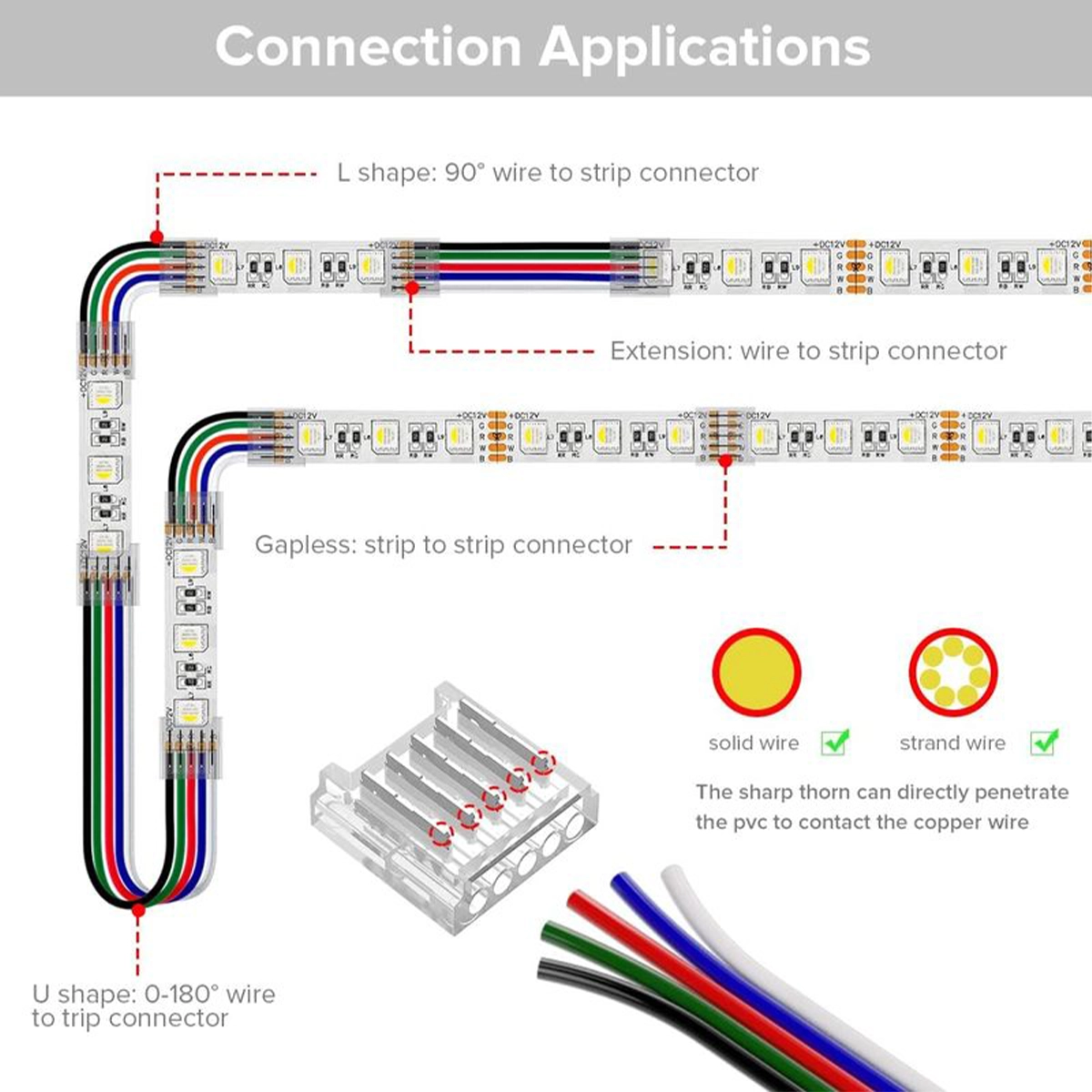
L-shaped corners, U-shaped curves, and extensions with a length of cable
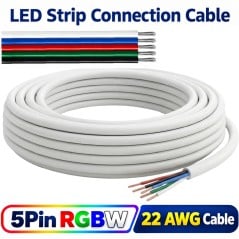
With two connectors and a length of cable, you connect two strip segments that are distant from each other. This way you can make an L-shaped corner around a piece of furniture, a U-turn to go back along a shelf, or an extension to skip over a door or a cabinet. The contacts have pins that pierce the PVC insulation of the wire and reach the copper: the wire goes in whole, solid or stranded. For the cable you can use the 5-pin 22 AWG flat RGBW cable for LED strips or the 5-pin sheathed multi-core RGBW cable for LED strips.
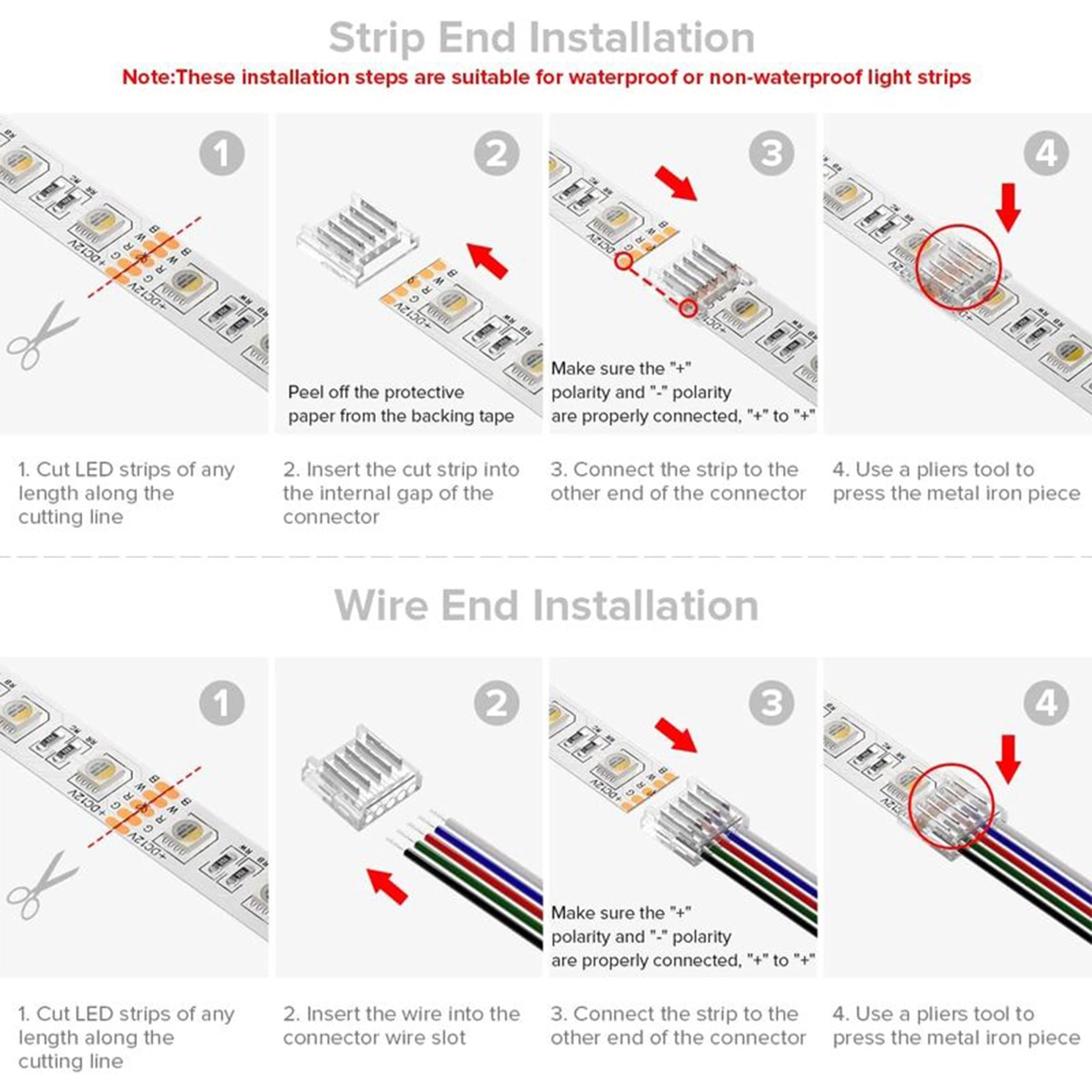
Four-step assembly, no soldering iron required
Assembly requires four steps. Cut the strip along the cutting line, remove the adhesive paper from the last section, and insert the strip into the connector's slot. Then insert the wires into their slots, making sure the + on the strip matches the + on the connector. Finally, press the metal part with a pair of pliers to close the contacts. The same steps apply on the wire side: cut, insert, check the polarity, and close.
From strip to cable, from strip to strip, or to power supply
In the same family there are three 5-pin RGBW connectors. This strip-to-wire one is useful when there's a length of wire between two points. The 5-pin RGBW strip-to-strip connector joins two adjacent strip sections, without a cable. The 5-pin RGBW strip-to-power connector delivers current to the strip from the controller or the power supply. For waterproof strips there's the waterproof 5-pin RGBW connector, because this connector is designed for IP20 strips, which are not waterproof.
Technical data: 4 A, 36 V, and 22 AWG wires
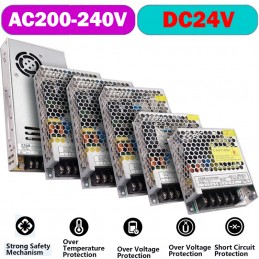
The maximum current is 4 A and the rated voltage 36 V, so it works well on 12 and 24 V RGBW strips, powered for example by a 24 V DC power supply and controlled by a Tuya WiFi RGBW controller. It works from -20 to +80 °C, with humidity from 15 to 90%. The material withstands 105 °C and has passed the 24-hour neutral salt spray test. It accepts 22 AWG wires. The 12 mm version also works on DMX512 strips.